Gaming keyboards often look similar on paper, but small details can change how every move feels.
The Razer Huntsman Tournament Edition stands out for its optical switches, compact TKL layout, and design focused on quick input. While the keyboard plays an important role, a smooth gaming experience also depends on your setup, including PC optimization.
Looking at its features, switch design, and overall value helps explain where this keyboard fits today. Its performance, design, and long-term value demonstrate what this Razer model is worth considering.
What Is the Razer Huntsman Tournament Edition?
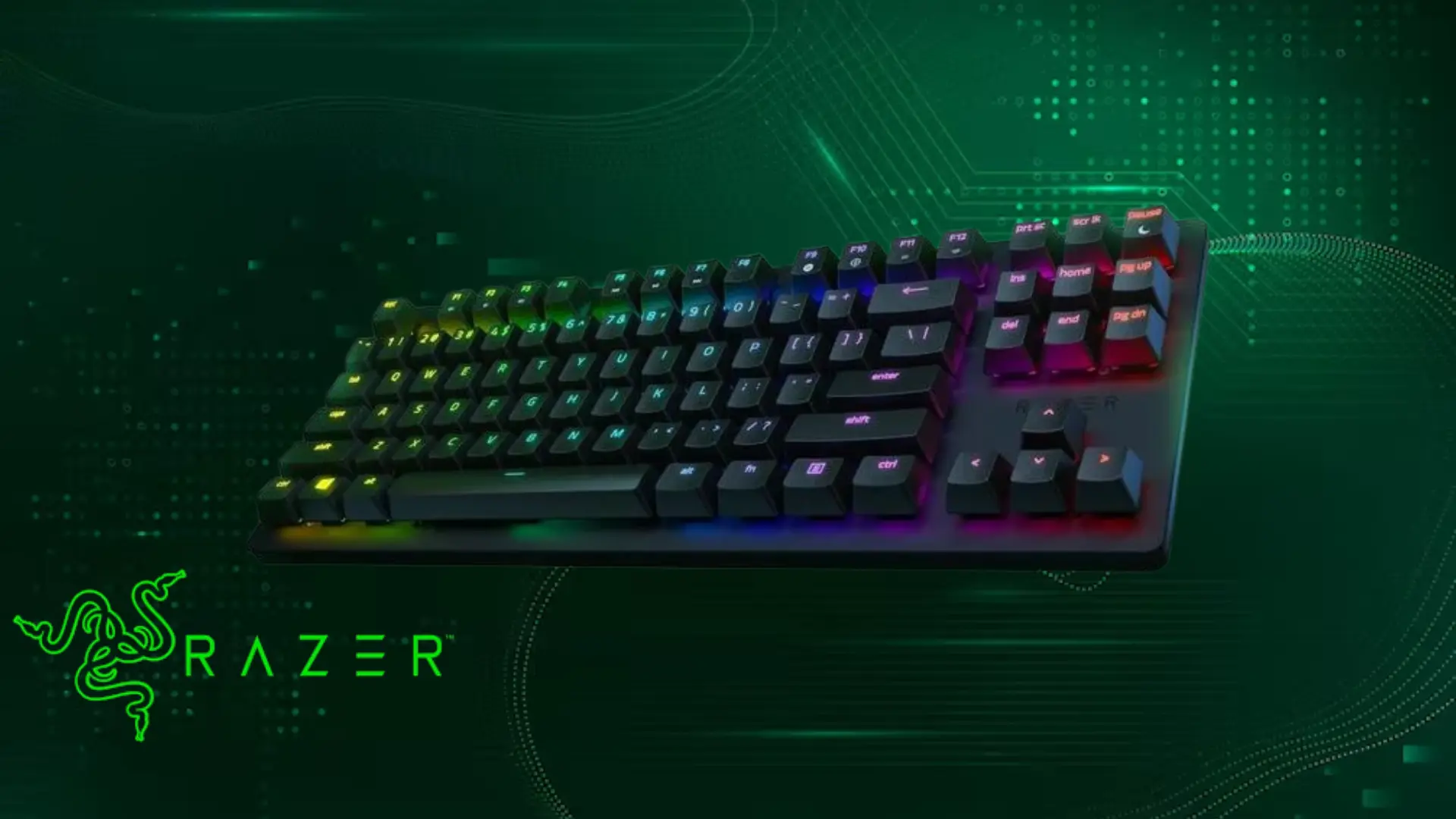
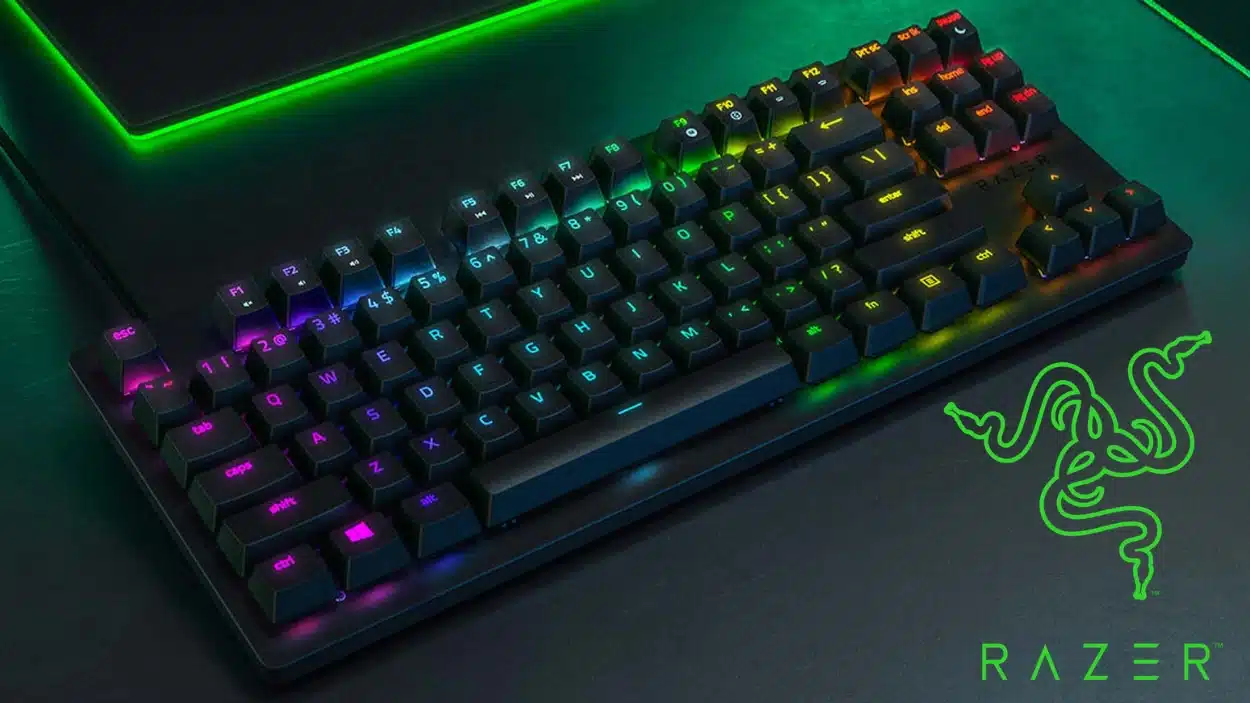
The Razer Huntsman Tournament Edition is a tenkeyless (TKL) gaming keyboard released in 2019 as part of Razer’s Huntsman lineup.
It features Razer Linear Optical Switches, which use infrared light-based detection instead of traditional metal contacts to register key presses.
These switches offer a 1mm actuation point, 40g actuation force, and a smooth linear feel. The keyboard includes doubleshot PBT keycaps, Razer Chroma RGB lighting, onboard memory, and a detachable USB-C cable.
Its compact TKL layout removes the numpad to provide more mouse space, making it suitable for competitive gaming while also working well for everyday desktop use.
Razer Huntsman Tournament Edition Specifications
The Razer Huntsman Tournament Edition combines a compact design with features built for fast and reliable gaming performance. Here are the key specifications that define its layout, switches, and overall build.
| Feature | Details |
|---|---|
| Layout | Tenkeyless (TKL) |
| Switch Type | Razer Linear Optical Switch |
| Actuation Point | 1mm |
| Actuation Force | 40g |
| Key Feel | Smooth linear |
| Lifespan | Up to 100 million keystrokes |
| Keycaps | Doubleshot PBT keycaps |
| Cable | Detachable USB-C cable |
| Lighting | Razer Chroma RGB |
| Software | Razer Synapse support |
These specifications explain why the Razer Huntsman Tournament Edition remains a popular choice for gamers seeking a simple TKL keyboard with optical switches and durable components.
How Do the Linear Optical Switches Actually Work?

Most people hear “optical switch” and assume it’s just marketing for a faster clicky switch. It isn’t. The underlying mechanism is genuinely different and affects real behavior in competitive use.
Here’s what happens when you press a key:
What “Instant Actuation” Actually Means
Razer optical switches use an infrared light beam to detect key movement. When you press a key, a component inside the switch interrupts the beam, registering the input.
Unlike traditional mechanical switches, they do not rely on metal contacts, reducing contact bounce and the need for debounce processing.
This helps the Razer Huntsman Tournament Edition feel more responsive during gameplay.
Linear Optical vs. Linear Mechanical
Both feel smooth with no tactile bump. That’s where the similarity ends.
| Linear Mechanical Switch (Cherry MX Red) | Linear Optical Switch (Razer Huntsman TE) |
|---|---|
| Uses physical metal contacts to register input | Uses infrared light interruption to register input |
| Requires debounce filtering to prevent false inputs | Requires less debounce processing |
| Physical contact can wear over time | No metal contact wear |
| Lifespan varies by switch model and manufacturer | Rated for up to 100 million keystrokes |
| Uses a traditional mechanical switch design | Has fewer contact-related wear points |
Note: Optical switches are generally reliable, but dust or debris inside the switch housing can occasionally affect detection. Keeping the keyboard clean helps maintain consistent performance.
Razer Huntsman Tournament Edition Features
The Razer Huntsman Tournament Edition focuses on competitive performance while keeping the design simple. Its TKL layout removes the numpad to create more desk space for mouse movement, which is useful for FPS gaming.
It also includes doubleshot PBT keycaps that resist fading over time, Razer Chroma RGB lighting, and onboard memory for storing profiles. The detachable USB-C cable makes it easier to carry compared to many full-size gaming keyboards.
Unlike newer models, the Huntsman TE lacks wireless connectivity and analog input. Instead, it focuses on fast optical switches and a compact wired design.
Razer Huntsman Tournament Edition vs Huntsman V2 and V3
The Huntsman V2 is the closest comparison to the Tournament Edition because both use Razer Optical Switch technology and are designed for traditional gaming setups.
The V2 improves the overall experience with better internal dampening, a more refined build, and a quieter typing sound. However, the difference in actuation performance is small because both models already use Razer Optical Switch technology.
The Huntsman V3 Pro takes a different approach with analog optical switches. Instead of only detecting whether a key is pressed, it can measure how far a key is pushed. This feature can be useful in racing and simulation games where gradual control matters.
For most FPS and everyday gaming, the Tournament Edition still delivers the main advantages of optical switches without the additional features found on newer models.
Who Should Still Buy the Huntsman Tournament Edition?
The Razer Huntsman Tournament Edition is no longer sold as a new model, so most buyers will find it through secondhand marketplaces.
Originally released in 2019 with a $129.99 price tag, it was designed for competitive gaming with Linear Optical Switches, a compact TKL layout, doubleshot PBT keycaps, and a detachable USB-C cable.
In 2026, it still makes sense for gamers who want a reliable wired keyboard with fast optical switches and a smaller footprint.
However, it may not suit users who need wireless connectivity, analog controls, hot-swappable switches, or a keyboard mainly for long typing sessions.
Conclusion
The Razer Huntsman Tournament Edition remains interesting because it offers optical switches, a compact layout, and reliable performance at a lower used price.
It may lack newer features like wireless support and analog controls, but its simple design still works well for gamers who want responsive inputs without extra complexity.
After looking at its features, build quality, and value, it becomes easier to decide if this keyboard suits your setup.
Have you used the Razer Huntsman Tournament Edition before? Share your experience, favorite features, or thoughts in the comments below to help other gamers make a better choice.
Frequently Asked Questions
Does the Razer Huntsman Tournament Edition have hot-swappable switches?
No, the Razer Huntsman Tournament Edition does not support hot-swappable switches. The built-in Razer Linear Optical Switches cannot be removed and replaced like switches on some newer mechanical keyboards.
Is the Razer Huntsman Tournament Edition good for typing?
The keyboard can handle everyday typing, but its linear switches may not feel ideal for users who prefer noticeable feedback while writing. The smooth keypresses are better suited for gaming, while users who type for long periods may prefer tactile or clicky switches.
Does the Razer Huntsman Tournament Edition support RGB lighting?
Yes, the keyboard includes Razer Chroma RGB lighting with customizable effects through Razer Synapse software. Users can adjust lighting profiles and synchronize effects with other compatible Razer devices.