The Ryzen 7 5800X3D still holds the title as the fastest AM4 chip for gaming, but fastest and smartest are not always the same purchase.
Price shifts week to week, older boards need a BIOS check, and the GPU sitting in your case can quietly decide whether a faster CPU even matters.
Most buying advice skips straight to a winner and calls it done. The real question is which chip fits your build, your budget, and the games you actually play.
Finding the best AM4 CPU for gaming means looking past the spec sheet and into how these chips behave in a working system.
Here is where the lineup actually stands.
Which AM4 CPUs are Actually Worth Considering for Gaming?
AM4 is still a solid gaming platform today, especially if you already have a compatible motherboard and DDR4 memory.
You can get strong gaming performance without replacing your full setup, but only a handful of AM4 CPUs are worth serious consideration today.
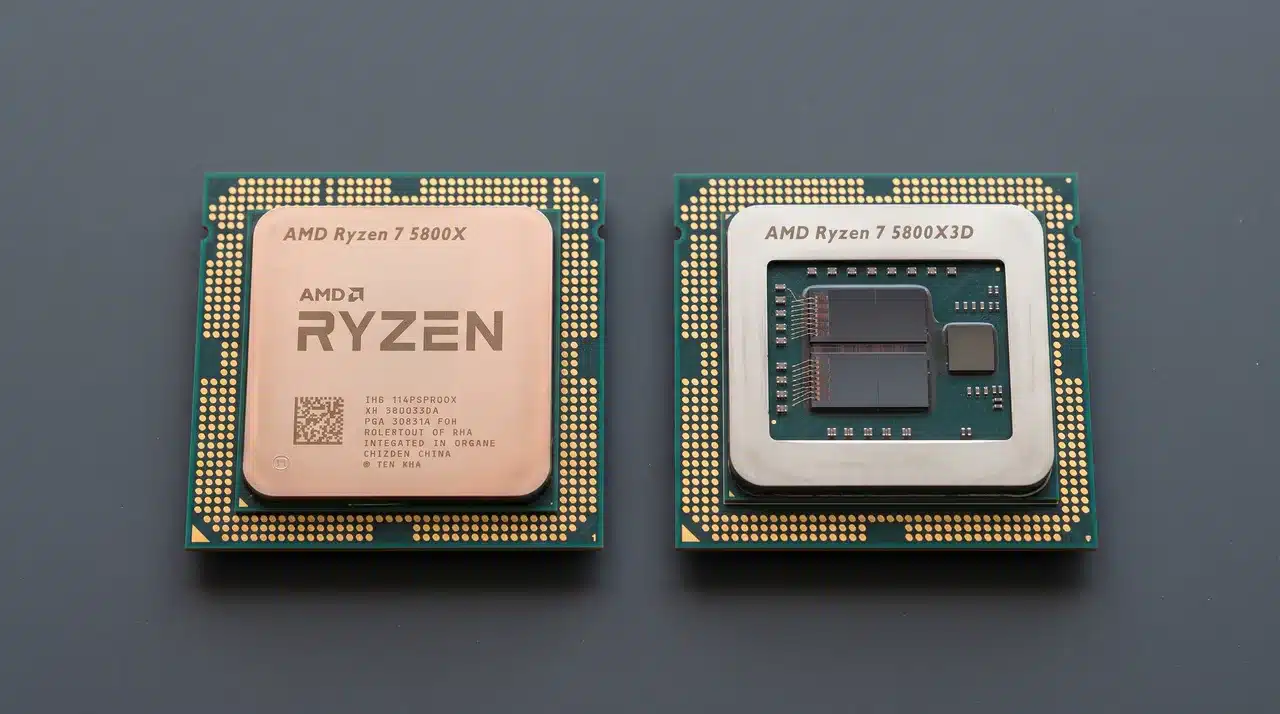
- Ryzen 7 5800X3D and Ryzen 7 5700X3D: Both use 3D V-Cache to boost gaming performance, with the 5800X3D generally sitting at the top of the AM4 lineup and the 5700X3D landing close behind for less money.
- Ryzen 7 5800XT: The main non-X3D option worth considering, especially when X3D models are hard to find or overpriced.
- Ryzen 5 5600 and 5600X: Strong lower-cost choices that still hold up well against a mid-range GPU.
- Ryzen 5 5500: Fits the tightest budgets, where keeping the overall build cost low matters more than squeezing out every frame.
When comparing the best AM4 CPU for gaming, performance alone should not decide the winner.
Current pricing, availability, your graphics card, and the resolution you play at can all change which CPU actually gives you the best value.
Best AM4 CPU for Gaming Compared
Here’s a quick snapshot before we get into the details. This table lines up the main contenders side by side.
| CPU | Best For | Cores / Threads | Key Advantage | Main Catch |
|---|---|---|---|---|
| Ryzen 7 5800X3D | Maximum AM4 gaming performance | 8 / 16 | 3D V-Cache | Price and availability |
| Ryzen 7 5700X3D | Best high-end value | 8 / 16 | Near-5800X3D gaming performance | Lower clocks |
| Ryzen 7 5800XT | Gaming plus general use | 8 / 16 | Strong clock speeds | No 3D V-Cache |
| Ryzen 5 5600 | Budget gaming | 6 / 12 | Strong price-to-performance | Lower ceiling with high-end GPUs |
| Ryzen 5 5500 | Cheapest viable option | 6 / 12 | Low entry cost | Noticeably weaker gaming performance |
Use this as a starting point, not the final word. The right pick still depends on what you can actually find in stock and what GPU you are pairing it with.
AMD’s original suggested price for the 5800X3D was $449 at launch, and street prices have moved well below that since.
AMD also released a 5800X3D 10th Anniversary Edition in June 2026, which briefly shook up new-unit pricing and availability for the standard version too.
It is worth checking current listings rather than assuming last year’s price still holds.
What are the Real Trade-Offs Between These CPUs?
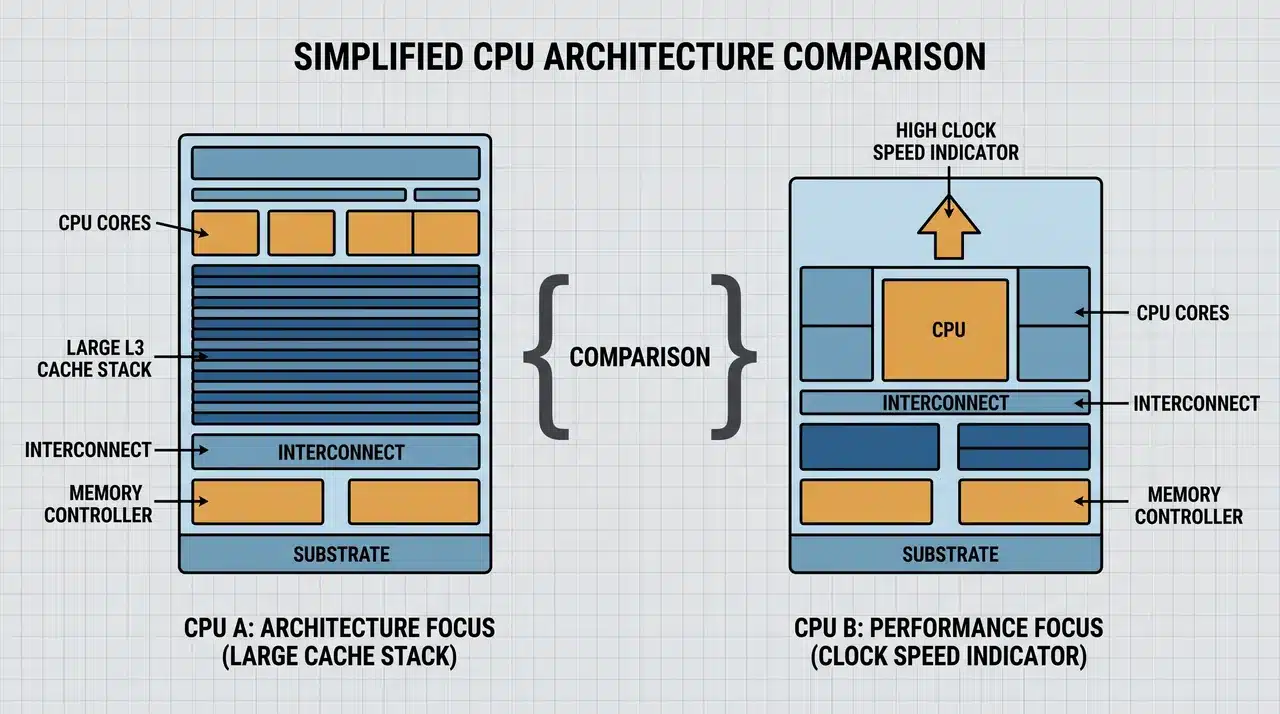
CPUs such as the 5800X3D and 5700X3D rely on large cache to gain gaming performance. Non-X3D models depend more on clock speed instead.
Gaming performance on AM4 comes down to three things. Cache size, clock speed, and how often your game leans on the CPU instead of the GPU.
1. Why 3D V-Cache Helps Gaming?
Think of cache as a small shelf right next to the CPU’s brain. Data stored there gets grabbed instantly.
Without enough cache, the CPU keeps reaching further away into system memory. That trip takes longer, even if it’s just milliseconds.
3D V-Cache stacks extra memory directly onto the chip, giving it far more shelf space for frequently needed game data.
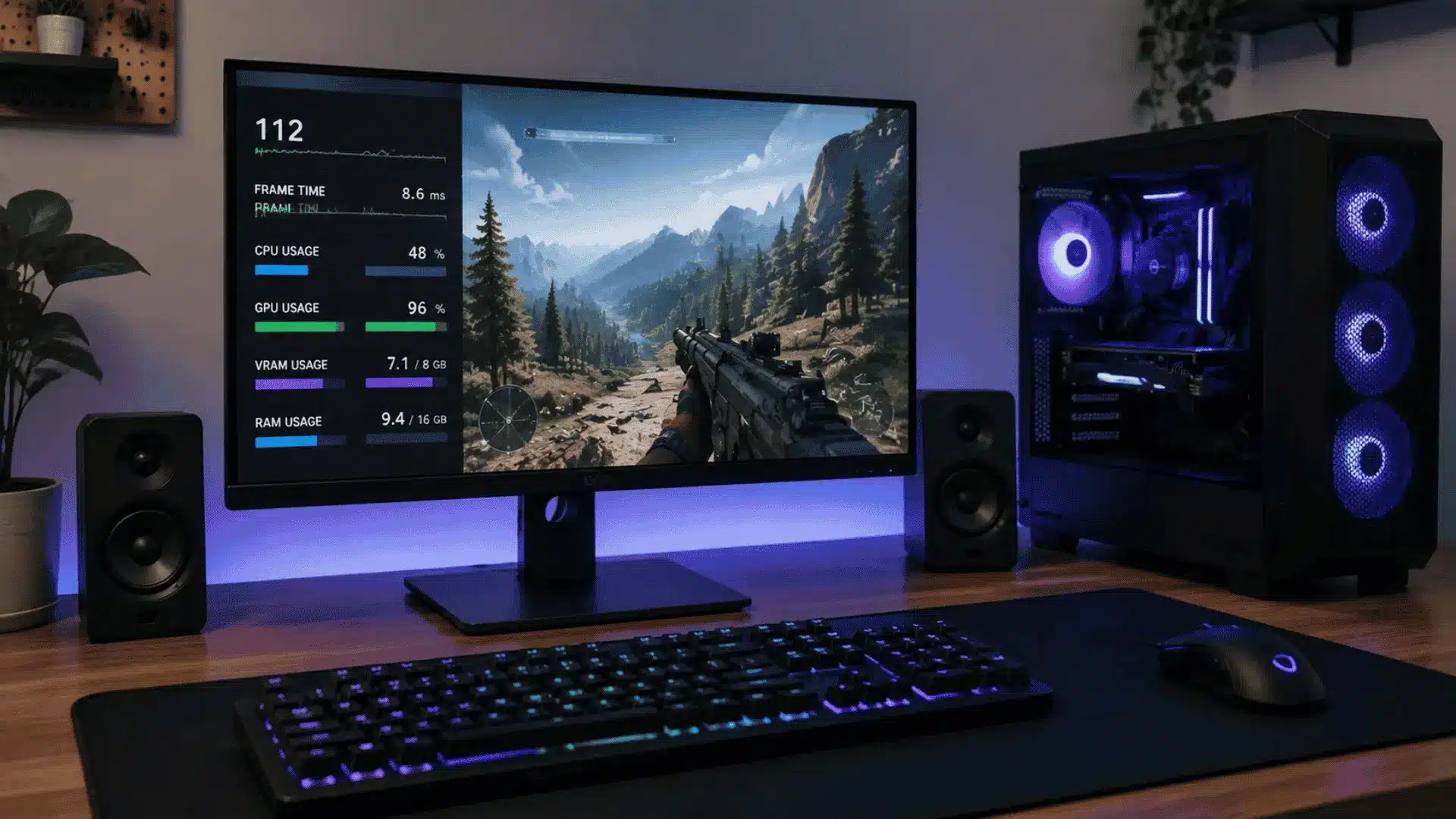
This matters most in CPU-heavy games and at high refresh rates, where the GPU is ready for the next frame before the CPU has finished preparing it.
I have swapped enough test benches to know exactly where that shows up: the frame time graph flattens out right when the GPU stops waiting on the CPU.
That is the moment cache pays off, and the CPU stops holding the GPU back.
2. Is the 5800X3D Worth the Extra Cost Over the 5700X3D?
Usually only if the price gap is small. Benchmarks put the gap at roughly a few percentage points in most games.
That number moves as drivers, BIOS versions, and game patches change, so treat any specific figure as a snapshot rather than a fixed rule.
In my experience the 5700X3D rarely feels like the compromise pick on paper, since it uses the same 96MB of 3D V-Cache as the pricier chip.
Ask yourself one question here: how much extra are you paying for those last few percentage points?
If the 5800X3D spec sheet price tag runs significantly more where you shop, the 5700X3D usually makes more financial sense.
3. Where the 5800XT Makes More Sense?
When gaming is not the only thing your PC needs to do well. The 5800XT skips the extra cache entirely and leans on strong, conventional clock speeds instead.
That trade-off suits a specific kind of build, one where gaming matters but is not the only workload.
If you edit video, stream, or run other demanding tasks alongside gaming, the 5800XT’s clock speed advantage carries more weight than cache would.
If you want to check how hot any of these chips should run under sustained load, our breakdown of normal CPU temperature ranges covers safe limits for the Ryzen 5000 lineup.
Which Conditions Change the Right CPU for You?
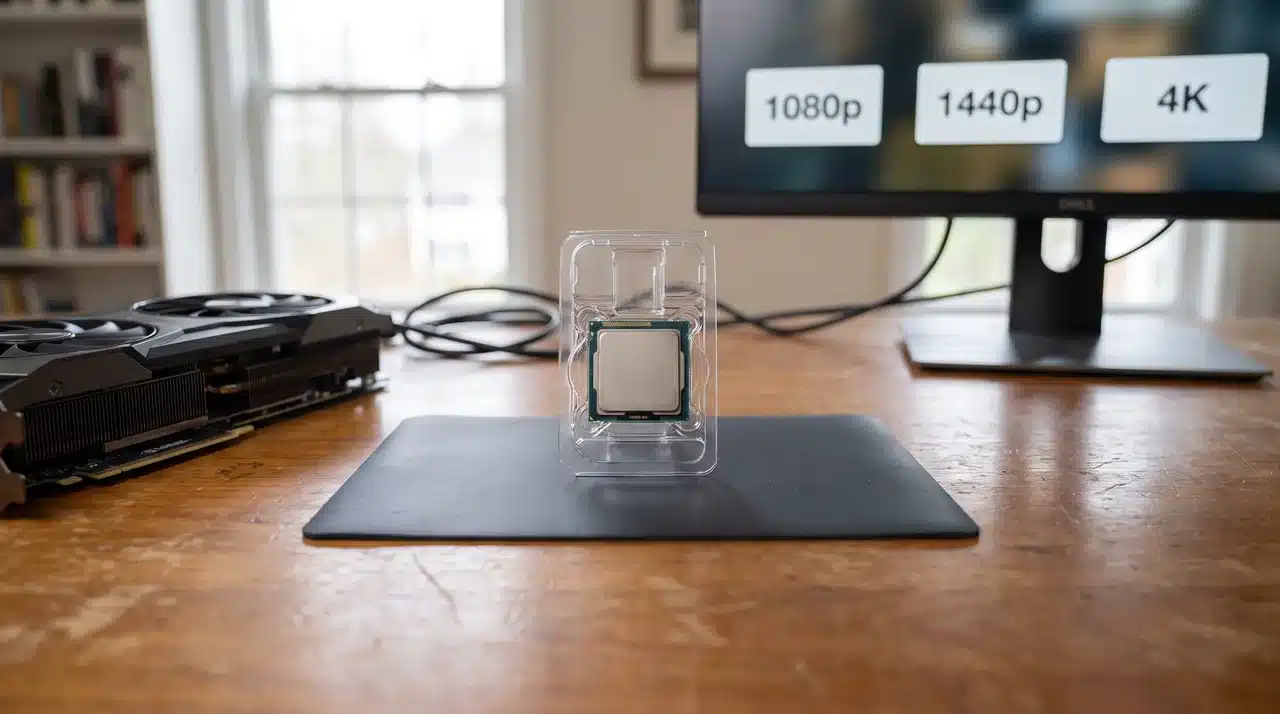
The right AM4 gaming CPU depends on your graphics card, gaming resolution, current processor, and what each chip actually costs.
1. Your Graphics Card Matters
Pair a flagship CPU with a modest GPU, and you’ll barely notice the difference. The GPU runs out of steam first, long before the CPU becomes the limit.
Here’s the simple rule. The stronger your GPU and the higher your target frame rate, the easier it is to justify a faster AM4 CPU.
If you’re running a mid-range card, save your money. Put it toward the GPU instead.
2. 1080p vs 1440p vs 4K
Resolution changes how much a faster CPU actually matters.
- At 1080p, CPU differences show up more clearly. This is especially true with fast GPUs and high refresh-rate monitors.
- At 1440p, those differences start to shrink. The GPU takes on more of the workload as resolution climbs.
- At 4K, the GPU usually becomes the main bottleneck. Overspending on the fastest AM4 chip makes less sense here.
If you’re gaming at 4K, a mid-tier CPU like the 5600 often performs nearly as well as the 5800X3D.
3. Your Current AM4 CPU Matters Too
What you’re upgrading from changes the calculation completely. A Ryzen 5 2600 owner and a Ryzen 7 5800X owner shouldn’t get the same advice.
Coming from Ryzen 1000 or 2000 series chips, almost any move to the 5000 series brings a big jump. Even a 5600 will feel like a different PC.
Coming from Ryzen 3000, the gains get smaller but still matter, especially for CPU-heavy games.
Coming from a Ryzen 5000 non-X3D chip like the 5800X, you’re already close to the top. Spending heavily to reach the 5800X3D may not be worth it for most people.
4. Current US Pricing Can Change the Winner
Prices shift constantly, so don’t lock into one number as the answer. Compare relative to your alternatives instead.
Check new retail pricing across Amazon, Newegg, Micro Center, and Best Buy. Then check used pricing too, since X3D chips move fast on the secondhand market.
Look closely at the price gap between the 5700X3D and 5800X3D. Sometimes it’s small. Sometimes it isn’t.
It’s also worth comparing the cost of staying on AM4 against moving to AM5. Sometimes the upgrade math favors a platform change instead.
Is It Still Worth Upgrading an AM4 Gaming PC?
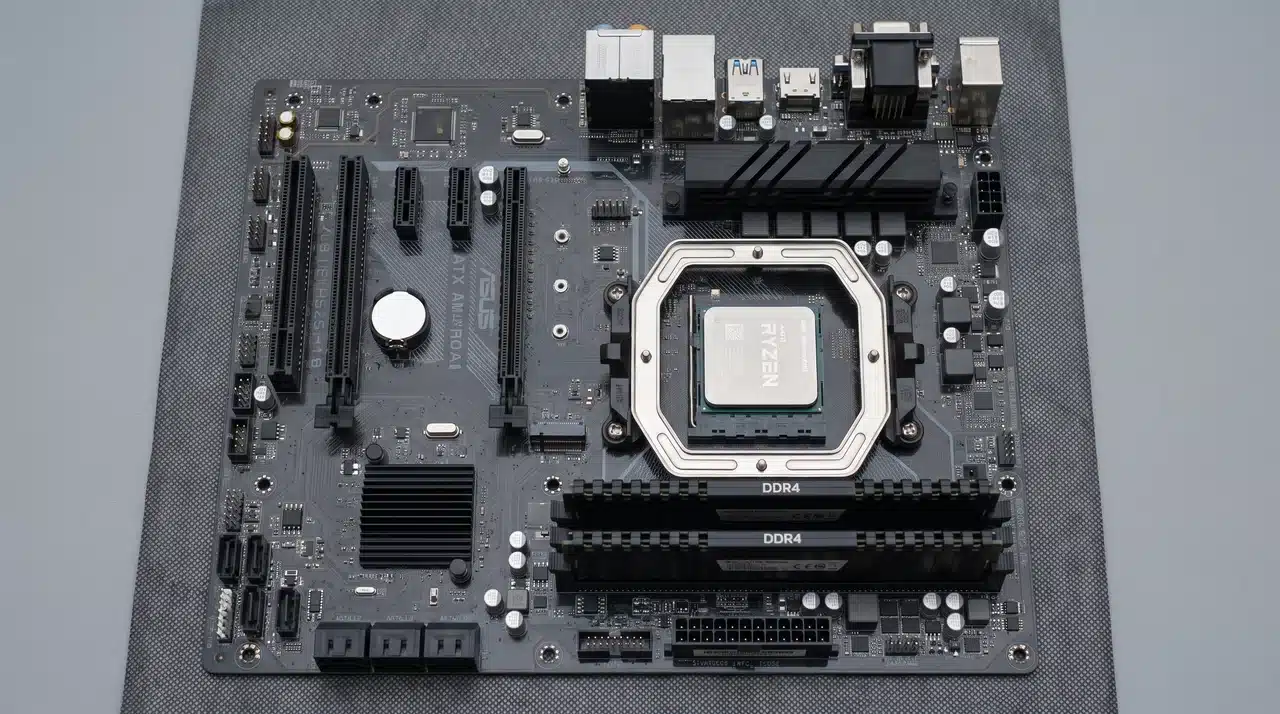
Yes, if you already own a compatible AM4 motherboard and DDR4 memory. It makes far less sense if you are building a completely new PC from scratch.
Once the CPU is settled, the rest of your system settings matter too.
Our guide on how to optimize your PC for gaming covers the driver and BIOS checks worth running after any CPU swap.
When Staying on AM4 Makes Sense
If you already own a compatible motherboard, staying put usually wins. You skip the cost of a new board entirely.
The same goes for memory. Good DDR4 kits aren’t cheap to replace, and AM4 lets you keep them.
Replacing a much older Ryzen chip is another clear case. Moving from a 1000 or 2000 series CPU to something like the 5700X3D feels like a new PC.
If you just want more gaming performance without a full rebuild, AM4 gets you there. No new motherboard, no new memory, no reinstalling everything from scratch.
When Moving to AM5 Makes More Sense
If you’re building completely from scratch, the math changes. You’re buying a motherboard, memory, and CPU either way, so AM5 gives you a longer upgrade path for that same spend.
It’s also worth considering if X3D prices have gotten out of hand. Paying inflated used prices for an old chip stops making sense at some point.
Planning to run a high-end GPU for years to come also favors AM5. You’ll want a platform that can keep pace as newer cards push harder.
Which AM4 CPU Should You Actually Buy?
The Ryzen 7 5800X3D is the fastest AM4 gaming CPU, but the Ryzen 7 5700X3D is often the smarter buy when it delivers nearly the same gaming performance for less.
- Best performance: Go with the 5800X3D, but only if the price is reasonable. Paying a large premium for a small gain isn’t worth it.
- Best high-end value: Pick the 5700X3D when it’s meaningfully cheaper than the 5800X3D. Most of the time, it is.
- Best non-X3D option: Choose the 5800XT if X3D pricing looks bad or gaming isn’t your only priority.
- Best budget pick: The 5600 is the clear choice for a lower-cost AM4 gaming upgrade.
- Cheapest option: Go with the 5500 only if the savings over the 5600 are significant enough to matter.
Fastest and best buy aren’t always the same chip. Your GPU, your resolution, and today’s pricing decide which one actually makes sense for you.
Conclusion
AM4 still has real life left if you already own the platform and just want more frames without a full rebuild.
Balance speed against price and against what your current setup will actually let you feel, because the fastest chip and the smartest purchase are not always the same one.
X3D chips still lead for serious gaming, while the standard Ryzen 5000 lineup covers tighter budgets without much of a compromise.
My take: buy for your GPU and your resolution first, then let the best AM4 CPU for gaming follow from that math.
Ready to make the upgrade? Compare your top AM4 picks, check current prices, and choose the CPU that makes the most sense for your gaming setup.
Frequently Asked Questions
Do I need a new motherboard for a Ryzen 5000 CPU?
Not always. Many AM4 motherboards support Ryzen 5000 processors after a BIOS update, but compatibility should be checked before buying the CPU.
Is the Ryzen 7 5800X3D better than the 5700X3D?
The 5800X3D is generally faster, but the 5700X3D often gives better value when the price gap between them becomes too large.
What is the best budget AM4 CPU for gaming?
The Ryzen 5 5600 is one of the strongest budget choices because it offers good gaming performance without requiring a high-end GPU to justify its cost.
Should I upgrade from AM4 to AM5 instead?
AM5 makes more sense for a completely new build. If you already own a good AM4 motherboard, a CPU upgrade can be far cheaper.