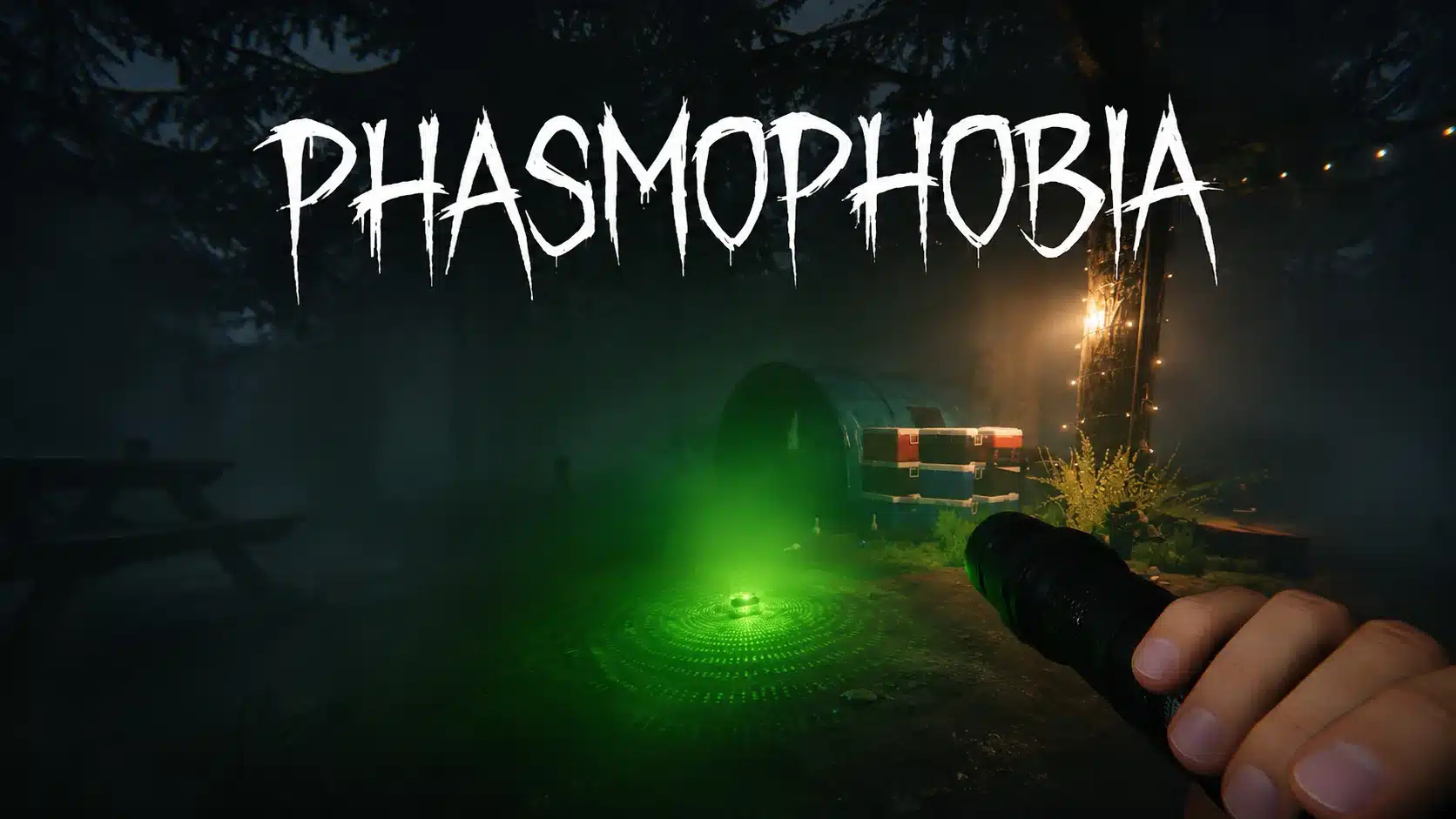
Planning a ghost hunt with friends sounds easy until everyone shows up on a different system. That is when the big question hits every group chat: is Phasmophobia crossplay?
One friend has a gaming PC, another plays on a PS5, and someone else swears by their Xbox. Ghost hunts work best with a full team, so one missing friend can change the whole night.
The answer has shifted over the years, and a few settings decide who ends up in your lobby. Some rules are easy to miss until a friend cannot find the room.
Get it wrong, and your group wastes half the night staring at a lobby code that goes nowhere. Before the answer makes sense, it helps to know exactly what crossplay covers.
What Does Crossplay Mean?
Crossplay means players on different platforms can join the same online lobby. In Phasmophobia, that puts a PC player, a PS5 player, and an Xbox player in one ghost hunt.
Crossplay and cross-progression are separate features. Crossplay covers live lobbies, while cross-progression moves saved data between platforms, and Phasmophobia only offers crossplay.
Our Grounded 2 crossplay guide breaks down the same difference for another game.
Is Phasmophobia Crossplay?
Yes, Phasmophobia supports crossplay among players on PC, PlayStation 5, and Xbox Series X|S, including those playing in VR.
Friends using these platforms can join the same multiplayer sessions without needing identical gaming systems. Crossplay became available on October 29, 2024, when Phasmophobia launched on PS5 and Xbox Series X|S.
Kinetic Games confirmed this in its console launch announcement. Before that, Phasmophobia had been available only on PC since September 18, 2020.
The console release made it possible for PC and console players to investigate haunted locations together. Crossplay is optional, so each player can switch it off in the settings.
Which Platforms Support Phasmophobia Crossplay?
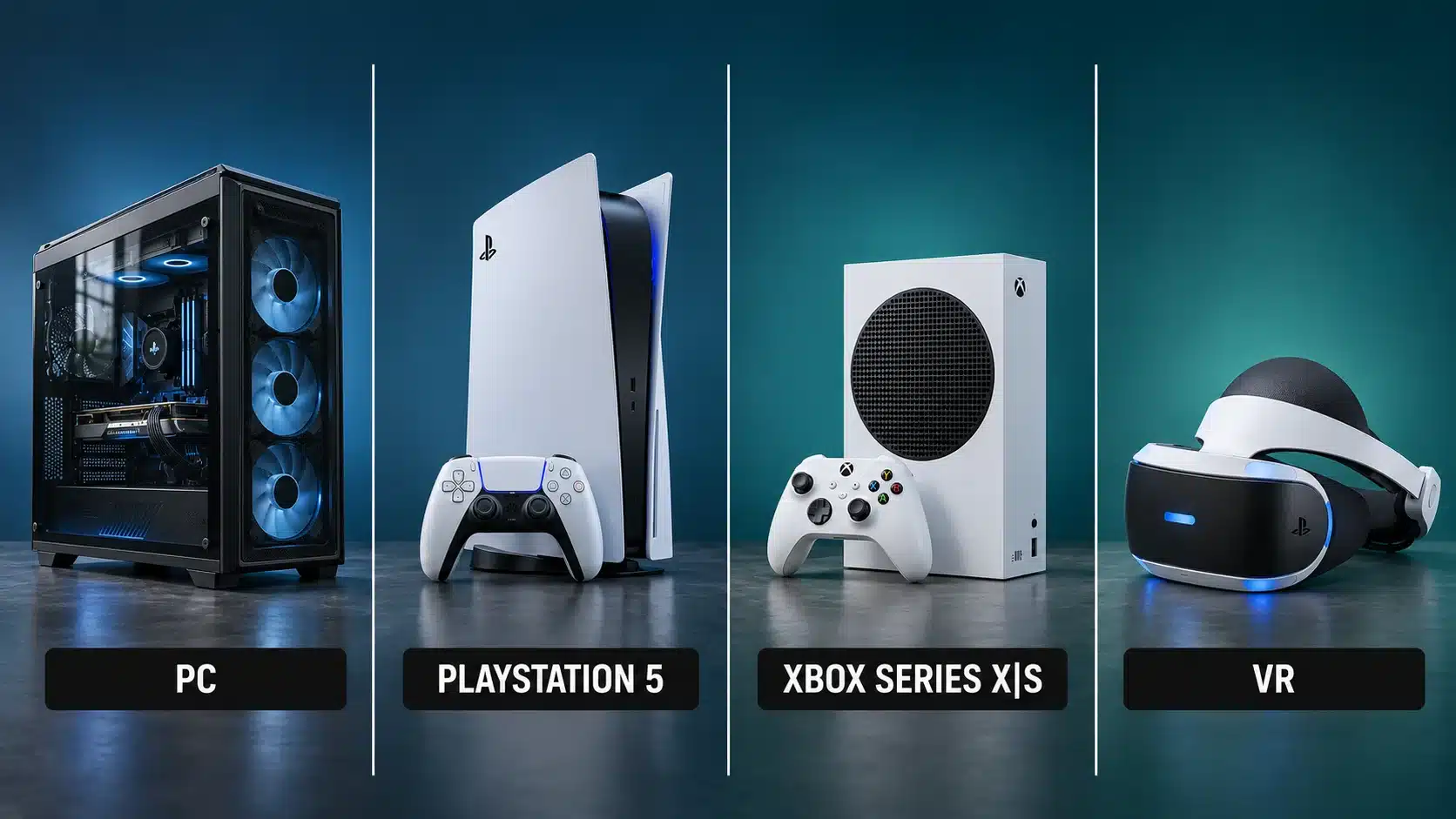
Phasmophobia allows players on PC, PS5, Xbox Series X|S, and supported VR headsets to play together. Each platform offers the same core ghost-hunting experience, although controls and VR interactions may differ.
This table shows when each platform launched and where crossplay stands today.
Platform | Crossplay | Platform Launch |
|---|---|---|
PC (Steam) | Yes | September 18, 2020 (Early Access) |
PS5 | Yes | October 29, 2024 |
Xbox Series X|S | Yes | October 29, 2024 |
PS VR2 and SteamVR | Yes | October 29, 2024 for PS VR2 |
Nintendo Switch 2 | Not yet released | Planned for 2026 |
1. PC and PS5 crossplay
PC and PS5 players can join the same Phasmophobia multiplayer sessions. For example, a Steam player can team up with a friend using a PS5 to investigate a haunted house.
Both players can collect evidence, identify ghosts, and complete objectives together. They can also communicate through the game’s built-in voice chat without needing separate communication apps.
2. PC and Xbox Series X|S crossplay
Phasmophobia lets Steam players join friends on Xbox Series X or Series S. A player on a gaming laptop can join the same investigation as a friend on an Xbox console.
Both players get the same maps, ghost types, and equipment.
3. PS5 and Xbox Series X|S crossplay
PlayStation 5 and Xbox Series X|S players can play together even though they use different console networks. A PlayStation player can join an Xbox friend’s investigation without switching consoles.
Each player simply keeps using their own console and controller.
Like other PS5 multiplayer games, Phasmophobia lets friends play together, while each player can keep using their preferred controller.
4. VR and non-VR crossplay
Phasmophobia supports crossplay between VR users and players using regular screens.
For example, a PS VR2 player can join friends on Steam or Xbox who use standard controls.
VR users can interact with objects using motion controls, while other players use keyboards or controllers. These differences don’t affect their ability to investigate the same haunted location.
How Does Phasmophobia Crossplay Work?
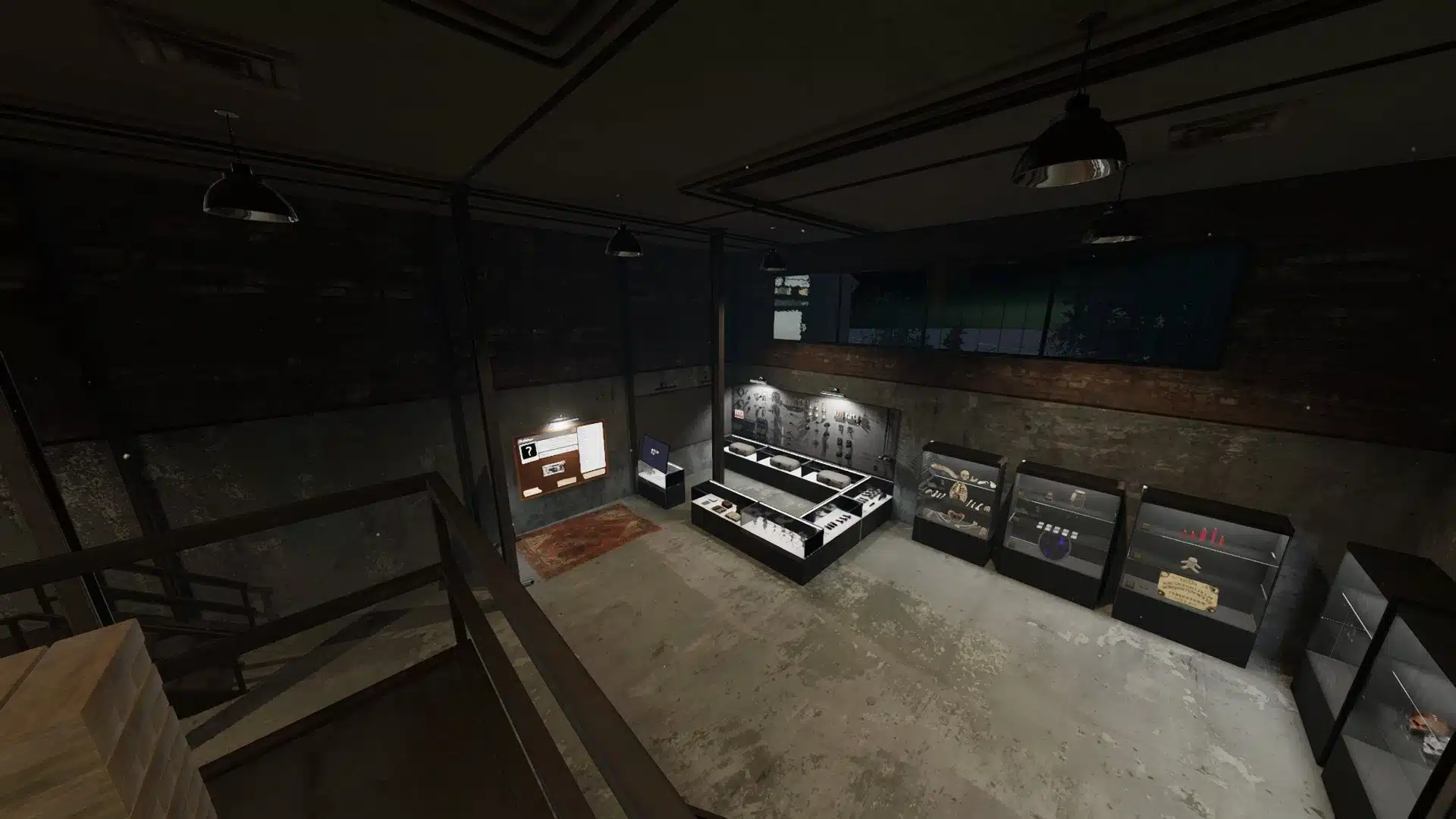
Phasmophobia uses a shared multiplayer lobby system that connects players through unique room codes, not platform-specific friend lists.
When someone hosts a private session, the game generates a lobby code that friends can use to enter the same room.
Each lobby supports up to four players, including the host. Once connected, teammates explore the same haunted location, gather paranormal evidence, identify ghosts, and complete common objectives.
Players can also use in-game voice chat to exchange clues, coordinate tasks, and warn each other when a ghost becomes dangerous.
Private rooms give you more control over who joins, so friends can play together without unexpected players entering their sessions.
How to Enable Crossplay and Play Phasmophobia With Friends
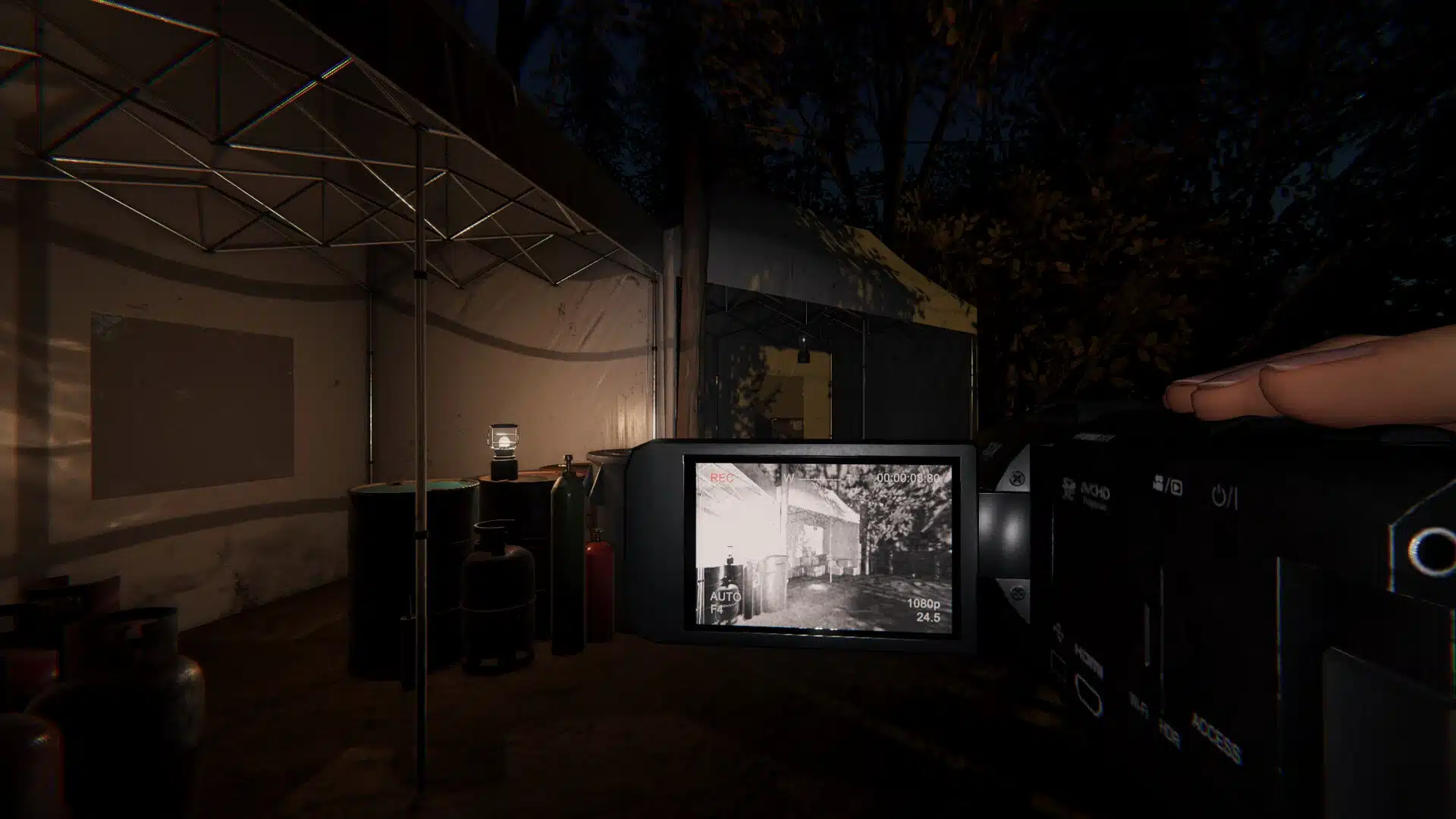
To enable crossplay in Phasmophobia, turn on the Cross Play setting and join a multiplayer session using a lobby code. Follow these steps to connect with friends:
Step 1: Open Phasmophobia, go to Settings, select Options from the main menu, and open the Game tab.
Step 2: Enable crossplay by switching the Crossplay option, switch it to On, then click Apply.
Step 3: Select a server region, and make sure you and your friends choose the same one.
Step 4: Create a lobby by selecting Multiplayer and creating a private room.
Step 5: Share the code with your friends after you reveal the lobby code.
Step 6: Join the Game with your friends by selecting Join Private and entering the code to connect.
You don’t need to link separate accounts. To disable crossplay, return to Options > Game > Cross Play, select Off, and apply the change.
What are the Limitations of Phasmophobia Crossplay?
Unlike some popular horror games that focus on solo experiences, Phasmophobia allows up to four players to investigate together, though certain limitations still apply. Here are the main limitations to know:
No cross-progression: Player levels, money, equipment, and unlocked items remain tied to the original platform. Switching from PC to PS5, for example, means starting with a new save on PS5.
Four-player limit: Larger groups cannot join the same investigation, even if everyone uses a supported platform.
Unsupported devices: PS4, Xbox One, and the original Nintendo Switch have no native versions.
Platform differences: Keyboard, controller, and VR controls vary. Microphone settings and voice recognition options may also differ depending on the system.
Important: Your existing save remains on its original platform, so you can return to it even after starting a new game on another device.
Why is Phasmophobia Crossplay Not Working?
Phasmophobia crossplay may not work due to incorrect game settings, server region differences, or connection problems.
First, check that everyone has enabled the Cross Play option and selected the same server region. Different regions can prevent players from joining one another.
Another common issue is outdated game versions. Make sure everyone has installed the latest update, as mismatched versions can prevent players from connecting.
Also, double-check the lobby code for typos, or create a new private room if the current code doesn’t work.
If the problem continues, check your internet connection and console multiplayer permissions, which may block online sessions. Restarting the game and your router can also resolve temporary connection issues before you try again.
Final Words
The best part of Phasmophobia is working together to solve a haunting, and playing with friends makes every investigation more memorable.
If you were wondering is Phasmophobia crossplay, you now have a clear idea of how players on different systems can share the same experience.
While platform differences and connection issues can sometimes get in the way, they don’t have to ruin your plans.
A little preparation can make your next gaming session much smoother.
So, gather your friends, pick a haunted location, and get your equipment ready. Your next ghost hunt could be the one that gives everyone a story worth sharing!
Frequently Asked Questions
Do you need PlayStation Plus or Xbox Game Pass to play Phasmophobia online?
Yes. PS5 players need PlayStation Plus, while Xbox players need a Game Pass plan that includes online console multiplayer, such as Essential, Premium, or Ultimate. You must also own the game.
Can you play Phasmophobia in VR with friends who don’t use VR?
Yes. You can use SteamVR or PS VR2 while your friends play on regular screens. Everyone can join the same investigation without a VR headset.
Can Phasmophobia ghosts recognize your voice on consoles?
Yes. Kinetic Games added console voice recognition on February 20, 2025. As explained in the official voice recognition update, ghosts can respond to spoken phrases through equipment such as the Spirit Box.
Voice recognition lets ghosts react to speech, while voice chat allows teammates to communicate.
What happens if you turn off crossplay in Phasmophobia?
Turning off crossplay limits multiplayer matchmaking to your own platform. You won’t be able to join friends using different gaming systems until you enable the setting again.