
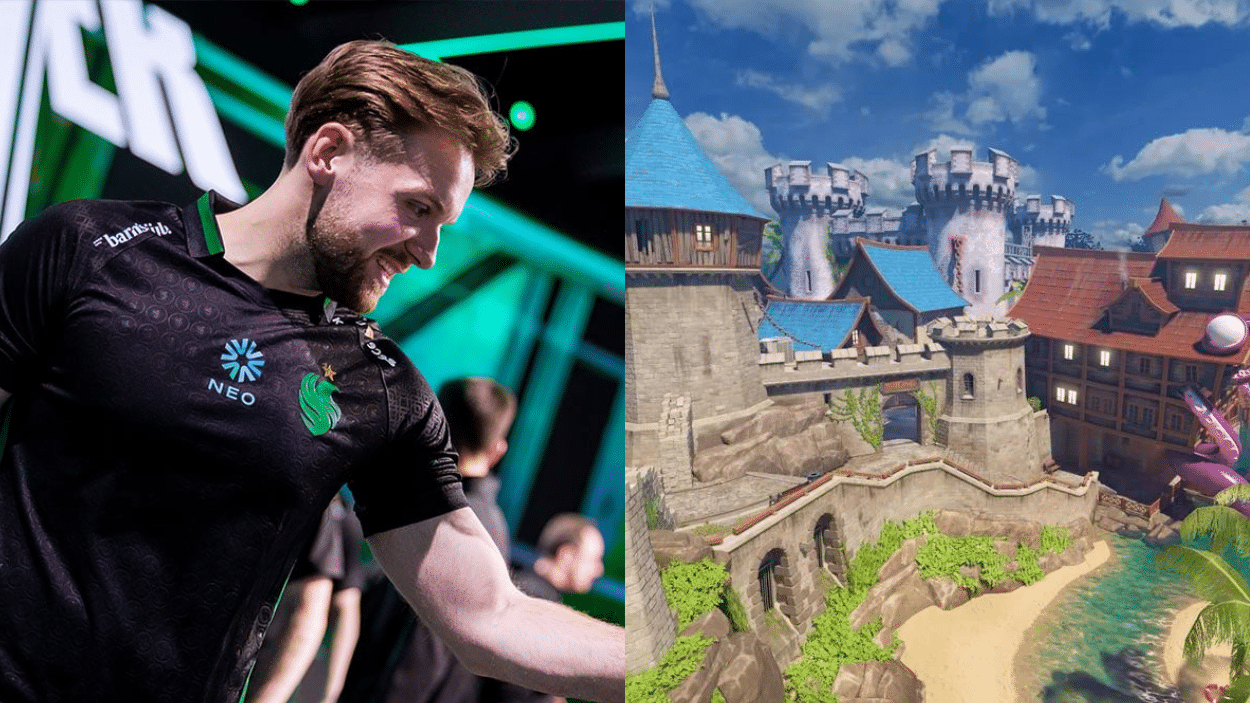
I know how tough it can be to improve your CS2 gameplay. You practice for hours, but something still feels off. Your aim isn’t as sharp as you’d like, and your setup doesn’t feel quite right.
Getting your settings dialed in can make all the difference.
When you use configurations from top players like Niko, you’re building on what actually works at the highest level.
In this guide, I’m going to walk you through Niko CS2 settings in detail. You’ll get his exact aim configuration, crosshair setup, and key binds.
By the end, you’ll have everything you need to fine-tune your game and start seeing real improvements.
Why Copy NiKo’s CS2 Settings?
NiKo is one of the best riflers in CS2 history. His aim is incredibly precise, and his game sense is top-notch. So it makes sense to look at what he uses.
When you copy his settings, you’re not just copying numbers. You’re adopting a setup that’s been tested in high-pressure matches against the world’s best players.
NiKo has spent thousands of hours refining these configurations.
Now, his settings won’t magically make you a pro. But they give you a solid foundation to build on.
You’ll start with something that works, then adjust based on your own preferences. It’s much better than guessing what might work for you.
NiKo’s CS2 Settings Overview
Let me break down what makes NiKo’s setup special. He has relatively high sensitivity compared to some pros, which helps him make the quick flick shots he’s famous for.
His crosshair is clean and simple. Nothing fancy, just a basic design that doesn’t clutter his screen. This helps him focus on what matters most, hitting his shots.
NiKo’s video settings are optimized for performance. He keeps everything low to maximize his frame rate.
This isn’t about making the game look pretty. It’s about getting every advantage possible.
His binds are set up for quick access to utilities and weapons. Everything is positioned where he can reach it instantly. No wasted time fumbling around for the right key during crucial moments.
NiKo CS2 Settings – Master Pro Aim Precision with Crosshair
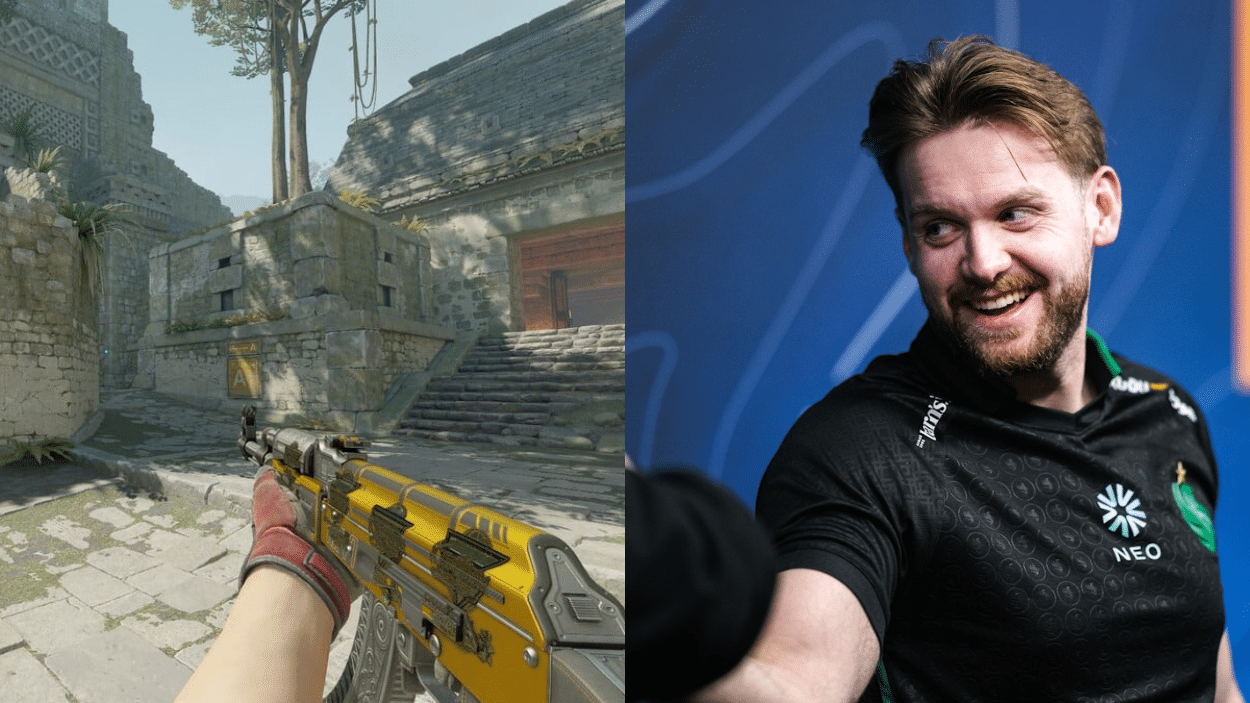
Your crosshair is the most important visual element in CS2. It’s what you look at during every gunfight, so getting it right matters.
NiKo keeps his crosshair simple and effective. Here’s exactly what he uses:
- Style: Classic Static
- Length: 1
- Thickness: 1
- Gap: -4
- Outline: No
- Color: Custom (0,255,145)
- Alpha: 255
- Dot: No
- Follow Recoil: No
The small gap and minimal length keep it compact. His custom green color stands out against most backgrounds without being distracting. No outline means less clutter on the screen.
And the static style ensures it never moves, giving you a consistent reference point for every shot you take.
NiKo’s Key Binds – Fast Grenades & Movement
NiKo’s binds are all about speed and efficiency. He positions everything for instant access during intense fights.
| Action | Key Bind |
|---|---|
| Jump | Mouse Wheel Down |
| Jump Throw | Alt |
| Flashbang | Mouse 4 |
| Smoke Grenade | Mouse 5 |
| HE Grenade | 4 |
| Molotov/Incendiary | C |
| Decoy | X |
| Use Mic | K |
| Drop Weapon | G |
| Inspect Weapon | F |
His mouse binds for flash and smoke are genius. You can throw utilities without lifting your fingers from the movement keys. The jump throw bind on Alt makes lineups consistent and easy.
Everything else is within quick reach, so he never wastes time searching for the right key when seconds matter most.
NiKo’s Mouse Sensitivity & DPI – The Secret to Elite Aim
NiKo’s sensitivity setup strikes a perfect balance. It’s fast enough for quick reactions but controlled enough for precision shots.
- DPI: 400 – This is a standard DPI that most pros use. It provides smooth tracking with no jitter.
- In-Game Sensitivity: 1.48 – Combined with his DPI, this gives him enough speed to turn quickly while maintaining control.
- eDPI (Effective DPI): 592 – This is his actual sensitivity (DPI × in-game sens). It’s on the higher side for pros, but it works perfectly for his playstyle.
- Zoom Sensitivity: 1.0 – He keeps this at default, so his AWP and scoped weapon movements feel natural and consistent with his rifle aim.
All the Codes that Can Be Imported
| Category | Pasteable Code/Command | Where to Paste / Notes |
|---|---|---|
| Crosshair (Import Code) | CSGO-xQsAb-b7J42-qcvvS-5AG9v-VwLXL |
In-game: Settings > Game > Crosshair > Share or Import > Paste here. Classic static green crosshair (RGB 0-255-145, gap -4, length 1, thickness 1). |
| Viewmodel | viewmodel_fov 68; viewmodel_offset_x 2; viewmodel_offset_y 0; viewmodel_offset_z -1.5; viewmodel_presetpos 2; |
Paste directly into the console. Sets FOV to 68, with offsets for a classic pro viewmodel feel. |
| Sensitivity | sensitivity 0.7 |
Console command. Pairs with DPI 800 for eDPI 560. |
| Zoom Sensitivity | zoom_sensitivity_ratio_mouse 1 |
Console (default is usually 1; confirms NiKo’s 1:1 zoom scaling). |
| Launch Options | -noreflex |
Steam > CS2 Properties > General > Launch Options. Reduces input latency. |
| Full Config Exec | (Download full .cfg from prosettings.net and place in csgo/cfg folder, then in console: exec niko.cfg) |
Not a single paste; download recommended for complete binds, HUD, radar, etc. Link: https://prosettings.net/players/niko/ (zip file). |
Wrapping it Up
You’ve now got all of Niko CS2 settings at your fingertips. His crosshair, sensitivity, and binds are ready for you to try out.
Remember, these settings won’t instantly turn you into a pro. They’re a starting point. Test them in deathmatch first, then adjust based on what feels comfortable for you.
Some players need lower sensitivity. Others prefer different crosshair colors. That’s completely fine. Use NiKo’s setup as your foundation, then make it your own.
So what’s next? Jump into the game and start practicing. The more you play with these settings, the more natural they’ll feel.
Good luck, and I hope this helps improve your gameplay!