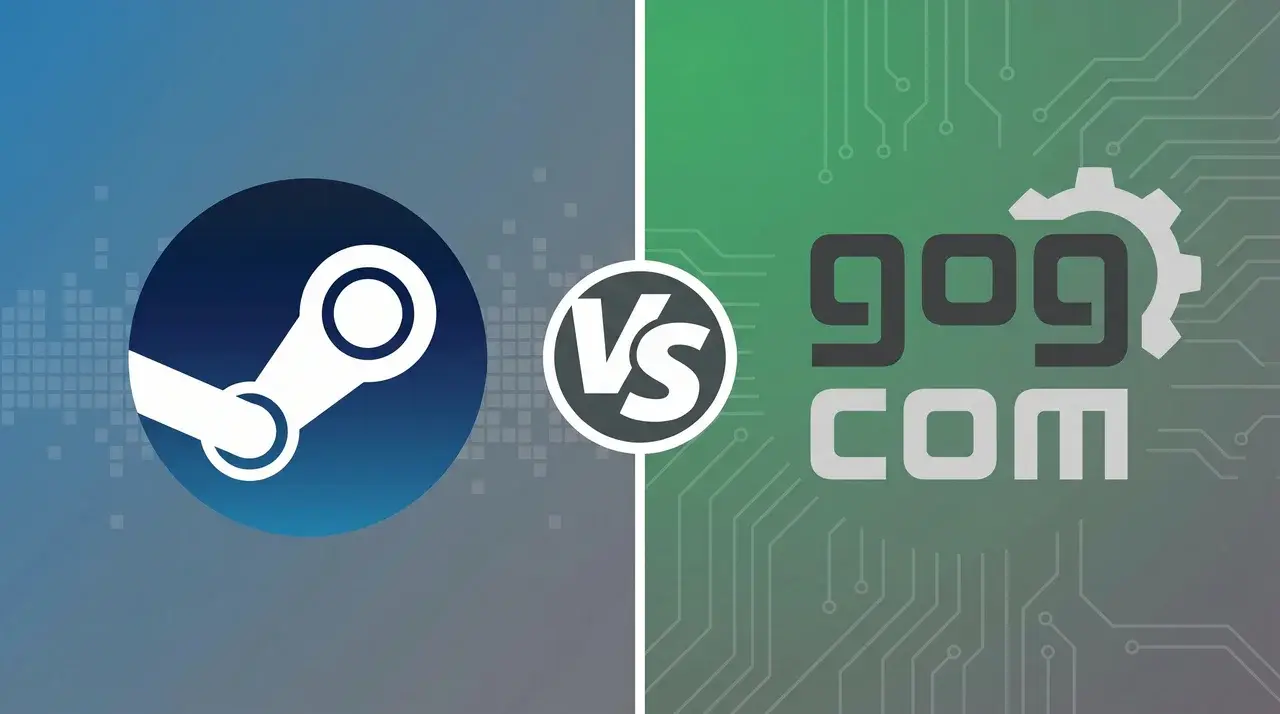
Two stores can offer the same PC game, but your experience after purchase may feel different. Steam and GOG vary in features, library management, and buying experience.
Choosing between Steam and GOG can be confusing because both stores offer great games but handle ownership, downloads, and features differently.
I understand how difficult it can feel when you are comparing convenience with long-term control over your collection. This GOG vs Steam comparison explains the key differences in ownership models, libraries, offline access, features, pricing, and community opinions.
By the end, you will have a clearer idea of which platform fits your gaming habits and how to make smarter buying decisions.
Steam’s Account-Based Gaming Model
Steam uses an account-based gaming model where purchased games are added to your personal Steam library. Instead of receiving separate game files, you receive access through your Steam account.
Steam manages your collection through its platform, including:
- Game downloads
- Automatic updates
- Cloud saves
- Library organization
- Achievements
- Community features
- Friend lists
This makes managing a large game collection simple, but your access depends on your Steam account and the platform’s availability.
Steam Advantages and Disadvantages
| Category | Advantages of Steam | Disadvantages of Steam |
|---|---|---|
| Game Library | Huge collection covering almost every genre | The large catalog can make discovery difficult |
| Multiplayer | Strong online features and active player base | Depends on publisher support |
| Mods | Steam Workshop simplifies mod installation | Workshop support is not available for every game |
| Community | Reviews, guides, discussions, and achievements | Community quality varies between titles |
| Updates | Automatic patches keep games updated | Updates may change preferred game versions |
| New Releases | Most major launches appear quickly | Some games include additional DRM restrictions |
| Account System | Easy access across devices | Games are connected to your account |
GOG’s DRM-Free Gaming Model
GOG uses a DRM-free model, allowing players to download standalone installers for many purchased games.
These installers can be stored on:
- Computers
- External drives
- Backup storage
Many GOG games can be installed and played without opening GOG Galaxy, giving players more flexibility over how they store and access their collection.
GOG Galaxy offers optional features such as cloud saves and updates, but they are not required for many games.
GOG Advantages and Disadvantages
GOG focuses on DRM-free gaming, offline access, and player control, but its smaller library creates some limitations.
| Category | Advantages of GOG | Disadvantages of GOG |
|---|---|---|
| Game Ownership | DRM-free installers provide more control over files | Smaller ecosystem than Steam |
| Offline Access | Games can be installed without depending on the launcher | Backups require manual management |
| Classic Games | Strong focus on older PC titles | Fewer new AAA releases |
| Compatibility | Many older games receive improvements | Support depends on available fixes |
| Updates | Players can manage versions manually | Requires more user involvement |
| Library | Curated selection of classic and DRM-free games | Fewer overall titles |
| Multiplayer | Some games support online play | Smaller multiplayer community |
Steam vs GOG Game Libraries: Which Has Better Games?
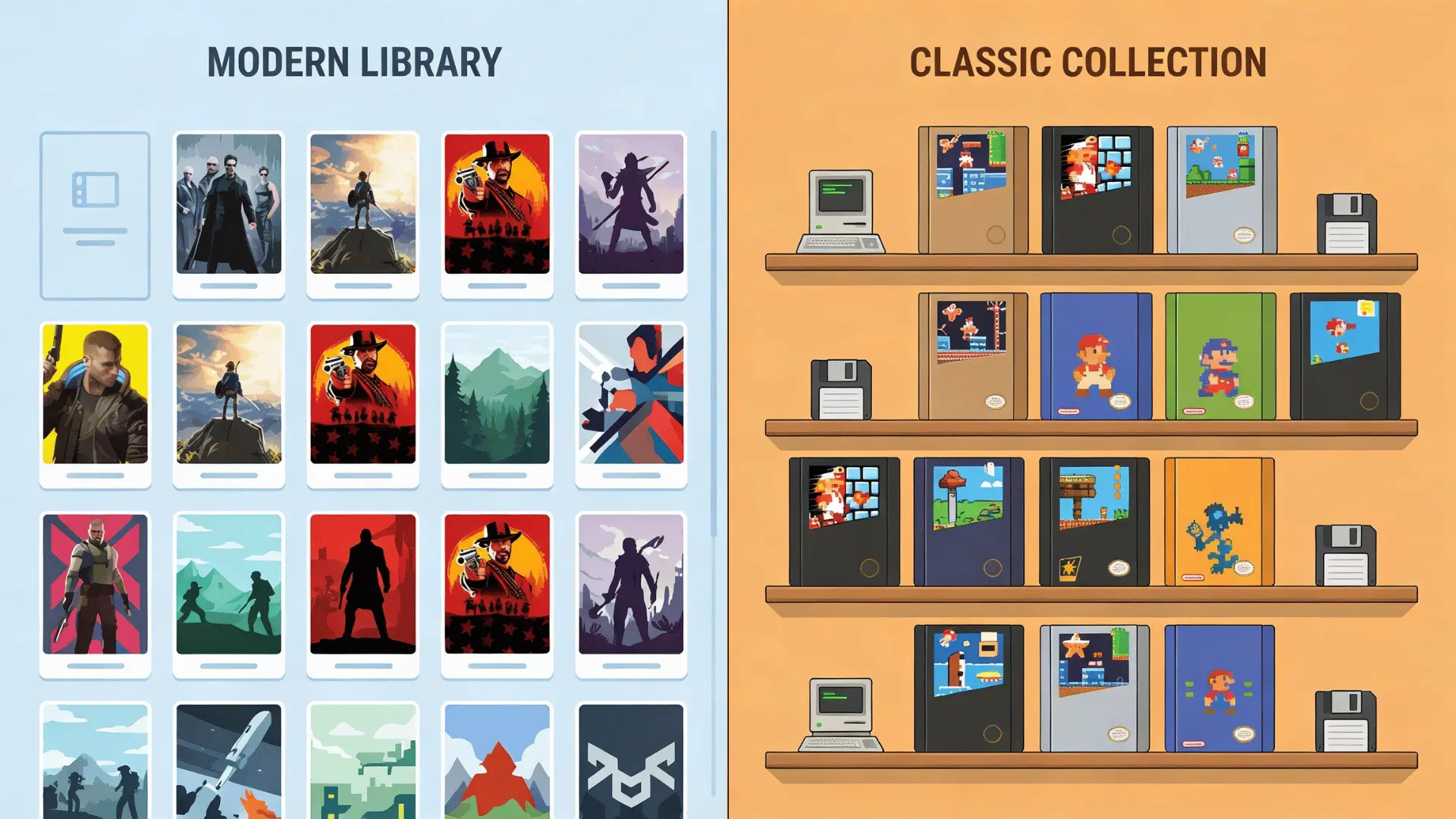
The biggest difference between Steam and GOG isn’t only the number of games available — their libraries are built around different priorities.
| Category | Steam | GOG |
|---|---|---|
| Library size | Extremely large catalog covering almost every genre | Smaller, carefully selected catalog |
| New releases | Major AAA and indie releases usually arrive quickly | Releases are more selective and curated |
| Early access games | Extensive support for upcoming and unfinished titles | Limited early access availability |
| Classic PC games | Offers older titles, but support varies by developer | Strong focus on classic and retro PC games |
| Compatibility support | Older games may require manual fixes or community solutions | Many older games receive compatibility improvements |
| Indie games | Huge variety of indie and experimental projects | Curated selection of indie releases |
| Best for | Players who want the newest releases and maximum variety | Players interested in preservation and classic gaming |
Steam leans into variety and new releases, while GOG emphasizes classic titles and long-term accessibility.
Steam vs GOG Features Comparison
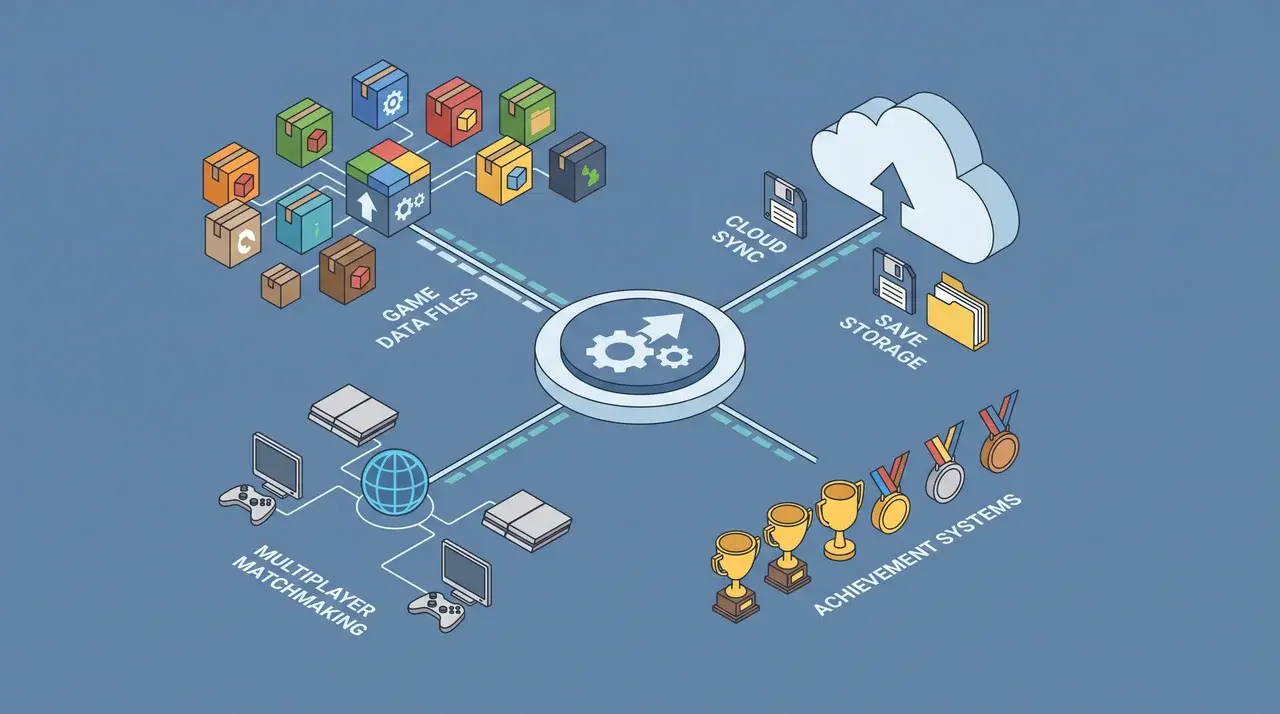
Beyond selling games, Steam and GOG offer different tools for managing and accessing your games.
DRM-Free vs DRM-Protected Libraries
The biggest difference in ownership between Steam and GOG comes down to DRM. GOG provides standalone installers, while Steam usually manages purchases through its client.
- Steam requires client authentication for the majority of its catalog
- Steam DRM varies by publisher, with some titles remaining always-online
This distinction matters most to players worried about long-term access, since a GOG installer will still work years from now even if the storefront itself changes direction.
Pricing, Sales, and Regional Deals
Both platforms run frequent sales, but the frequency, depth, and regional pricing structures differ enough that dedicated deal-hunters often check both before buying at full price.
- Steam runs seasonal sales alongside frequent flash and daily deals
- GOG offers deep catalog discounts, especially on older back-catalog titles
- Steam’s regional pricing shifts more aggressively based on local currency
- GOG occasionally bundles DRM-free classics into themed sale collections
Sale timing aside, the real difference lies in game selection, since GOG’s older catalog often offers steeper discounts than Steam does on equivalent titles.
Steam vs GOG Launcher Experience
The main difference between Steam and GOG Galaxy comes down to how much control players have over managing and accessing their games.
| Feature | Steam | GOG |
|---|---|---|
| Launcher requirement | Steam client is usually needed for library management and updates | GOG Galaxy is optional for many games |
| Offline gaming | Available after setup and verification | Available through standalone installers |
| Updates | Updates are usually automatic by default | Players have more control over when updates are installed |
| Backup options | Games are mainly connected to your Steam account | Offline installers can be stored separately |
| Version control | New patches are automatically applied through Steam | Easier to keep older game versions if preferred |
What Gamers Say: Steam vs GOG Community Opinions
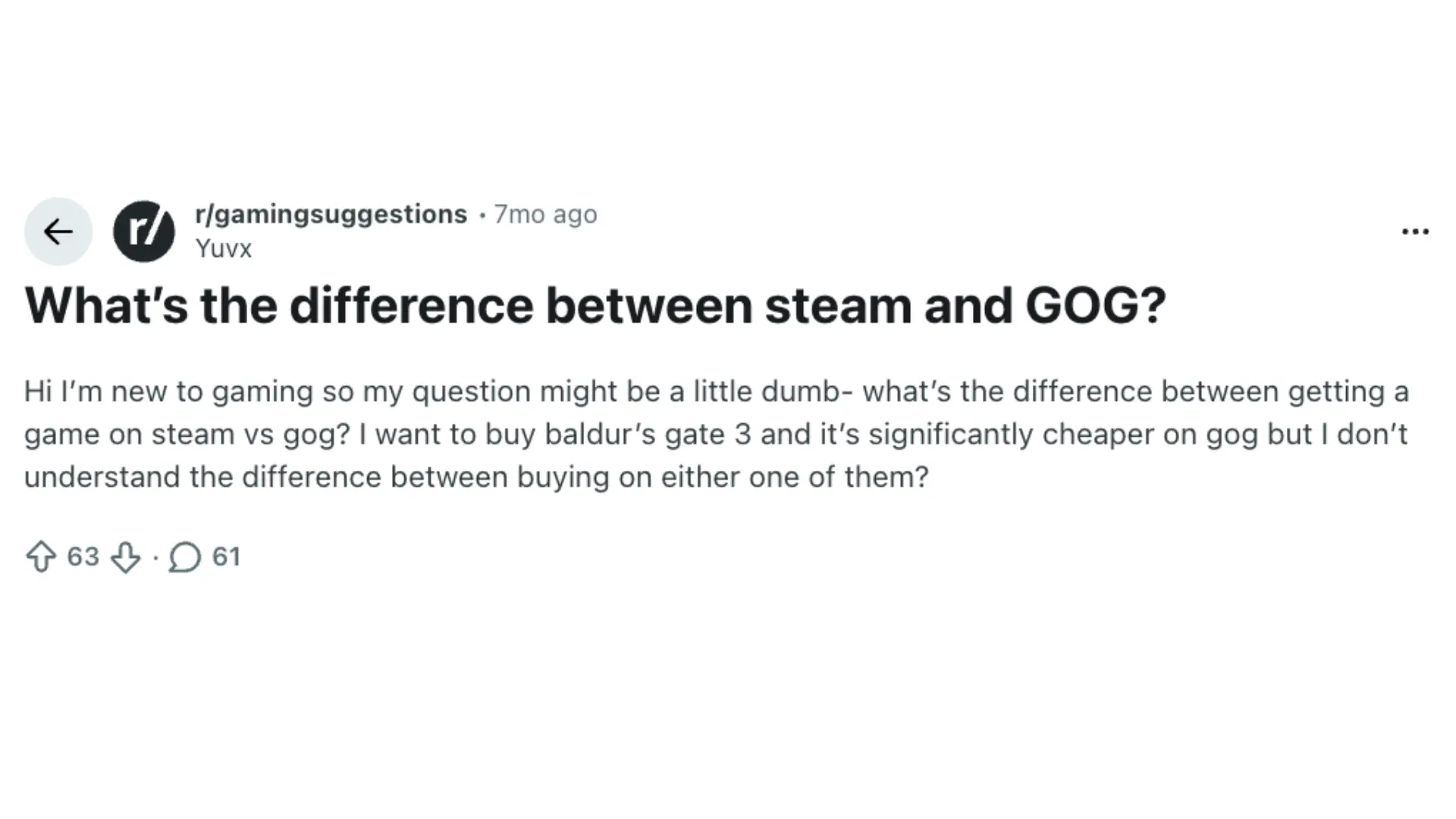
PC gaming communities often debate Steam vs GOG based on convenience, ownership, and long-term access. In a discussion on Reddit’s r/gamingsuggestions, players highlighted differences in platform features, DRM policies, game preservation, and overall user experience.
Common Steam advantages mentioned by players include:
- Easier mod management
- More active multiplayer support
- Faster updates for many games
Common GOG advantages mentioned by players include:
- DRM-free downloads
- Offline installers
- Compatibility fixes for older titles
- Greater control over game files
A common opinion among experienced PC gamers is that neither platform completely replaces the other. Many players use Steam for modern releases and multiplayer games, while choosing GOG for classic titles and DRM-free purchases.
Should You Buy Games on Steam or GOG?
Steam is the better fit for players who want a connected gaming ecosystem with frequent discounts, multiplayer support, achievements, and easy mod management.
GOG is better suited for players who prefer more control over their purchases and enjoy classic PC titles.
Many players use both platforms rather than choosing only one: Steam for new releases and multiplayer titles, GOG for classic games and DRM-free purchases.
Final Thought
Your choice between Steam and GOG depends on how you want to access and manage your PC game collection.
Steam provides a connected gaming experience with community features, multiplayer support, and convenient tools for everyday use.
GOG focuses on giving players more flexibility with how they manage their purchased games. After comparing GOG vs Steam, you can see that both platforms serve different types of players.
I believe the right choice depends on your priorities, from convenience and social features to ownership and long-term access.
Share your preferred platform and check out more gaming comparisons to make smarter buying decisions.
Frequently Asked Questions
Is GOG better than Steam for beginners?
Steam is usually easier for new PC gamers because it offers a larger community, built-in guides, reviews, controller support, and simple library management. GOG is better suited for players who specifically want DRM-free downloads and more control over their game files.
Do Steam and GOG games have the same performance?
Yes, game performance is usually the same when comparing the same title on both platforms. The difference comes from platform features, updates, DRM systems, and additional tools rather than the game’s graphics or frame rates.
Can I add GOG games to my Steam library?
Yes, you can manually add many GOG games as non-Steam games. However, features like achievements, cloud saves, and Steam Workshop support may not work because the game was not purchased through Steam.
Does GOG have newer AAA games like Steam?
GOG offers some modern AAA releases, but its catalog is more selective. Steam generally receives more new launches because it has a larger marketplace and stronger relationships with publishers.