
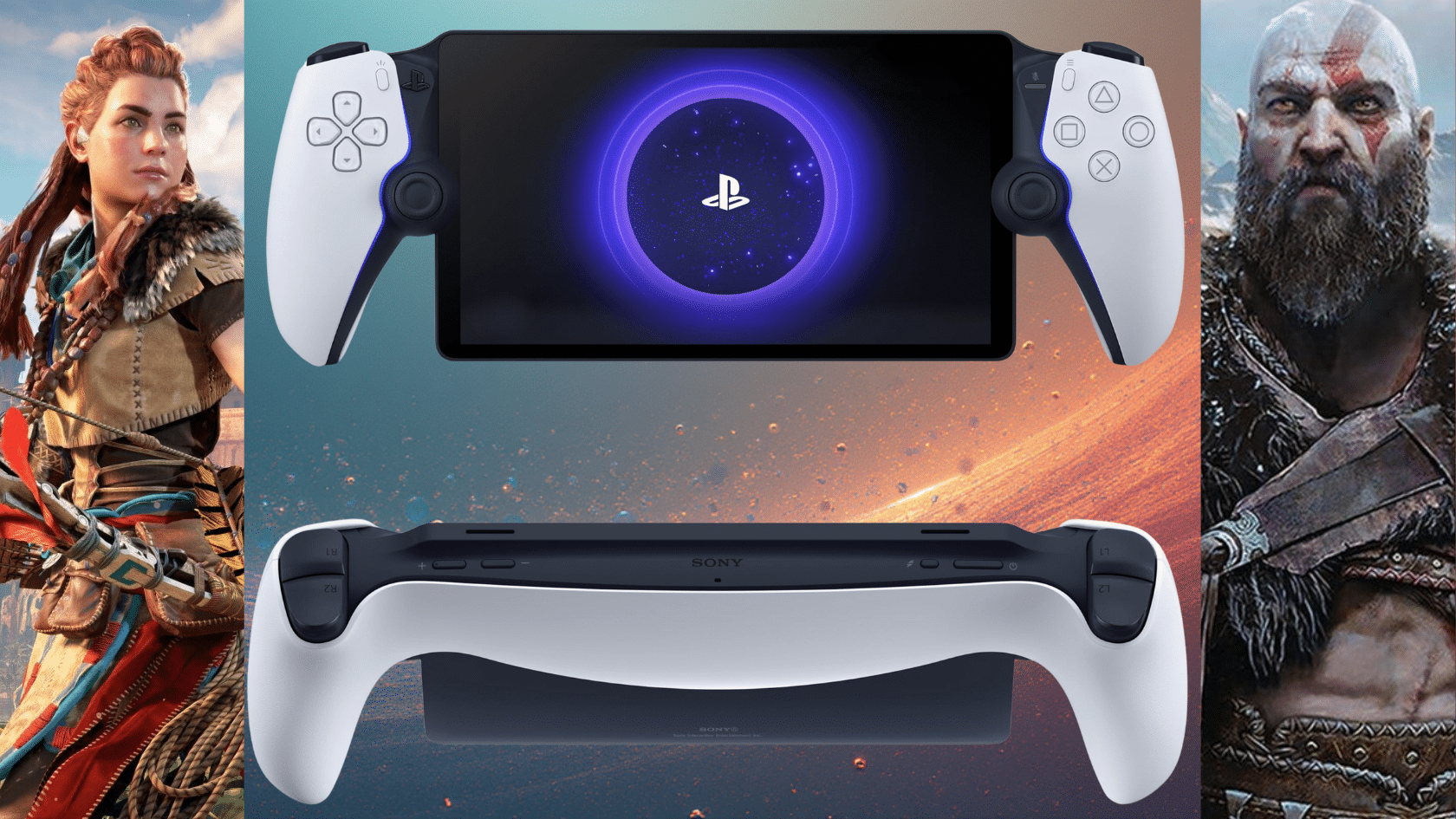
I’ve been gaming for years, and I know the struggle. You want to play your PS5 games, but someone else is using the TV, or you’re just stuck in bed and wish you could keep playing without firing up the big screen. It’s frustrating.
That’s where the PlayStation Portal comes in.
Sony’s handheld companion promises a simple solution: stream your PS5 games to a dedicated handheld screen. No TV required.
In this PlayStation Portal review, I’ll share my own personal experience after extended use. I’ll cover what works, what doesn’t, and if this device is actually worth your money.
Let’s see if the Portal truly delivers on its promise.
PS Portal – A Companion Device, Not a Console
Let me clear this up right away. The PlayStation Portal isn’t a standalone console. You can’t pop in game cartridges or download titles directly to it.
It’s a companion device for your PS5. Think of it as a screen with controls that connects to your console at home. The Portal streams games from your PS5 over Wi-Fi. Your console does all the heavy lifting.
This means you need a PS5 to use the Portal. Without one, it’s just a fancy paperweight.
But if you own a PS5, this device lets you play anywhere in your house. You can even use it away from home if you have good internet.
It’s simple. The Portal extends your PS5 experience beyond your TV.
Design, Display, and Specs
The PlayStation Portal feels solid in your hands. Sony didn’t cut corners with the build quality. In this PS Portal review, I want to show you exactly what you’re getting.
| Feature | Details |
|---|---|
| Display Size | 8-inch LCD |
| Resolution | 1920 × 1080 (Full HD) |
| Refresh Rate | 60Hz |
| Weight | ~529 grams |
| Audio | Built-in speakers, 3.5mm headphone jack |
| Connectivity | Wi-Fi 5 (802.11ac) |
| Battery Life | ~6–8 hours (usage dependent) |
| Charging | USB-C |
| Storage | None (streams from PS5) |
| Colors | White with black accents |
My only design complaint is the bezels. They’re thicker than expected and make the Portal look less modern than it could have, even if they don’t affect usability.
PlayStation Portal Review – Performance and Hands-On Experience
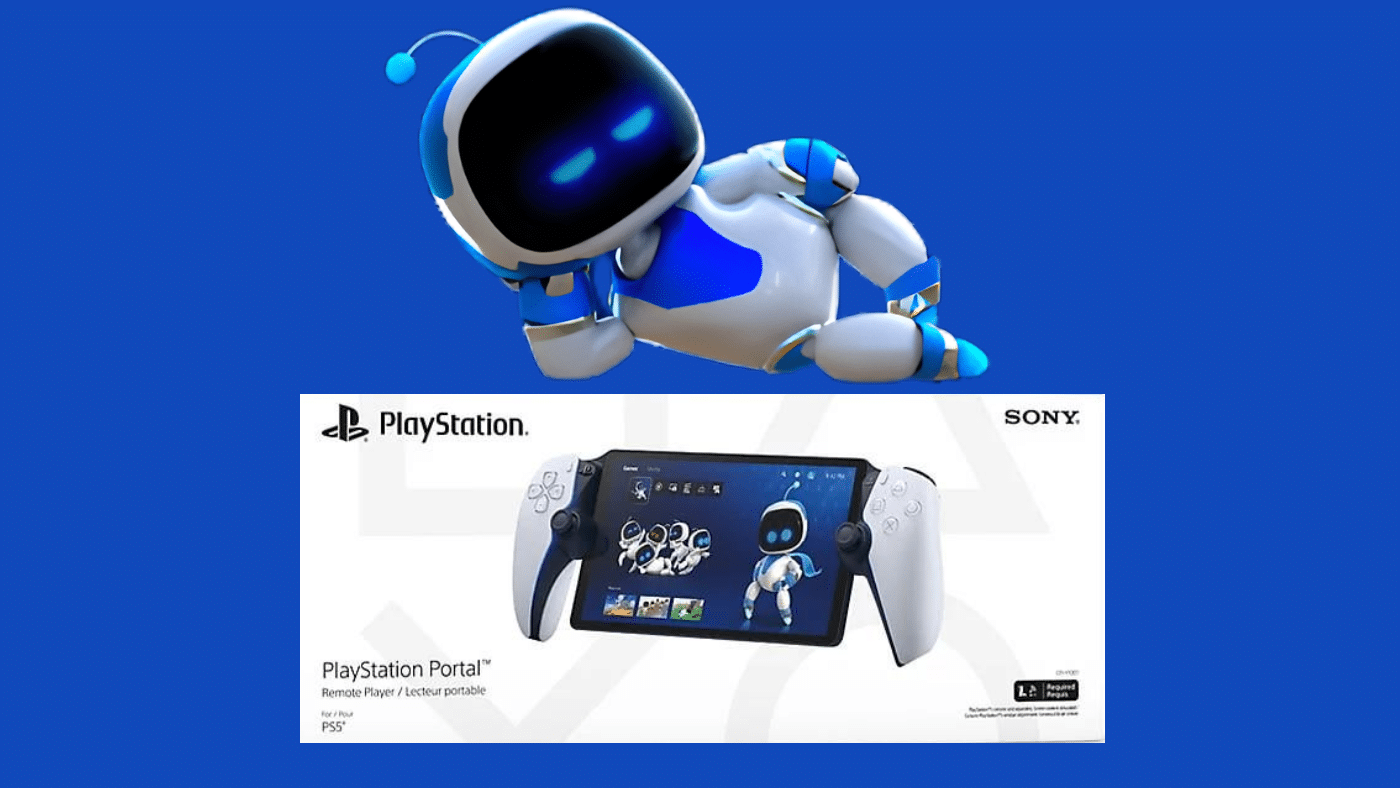
This is where the PlayStation Portal either clicks for you or doesn’t.
I tested the Portal primarily on a 5GHz Wi-Fi network, with my PS5 connected via Ethernet. Under those conditions, the experience was consistently strong.
Performance and Remote Play Experience
On a stable home network, Remote Play works surprisingly well.
- Input latency is minimal in slower-paced games
- Image quality generally holds at 1080p
- Frame pacing feels smooth in most single-player titles
I spent hours playing Horizon Forbidden West, Spider-Man 2, and Final Fantasy XVI without major interruptions. For story-driven games, the Portal often feels close to playing directly on a TV.
However, network quality is everything.
As I moved farther from my router or tested on congested Wi-Fi, issues appeared quickly.
Compression artifacts became visible during fast camera pans, and occasional stutters reminded me that this is still a streamed experience.
Fast-paced competitive games are the weakest fit. Shooters and fighting games are playable, but even small amounts of latency are noticeable. I wouldn’t recommend the Portal for ranked multiplayer or reaction-heavy competitive play.
It’s also worth clarifying that the Portal streams whatever your PS5 is running via Remote Play, including backward-compatible PS4 games played on the PS5. Nothing runs natively on the device itself.
Controls, DualSense Features, and Gameplay Feel
Sony absolutely nailed the controls!
This is essentially a complete DualSense controller split in half, and it shows. Adaptive triggers and haptic feedback work exactly as they do on the PS5. In Returnal, every weapon pulse and environmental effect felt intact.
Comfort is another strong point. Despite the Portal’s size, the weight distribution is balanced. I regularly played for 3–4 hours without hand fatigue.
- Analog sticks feel precise.
- Face buttons are responsive.
- Touchpad functionality is fully preserved.
Battery Life, Audio, and Everyday Usability
Battery life landed right where I expected.
- Story-focused games: around 7–8 hours
- More demanding action titles: closer to 6 hours
Charging takes roughly 2.5 hours over USB-C.
Audio quality was a pleasant surprise. The built-in speakers are clear and loud enough for casual play, and the 3.5mm headphone jack works with any wired headset.
That said, there’s no Bluetooth audio support, which is frustrating. If you rely on wireless earbuds, you’ll need a wired headset or compatible PlayStation audio accessories.
In everyday use, the Portal shines. It boots quickly, reconnects to the PS5 almost instantly, and makes short gaming sessions incredibly convenient.
I tested the Portal away from home as well. On strong, stable Wi-Fi, it worked smoothly.
On weaker or congested networks, performance dropped quickly. Stability and low latency matter far more than raw download speed.
PlayStation Portal vs Other Handheld Gaming Options
How does the Portal stack up against other handhelds? In this PlayStation Portal review comparison, I’m putting it side by side with popular alternatives.
| Feature | PlayStation Portal | Steam Deck | Nintendo Switch | ROG Ally |
|---|---|---|---|---|
| Price | $199.99 | $399–$649 | $299.99 | $599–$699 |
| Standalone | No (PS5 required) | Yes | Yes | Yes |
| Game Library | PS5 via Remote Play | PC games | Nintendo exclusives | PC games |
| Display | 8″ LCD, 1080p | 7″ LCD, 800p | 6.2″ LCD / 7″ OLED | 7″ 1080p |
| Battery Life | 6–8 hrs | 2–8 hrs | 4.5–9 hrs | 1–3 hrs |
| Best For | PS5 owners | PC gamers | Casual portable play | High-end PC gaming |
Pros and Cons of the PlayStation Portal
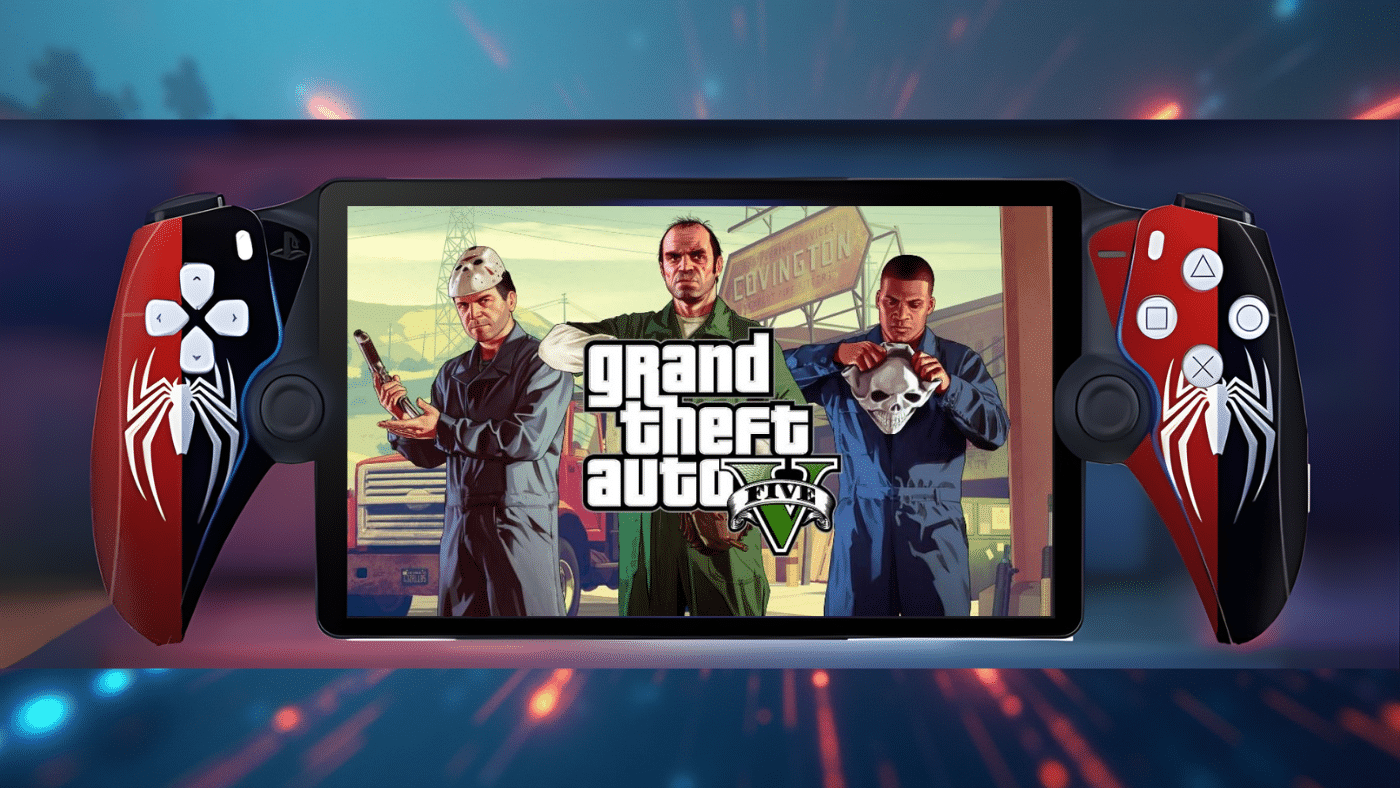
Every device has its strengths and weaknesses. After weeks of testing, here’s my honest take on what works and what doesn’t with the Portal.
Pros
- Full DualSense haptics and adaptive triggers
- Sharp 1080p display
- Comfortable for long play sessions
- Fast, smooth connection to PS5 in rest mode
- More affordable than standalone handhelds
- Excellent way to free up the TV
- Ideal for short, frequent gaming sessions
Cons
- Requires a PS5 to function
- Performance is heavily dependent on Wi-Fi quality
- No Bluetooth audio support
- Not ideal for competitive multiplayer
- Thick bezels feel dated
- Limited usefulness on unstable networks
Final Verdict
So, is the PlayStation Portal worth it? For me, yes, but with the right expectations.
This device won’t replace your console. It extends it. I use mine daily now. Morning gaming sessions, late-night play without hogging the TV. It’s become part of my routine.
If you’re looking for a standalone handheld, look elsewhere. But for PS5 owners who want flexibility, the Portal delivers. After completing this PlayStation Portal review, I can say it’s a smart buy at $199.
Ready to try it yourself? Your TV doesn’t have to be your only gaming spot anymore.