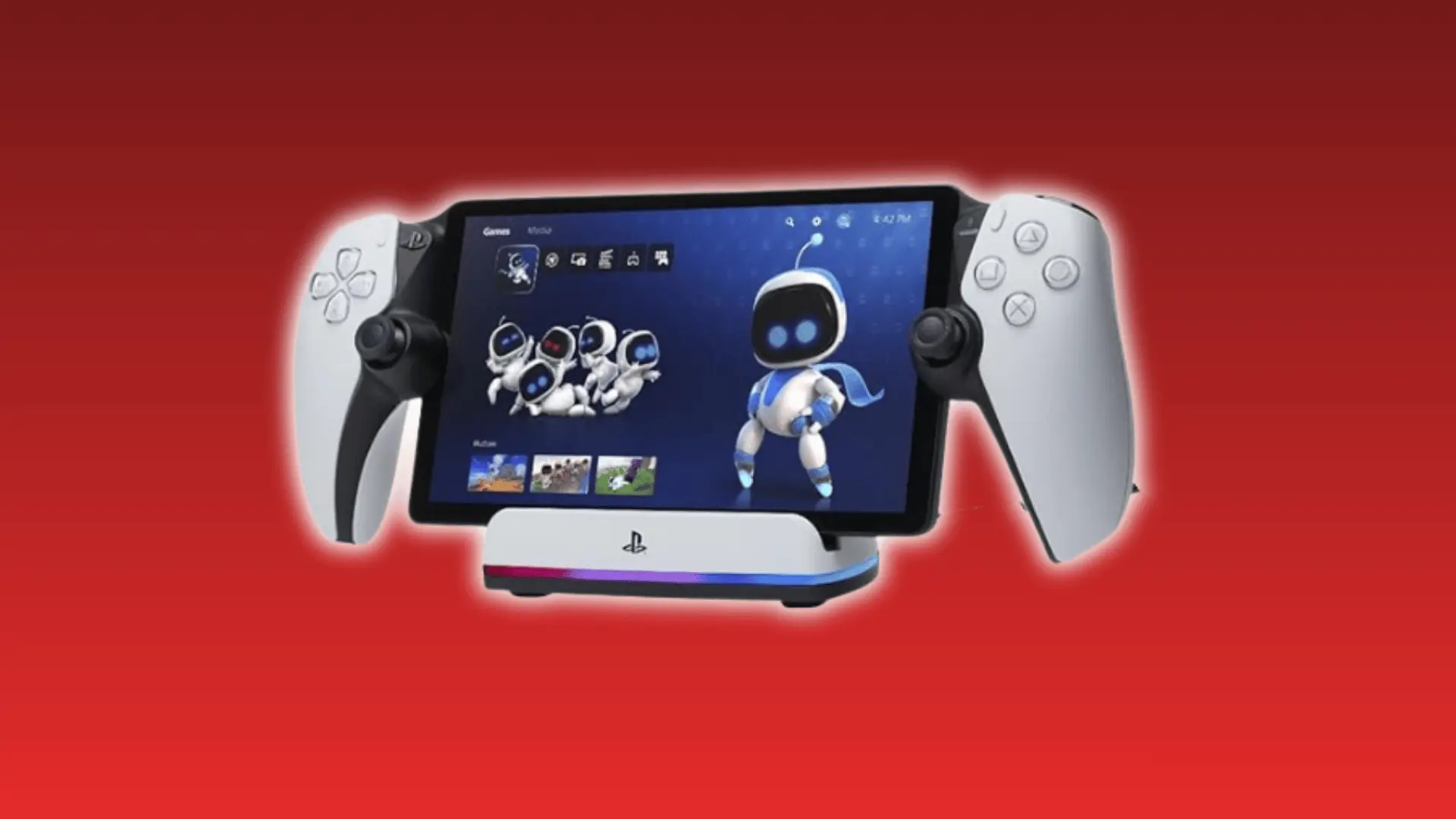
At first glance, the PlayStation Portal looks like Sony’s answer to handheld gaming, but it works very differently from what many people expect.
That difference has left plenty of buyers confused about what it can and cannot do. A proper playstation portal review should go beyond the design and explain how the device performs in everyday use.
From streaming quality and DualSense features to battery life and cloud gaming support, every detail affects the overall experience.
Before spending your money, it helps to know exactly where the Portal shines, where it falls short, and who will get the most value from it.
What Is the PlayStation Portal and What It Is Not?
The PlayStation Portal is a remote-play streaming device. It needs either a PS5 or a PS Plus Premium subscription to work.
It doesn’t run games on its own. Every frame you see is processed on your PS5 and streamed to the Portal’s screen over Wi-Fi.
Think of it as a split DualSense controller with a screen in the middle. The hardware is solid, but it’s always dependent on another source.
This is where a lot of buyers get tripped up. The Portal looks like a handheld console, so people naturally compare it to the Switch or Steam Deck.
As TechRadar notes in its review, those devices run games natively; the Portal cannot, not even one.
That said, Sony did expand what’s possible. PS Plus Premium subscribers can now stream directly from the cloud, no PS5 required.
That update quietly changed the value proposition. It’s no longer just for households that already own a PS5. But the core dependency remains. Without a subscription or a PS5, the Portal is an expensive paperweight.
How Does the PlayStation Portal Actually Work?
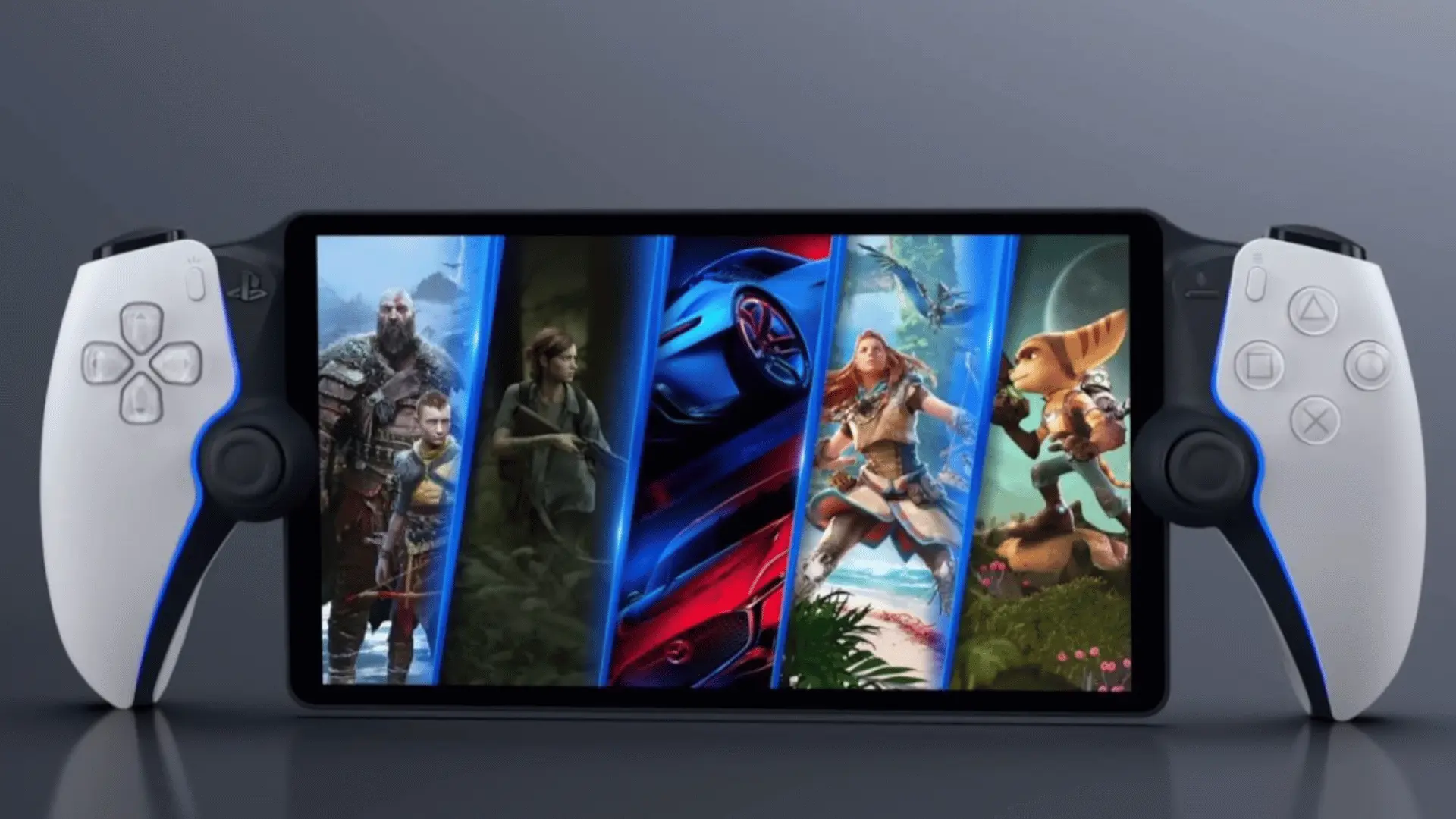
Your PS5 handles all the game processing and sends compressed video to the Portal over your network. The Portal just decodes and displays it.
That distinction is easy to miss but changes how you should think about the device. Your Wi-Fi isn’t a background condition; it’s the engine that the whole experience runs on.
The PS5 renders each frame, compresses it, and transmits it across your local network. The Portal receives that stream and displays it; none of that processing happens on the device itself.
So when something goes wrong, the Portal has no way to fix it. Every lag spike and visual glitch originates on the network path, not the hardware.
A few things determine how clean that path is:
- PS5 connection: Wired Ethernet removes the weakest link before the stream starts
- Router proximity: The closer your Portal is to the router, the more stable the signal
- Network congestion: Other devices sharing bandwidth will degrade your stream
Wiring your PS5 directly to the router is the single most impactful change you can make. Everything else is secondary.
Sony’s own guidance points to a minimum of 15Mbps for a workable connection, though in practice you’ll want comfortably more than that for a stable stream.
What Happens when Your Network Drops?
Most people assume pixelation and input lag are two separate problems. They’re actually outputs of the same chain.
When a packet drops, it doesn’t corrupt one pixel; it corrupts a compressed video frame. That’s why a small hiccup can affect a large portion of the image at once.
Here’s what that looks like in practice:
- Pixelation: Frames arrive incomplete, and the decoder fills in the gaps visually
- Input lag: Delayed packets break the timing between your button press and the on-screen response
- Jitter: Irregular delivery intervals cause both problems to stack simultaneously
This is also why a congested 5GHz network can feel worse than a slower but stable 2.4GHz band. Speed matters less than consistency.
Cloud Streaming vs. Local PS5 Streaming
These are genuinely different use cases, and mixing them up leads to the wrong expectations.
Local streaming runs directly over your home network to your PS5. Cloud streaming, available to PS Plus Premium subscribers, routes through Sony’s servers, no PS5 required.
- Local streaming: Lower latency, more responsive, better for fast or precise games
- Cloud streaming: Higher latency ceiling, works without a PS5, better suited to slower story-driven titles
- Availability: Cloud streaming requires an active PS Plus Premium subscription
Neither is objectively better. The right one depends entirely on how you plan to use the Portal.
What the Hardware Gets Right?
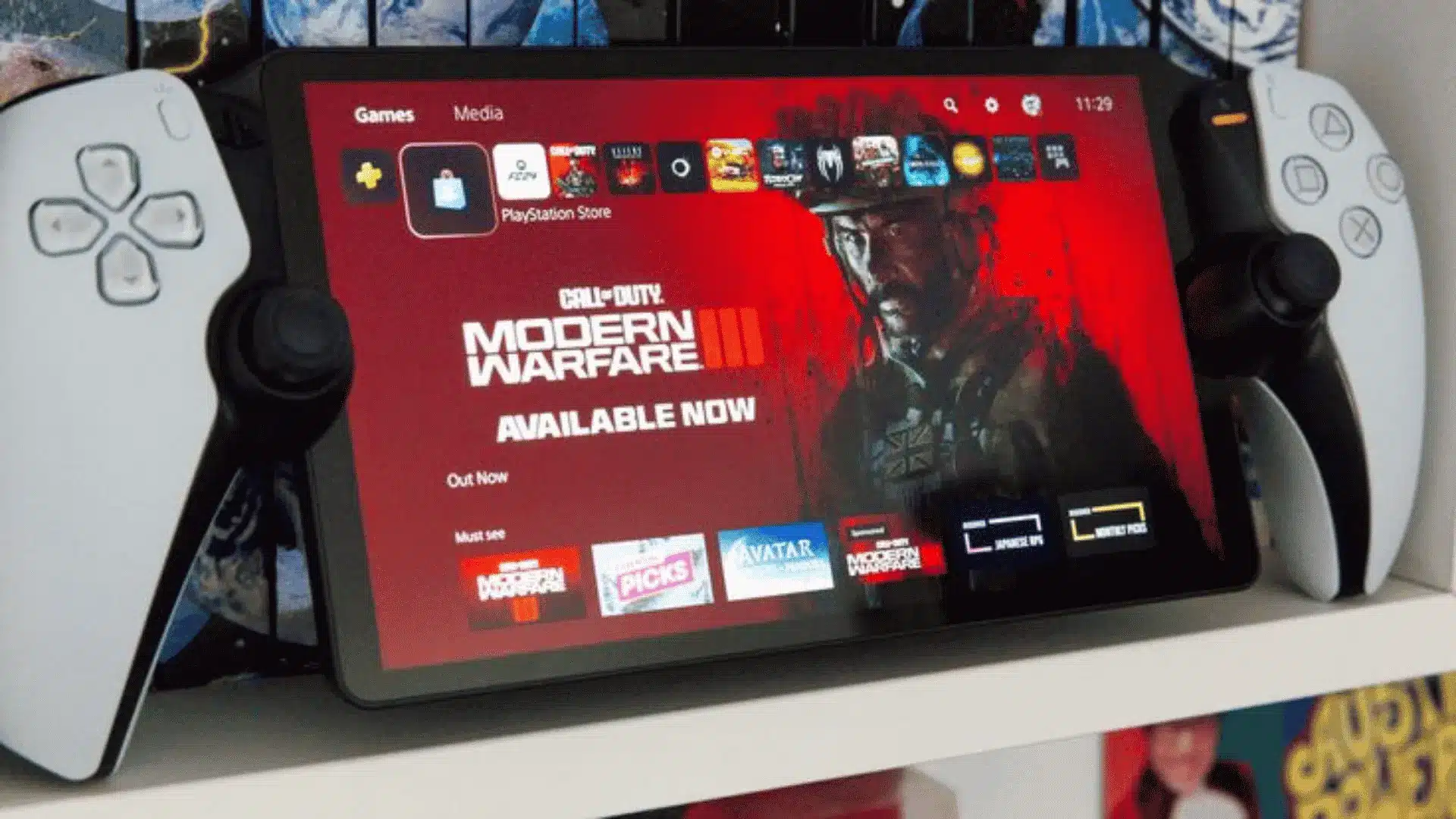
The Portal’s biggest hardware advantage is full DualSense feature parity, haptic feedback, and adaptive triggers that work exactly as they do on a standard controller. That’s not a given for remote-play devices.
Most phone-clip accessories support only basic inputs. The Portal preserves the resistance in a bowstring, the texture of rain, the tension before a shot lands.
That alone separates it from the alternatives.
The screen holds up well without being remarkable. It’s an 8-inch 1080p LCD running at 60fps, bright, sharp, and comfortable for long sessions.
By 2025, handheld standards won’t impress anyone coming from an OLED display. But for streaming compressed video, it’s more than adequate.
The battery is where the Portal has a quiet structural advantage:
- Runtime: 6–7 hours across all game types
- Consistency: Battery drain doesn’t increase with graphically intensive games
- Reason: The PS5 handles all rendering, so the Portal’s power draw stays flat
Native handhelds like the Switch OLED can swing from around 9 hours on light indie games down to under 4 hours on demanding titles, since the console itself has to render everything. The Portal doesn’t have that problem; it’s always offloading the heavy work.
Taken together, the hardware feels considered rather than compromised. TheGamer’s 2026 re-review echoes this. Sony clearly built this around the PS5 experience, not around cutting costs on the peripheral.
The Limitations that Actually Matter
The most impactful limitation on the Portal isn’t your Wi-Fi; it’s the missing Bluetooth audio. Network issues can be fixed. The audio hardware cannot.
These limitations aren’t equal. Some are dealbreakers, some are trade-offs. It helps to know the difference before you buy.
The three that matter most, ranked by practical impact:
- No Bluetooth audio: Standard wireless earbuds and headphones, including AirPods, aren’t supported. You’ll need wired headphones or PlayStation Link audio devices.
- Competitive multiplayer: The added streaming latency makes fast-paced games less responsive, so the Portal isn’t the best choice for serious competitive play.
- No standalone use: Without a PS5 for Remote Play or a PS Plus Premium subscription for supported cloud-streaming games, the Portal has very limited use.
Each one affects a different type of buyer. Not all three will apply to you.
Audio: What Works and What Doesn’t?
The Portal gives you three audio options. None of them is wireless in the conventional sense.
- Built-in speakers: Decent for casual use, not ideal for immersive play
- 3.5mm jack: Works with any wired headphones, reliable, no latency
- PlayStation Link headsets: Sony’s proprietary wireless standard, low-latency, but with an added cost
Your AirPods, your Sony WH-1000XMs, your everyday earbuds, none of them will connect. Standard Bluetooth audio simply isn’t supported.
Tom’s Guide flagged this as one of the more frustrating omissions, noting it forces buyers toward wired headphones or proprietary accessories at extra cost.
The competitive multiplayer limitation runs deeper than audio. Even with a strong connection, the streaming architecture adds a baseline of input lag. Games like Fortnite or Call of Duty expose that ceiling fast.
If single-player and co-op games are your focus, none of this is a dealbreaker. But going in without knowing it leads to real disappointment.
Who Should Buy It and Who Should Not?
If you own a PS5, have a stable home network, and mostly play single-player or co-op games away from the TV, the Portal is a genuinely strong buy. It does exactly what it promises in that setup.
Outside that setup, the case gets shakier fast. Here’s a straightforward way to think about it.
| Factor | Buy It | Skip It |
|---|---|---|
| PS5 setup | Wired to the router | No PS5, no PS Plus Premium |
| Game type | Single-player or co-op | Competitive multiplayer |
| Play location | Within the home network | Primarily outside on mobile data |
| Network | Stable 5GHz home Wi-Fi | Congested or heavily shared network |
| Handheld expectation | Happy with a streaming companion | Want a standalone device |
| PS Plus Premium | Already subscribed | No subscription, no plans to get one |
The PS Plus Premium cloud path is real, but narrower. It works best for slower, story-driven games where a slightly higher latency ceiling doesn’t matter much.
Game library coverage through cloud streaming still isn’t complete. Not every title you own will be available to stream. The Portal rewards buyers who know exactly what it is.
It disappoints buyers who expect something it was never designed to be.
Conclusion
By now, you should have a much clearer idea of whether the PlayStation Portal is the right choice for you.
This playstation portal review shows that the Portal delivers a smooth experience for PS5 owners with a stable network, especially for single-player and co-op games.
At the same time, its streaming-only design and lack of standard Bluetooth audio mean it will not suit everyone. Knowing these strengths and limits before buying can help you avoid disappointment later.
Have you tried the PlayStation Portal, or are you thinking about getting one? Share your thoughts or questions in the comments below.
Frequently Asked Questions
Can the PlayStation Portal be used away from home?
Yes, but only on a stable external Wi-Fi. Mobile data introduces too much jitter, making most games unreliable or unplayable.
Does the PlayStation Portal work without a PS5?
Yes, for PS Plus Premium subscribers. The 2025 update added cloud streaming, so a powered-on PS5 is no longer required.
Why can’t I use Bluetooth headphones with the PlayStation Portal?
The Portal doesn’t support standard Bluetooth audio. Your options are wired headphones, built-in speakers, or Sony’s proprietary PlayStation Link headsets.
Is the PlayStation Portal good for competitive multiplayer?
No. In hands-on testing, reviewers found that even with a PS5 connected via Ethernet, fast-paced games like Fortnite suffered noticeable aim and reaction lag, and the problem gets worse over Wi-Fi.