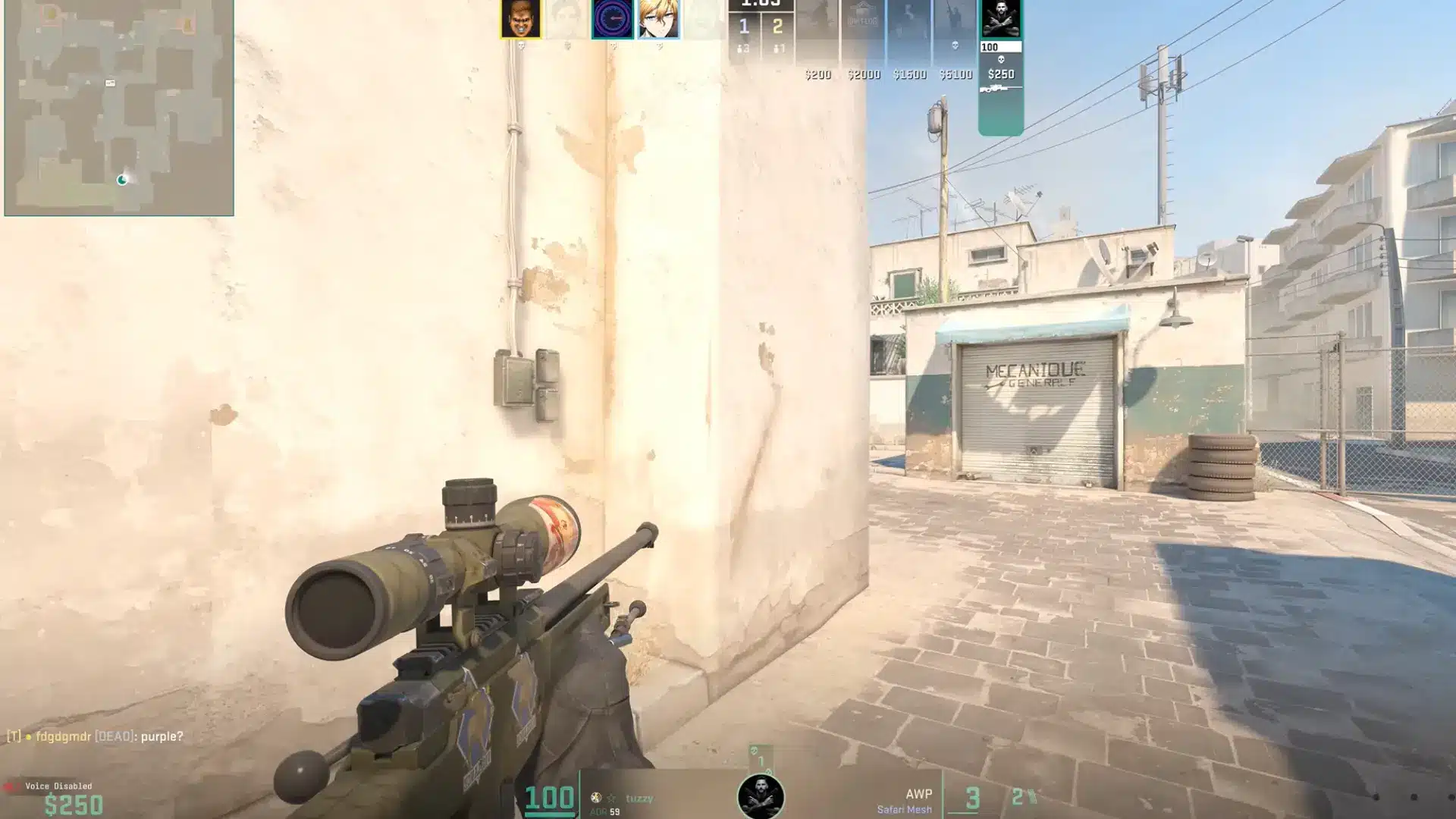
If your aim feels inconsistent in CS2, your sensitivity settings might be the reason. DPI and in-game sensitivity work together, but looking at them separately can make it hard to understand your true setup. That’s where eDPI helps.
It combines both numbers into one value, making it easier to compare settings, match a pro player’s setup, or adjust your aim without guessing.
An eDPI calculator CS2 tool can quickly show your exact value and help you understand how your current sensitivity affects your gameplay.
Find here what you’ll learn: what CS2 eDPI means, how to calculate it, how Windows mouse settings can affect the result, and how different eDPI ranges change the way your aim feels. You’ll also learn how to adjust your sensitivity without losing your muscle memory.
What is eDPI in CS2?
eDPI is your mouse DPI multiplied by your CS2 in-game sensitivity. It’s a standardized comparison unit, not a setting you can dial in directly.
That distinction matters more than it sounds. You can’t open CS2 and set your sensitivity to “800 eDPI.”
What you can do is use it to compare your setup to a pro player’s, match the feel of a friend’s config on different hardware, or carry your sensitivity across to another game without starting from scratch.
I’ve seen players spend hours tweaking DPI and sensitivity separately, not realizing that neither number means anything in isolation.
Two players with completely different settings can have identical eDPI, meaning their crosshairs travel the same distance per inch of mouse movement.
One thing eDPI doesn’t capture by default: Windows pointer speed. If Enhanced Pointer Precision is enabled on your PC, your actual sensitivity will differ from what the number suggests.
Two players with the same eDPI won’t feel the same if one of them has that setting on.
How to Calculate Using the eDPI Calculator for CS2?
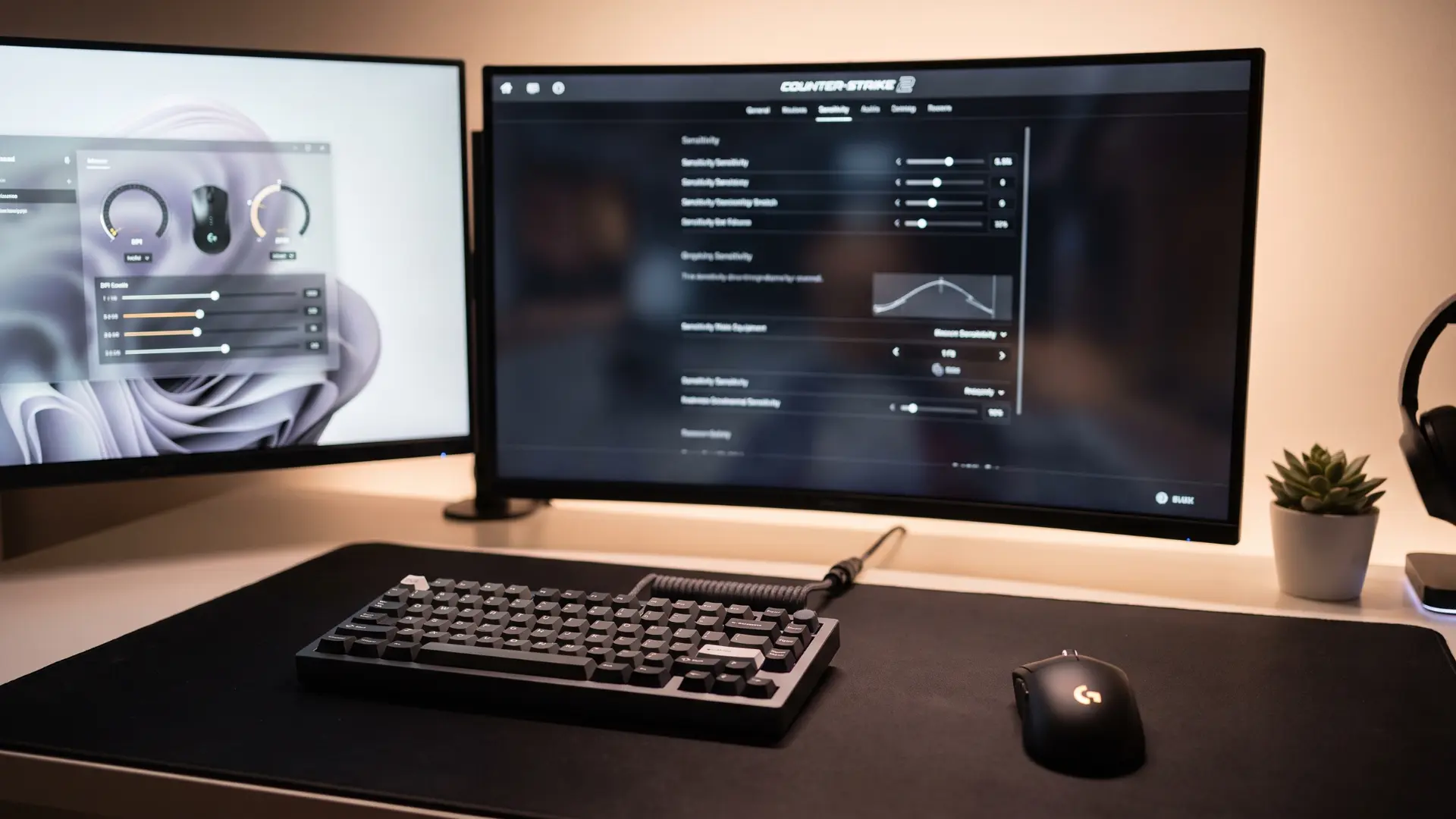
The formula is straightforward. Where it goes wrong is usually invisible, and it happens before CS2 even reads your mouse input.
The Formula and What Each Input Means
eDPI = Mouse DPI × CS2 In-Game Sensitivity
Those are the only two inputs.
Mouse DPI is a hardware setting configured in your mouse software. It controls how many pixels your cursor moves per inch of physical movement. Common values are 400, 800, and 1600.
Many websites, such as Corsair, have added online free calculators for your eDPI.
In-game sensitivity is the multiplier CS2 applies on top of that. You’ll find it under Game Settings → Mouse Sensitivity. Most players sit somewhere between 0.5 and 3.0.
Multiply the two together, and you have your eDPI. CS2 uses a yaw value of 0.022, inherited from CS: GO, which is why eDPI translates consistently into centimeters per 360° turn.
Same eDPI, same physical distance to spin around, regardless of how your DPI and sensitivity are split.
When Do Windows Settings Change the Result?
For most players, Windows mouse settings do not affect CS2 anymore. CS2 uses raw input directly from your mouse, and unlike CS: GO, this is built into the engine by default.
Changing Windows pointer speed or Enhanced Pointer Precision will affect your desktop cursor, not your in-game aim.
Older guides still mention those settings because CS: GO required raw input to be enabled manually. You can still keep pointer speed at the sixth notch and turn Enhanced Pointer Precision off for consistency elsewhere.
If CS2 aim feels inconsistent, check your mouse DPI, software profiles, and polling rate instead.
What Does Your CS2 eDPI Number Actually Mean?
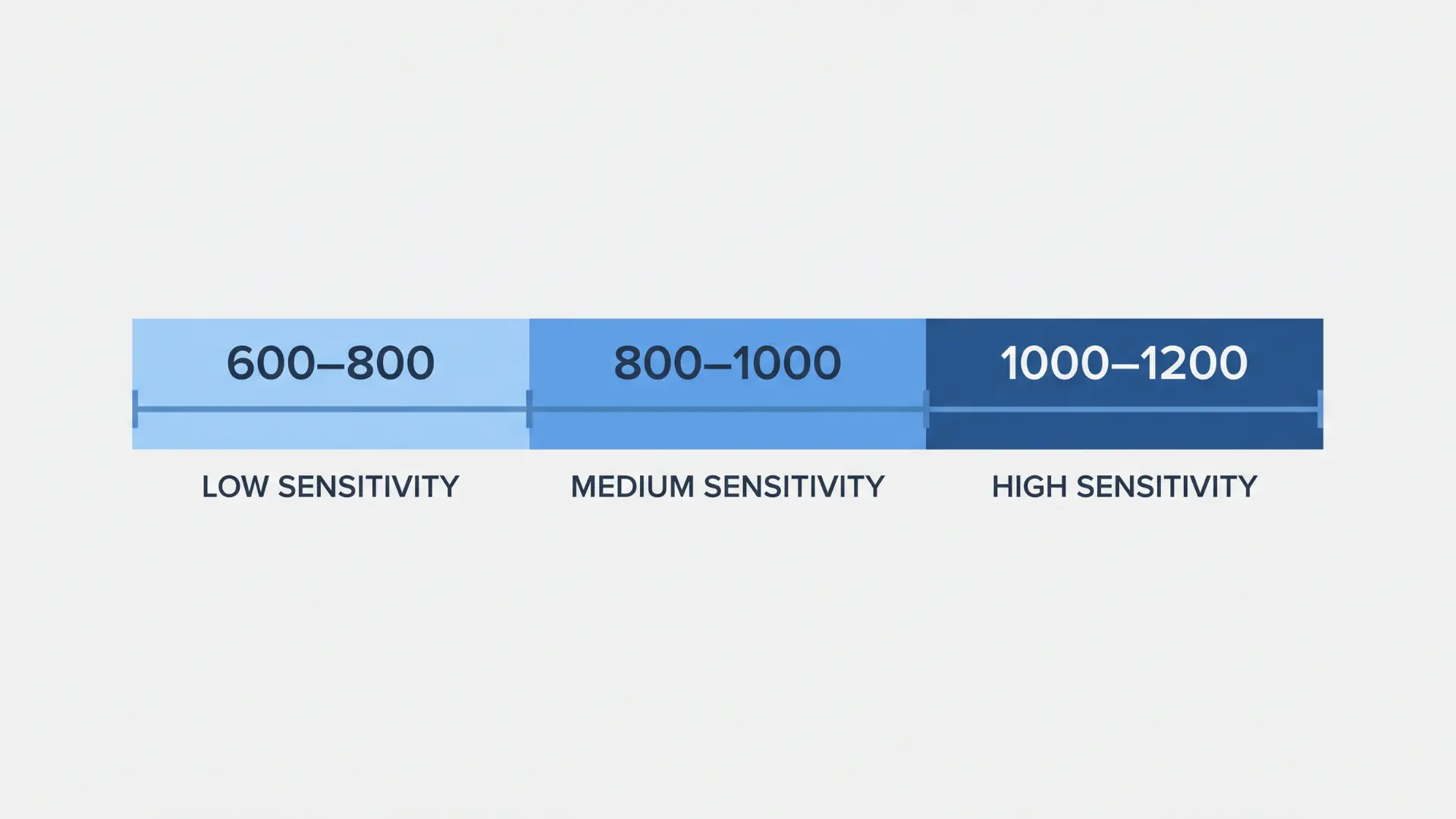
A lower eDPI means your crosshair travels less distance per inch of mouse movement. You get more precision, but you give up some flick speed.
- Lower eDPI (around 600–800) gives you more control over small crosshair adjustments. It helps when holding long angles, where a tiny mistake can decide a fight. The trade-off is that fast flicks and wide turns take more mouse movement.
- Mid-range eDPI (around 800–1000) offers a balance between accuracy and speed. I find most players land here naturally; it holds up across rifle fights and general movement without forcing a hard trade-off.
- Higher eDPI (around 1000–1200) makes quick turns and close-range tracking easier. It suits aggressive players, AWPers, and anyone who relies on fast reactions in tight fights.
Outside the common range: using 2000+ eDPI or sitting below 400 isn’t automatically wrong. The problem is when the number exists because of a random setting rather than a deliberate choice.
Your eDPI doesn’t decide your skill level. It shapes how your aim feels, so pick a number that suits how you play, not one you copied without thinking about it.
If you want to compare your setup with an elite rifler, Donk CS2 settings can show how a pro-level sensitivity setup looks in real play.
How to Adjust Your eDPI Without Losing Your Feel
The most important thing I’d tell anyone changing their sensitivity: know what kind of change you’re actually making. Keeping your eDPI the same only shifts the setup feel. Lowering or raising it changes how your aim behaves.
| Goal | What to Change | Example | What Happens |
|---|---|---|---|
| Keep the same eDPI | Move DPI and sensitivity in opposite directions | 800 DPI × 2.0 sens → 1600 DPI × 1.0 sens | Crosshair speed stays the same; hardware handles input differently |
| Lower your eDPI | Reduce sensitivity gradually | 1600 eDPI → 1400 → 1200 | You gain more control, but you need time to rebuild muscle memory |
| Raise your eDPI | Increase sensitivity in small steps | 800 eDPI → 900 → 1000 | Faster movement, but fine control may suffer initially |
| Make a large change | Avoid doing it all at once | 1600 eDPI → 800 eDPI | Aim will feel worse temporarily, habits no longer match the setting |
| Test a new eDPI | Play before judging | Run a few deathmatch sessions first | Aim needs time to adapt before you know if it actually fits |
A new eDPI rarely feels right immediately. I’ve made that mistake, changed something, played one bad session, and switched back. Give your aim time to settle before you decide the change doesn’t work.
Conclusion
Your sensitivity isn’t just a feeling; it’s a number you can understand and adjust with purpose.
eDPI helps you see how your DPI and in-game sensitivity work together, compare your setup with skilled players, and make changes without randomly chasing a new feel.
The right number depends on your aim style, comfort, and the way you take fights.
An edpi calculator cs2 tool can give you the exact value in seconds, but the real improvement comes from knowing how to use that number.
Check your Windows settings, calculate your eDPI, test changes properly, and give your aim time to adapt. Find a setup that feels natural, then stick with it long enough to build consistency.
Drop your current eDPI in the comments, and what sensitivity setup are you running?
Frequently Asked Questions
What is a Good eDPI for CS2?
Most ranked and professional CS2 players use between 600 and 1200 eDPI. This range gives enough precision for rifle play without requiring excessive mouse movement.
There’s no universally correct number; lower eDPI rewards fine aim control, while higher eDPI suits faster playstyles. Start near 800 and adjust from there based on how your aim feels in deathmatch.
Does Windows Mouse Sensitivity Affect My CS2 eDPI?
No, as long as raw input is active, and in current CS2 builds, it always is.
Raw input bypasses Windows entirely, pulling positional data straight from your mouse hardware, so pointer speed and Enhanced Pointer Precision have zero effect on your in-game sensitivity.
Is eDPI the Same as DPI?
No. DPI is a hardware setting that controls how many pixels your cursor moves per inch. eDPI is a calculated value: your DPI multiplied by your in-game sensitivity.
Two players can have completely different DPI and sensitivity settings but identical eDPI, meaning their crosshairs travel the same distance per inch of mouse movement.
How Do I Convert My CS2 eDPI to Valorant?
Valorant uses a different sensitivity multiplier than CS2. Divide your CS2 eDPI by 3.18 to approximate the equivalent Valorant sensitivity at the same DPI.
The result won’t be exact due to engine differences, but it gives you a close starting point to refine from rather than guessing from scratch.