
GTXGaming comes up constantly in conversations about game server hosting, and so does the confusion around it.
I’ve seen players swear by it and others warn you off it in capital letters. The gap between those two reactions isn’t random.
It comes down to what you’re actually looking for from a host and whether GTXGaming’s specific strengths match your situation.
I’ll break down what the service actually is, how the infrastructure works under the hood, and what the reviews are really telling you so that you can make a call based on facts rather than the loudest voice in a Reddit thread.
What is GTXGaming and What Does It Actually Offer?
GTXGaming is a game server hosting provider, not a GPU brand, not a general web host.
It rents multiplayer game servers to players and communities who want to run their own private or public instances.
The company is UK-based and has been operating since 2007, founded by CEO Matthew Griffin, originally a Counter-Strike player renting out dedicated machines for his own community.
It offers a wide catalog of titles, so you’re not locked into one game, and it runs servers across multiple data centers worldwide.
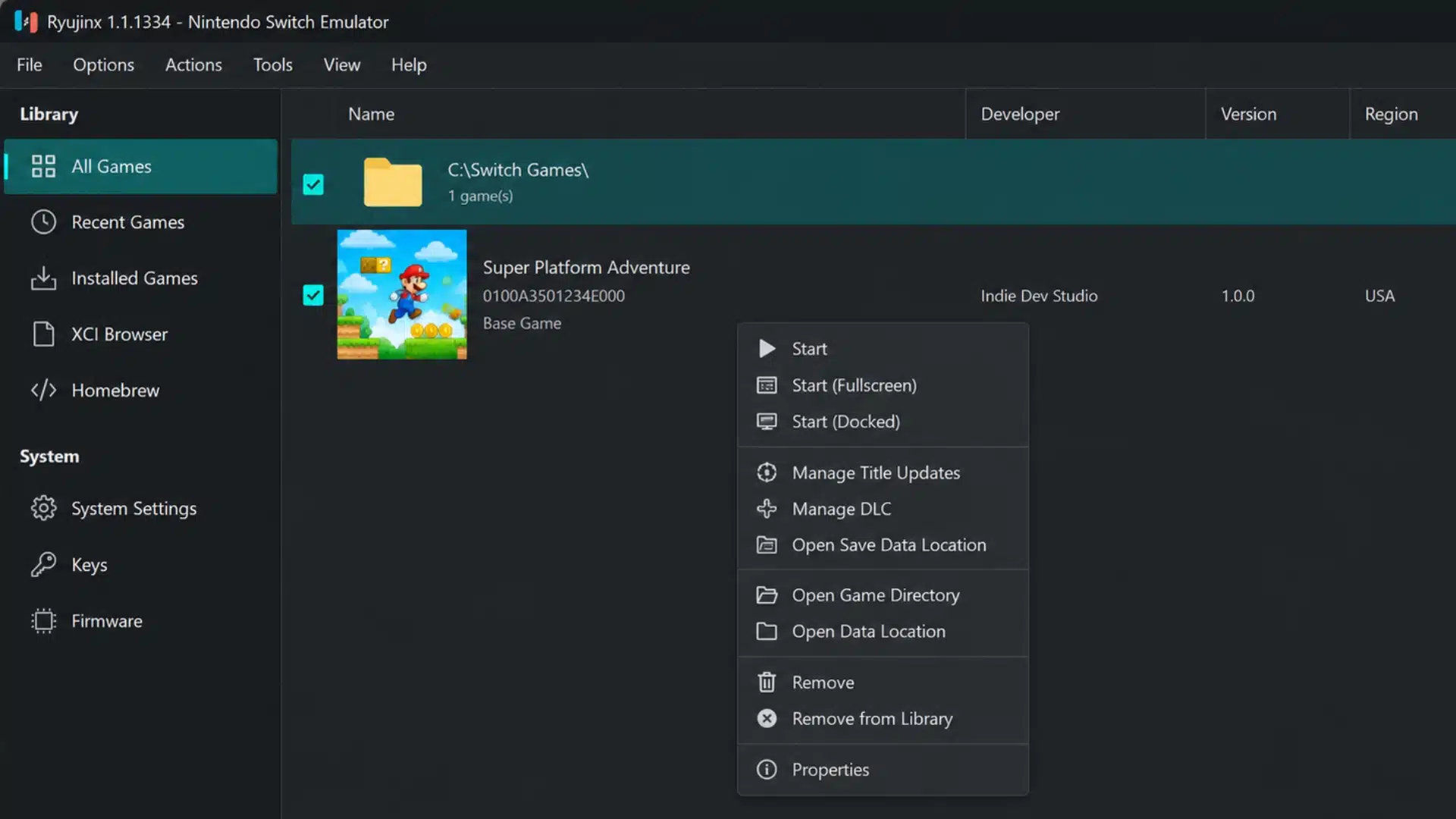
One thing worth understanding before you sign up: GTXGaming manages its own control panel, called GTX CP. GTX CP is your day-to-day interface for restarting servers, managing files, and configuring settings.
It holds a 4.7 Trustpilot rating from over 1,400 reviewers, and that score is earned mostly through response time.
When something goes wrong at the hardware level, GTXGaming’s support team can respond to the issue. They usually cannot control the underlying hardware directly.
This is because many hosting providers lease data center space from third parties rather than owning it outright.
Some failures sit outside the support team’s ability to fix directly, no matter how fast they reply to your ticket.
Which Games Does GTXGaming Host?
GTXGaming supports a large multi-game catalog. ARK: Survival Evolved, Space Engineers, and Arma Reforger are among the most popular titles on the platform.
Not every title in the catalog receives the same level of optimization, so it is worth checking community forums for your specific game before committing to a plan.
The games with the highest player counts on their platform tend to get the most attention.
The catalog also changes regularly. Titles get added and occasionally removed, so I’d recommend checking the A-Z page directly before making a decision based on a specific game.
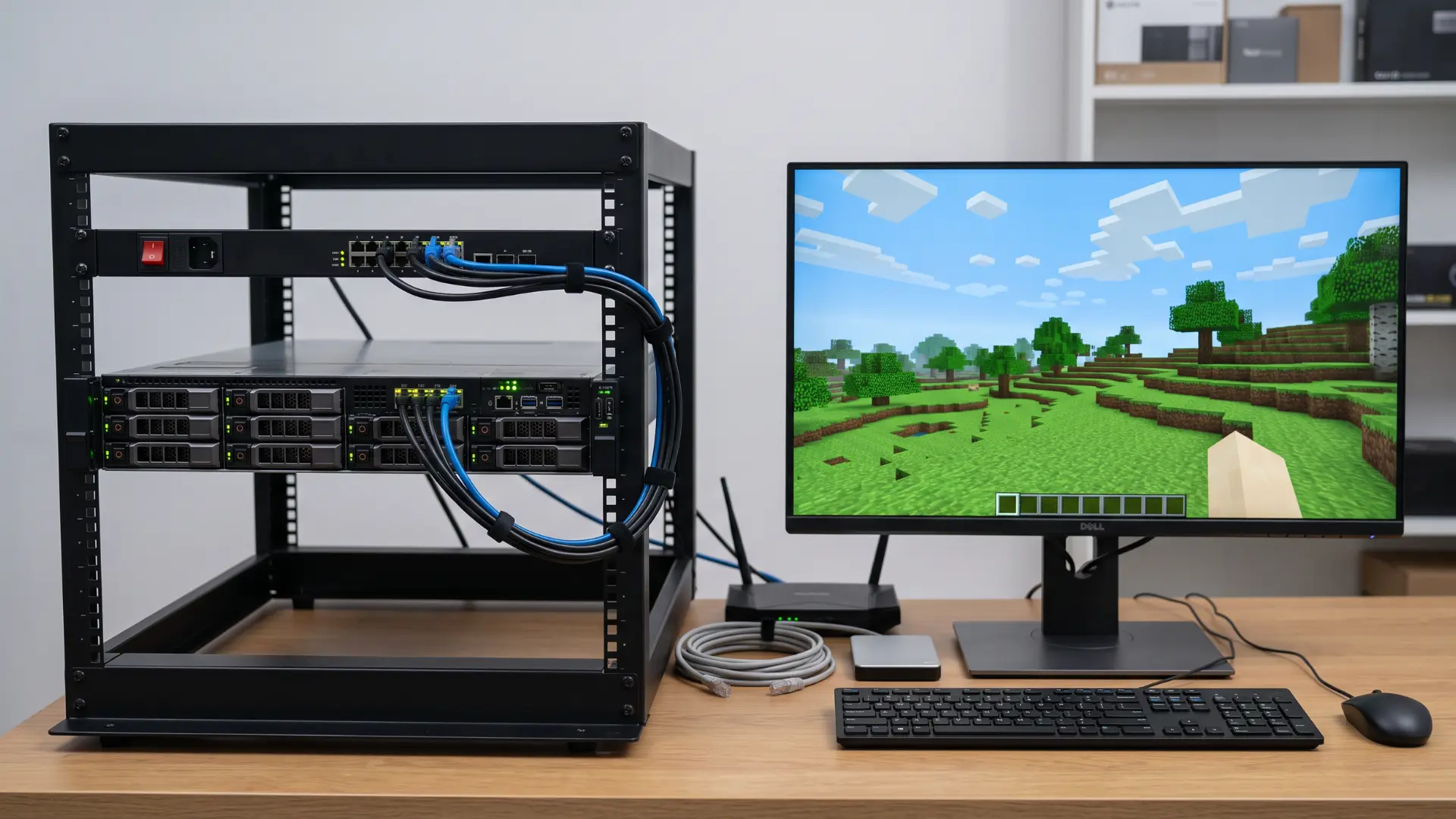
GTXGaming also runs a free, permanent 3GB Minecraft server with no credit card required and no expiry date, which is a genuinely unusual offer for testing the platform before you commit money to a bigger plan.
How Does GTXGaming’s Performance and Infrastructure Work?

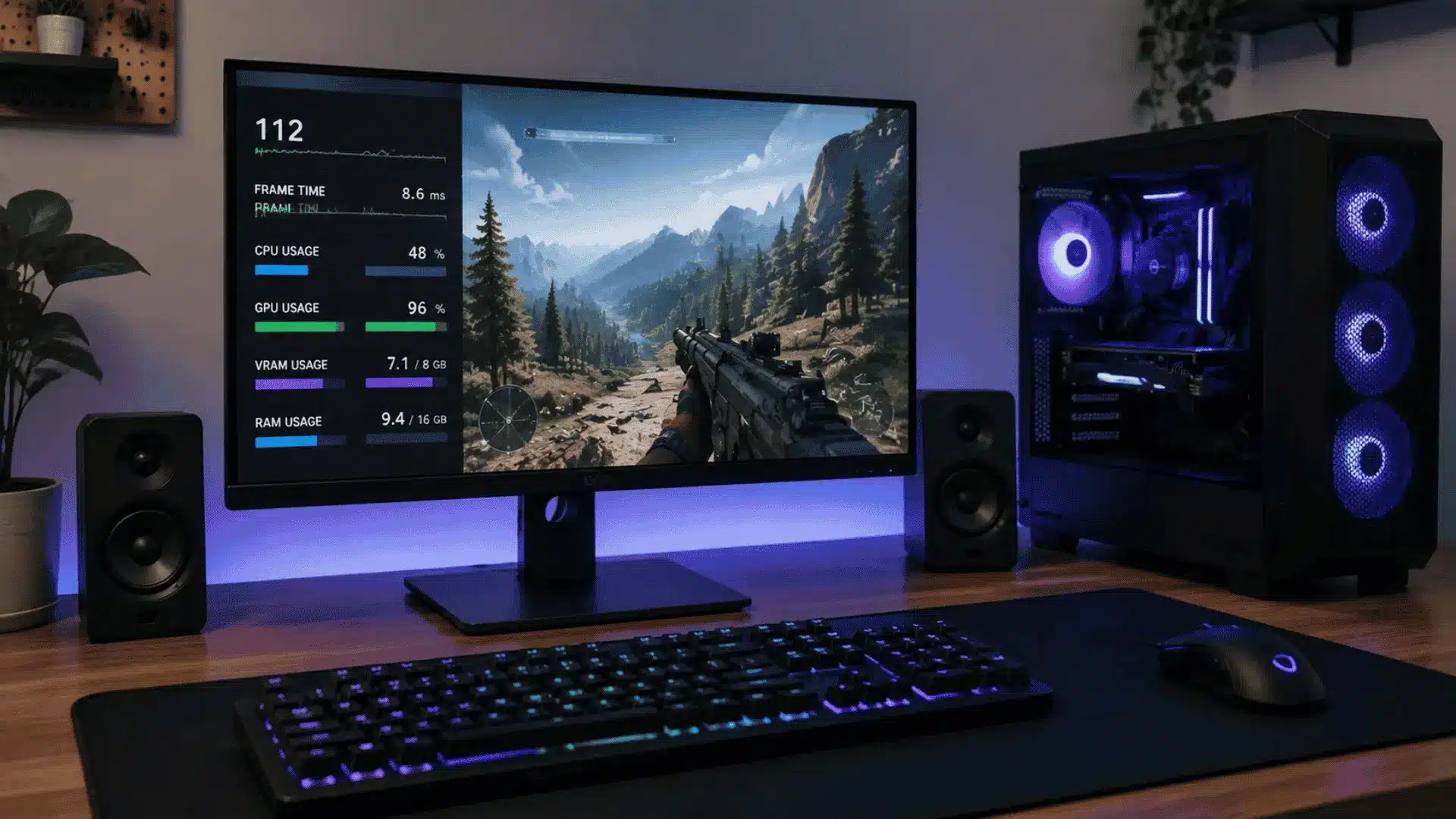
GTXGaming runs on AMD Ryzen and EPYC processors, with DDR5 memory and NVMe storage, which directly affect how stable and responsive your server feels during play.
Independent reviews clock its shared infrastructure at up to 5.7GHz, which puts it near the top of the pack for a shared-hosting-tier host.
Hardware Specs and What They Mean for Game Servers
NVMe storage is the part I see most hosts gloss over. For game servers, storage speed isn’t about boot times. It’s about how fast the server can write world saves and player data to disk.
Games like ARK save large world states constantly. If the storage can’t keep up, saves stall, rollbacks happen, and players lose progress. NVMe handles those writes significantly faster than older SSD or HDD setups.
The AMD Ryzen and EPYC processors handle the CPU-side load, running game logic, managing player connections, and maintaining stable tick rates under pressure.
In my own testing on rented hardware, write speed under load matters more for a game like ARK than raw clock speed ever does, since a server that stutters on saves loses progress even if it feels fast in every other respect.
Keeping CPU temps in check matters just as much on a rented server as it does on your own rig, even though you don’t control the cooling yourself.
Data Center Locations and Choosing the Right Region
An independent review reported roughly 28 GTXGaming locations worldwide, including London, Paris, Dallas, Los Angeles, Singapore, and Sydney.
That’s a wider footprint than most hosts in this price tier, not a UK-and-Europe-only setup.
The location you pick at signup determines the baseline ping for every player who connects. Pick a server in the wrong region, and even good hardware won’t save you.
A player connecting from Australia to a US-based server will feel that distance in every interaction.
GTXGaming’s Minecraft page includes a built-in ping tester so you can check latency to each location before you commit to one.
My advice: choose the region closest to the majority of your players, not closest to you.
Dialing in your own setup only gets you so far if the server itself is three continents away from half your player base.
What Do GTXGaming Reviews Actually Show?
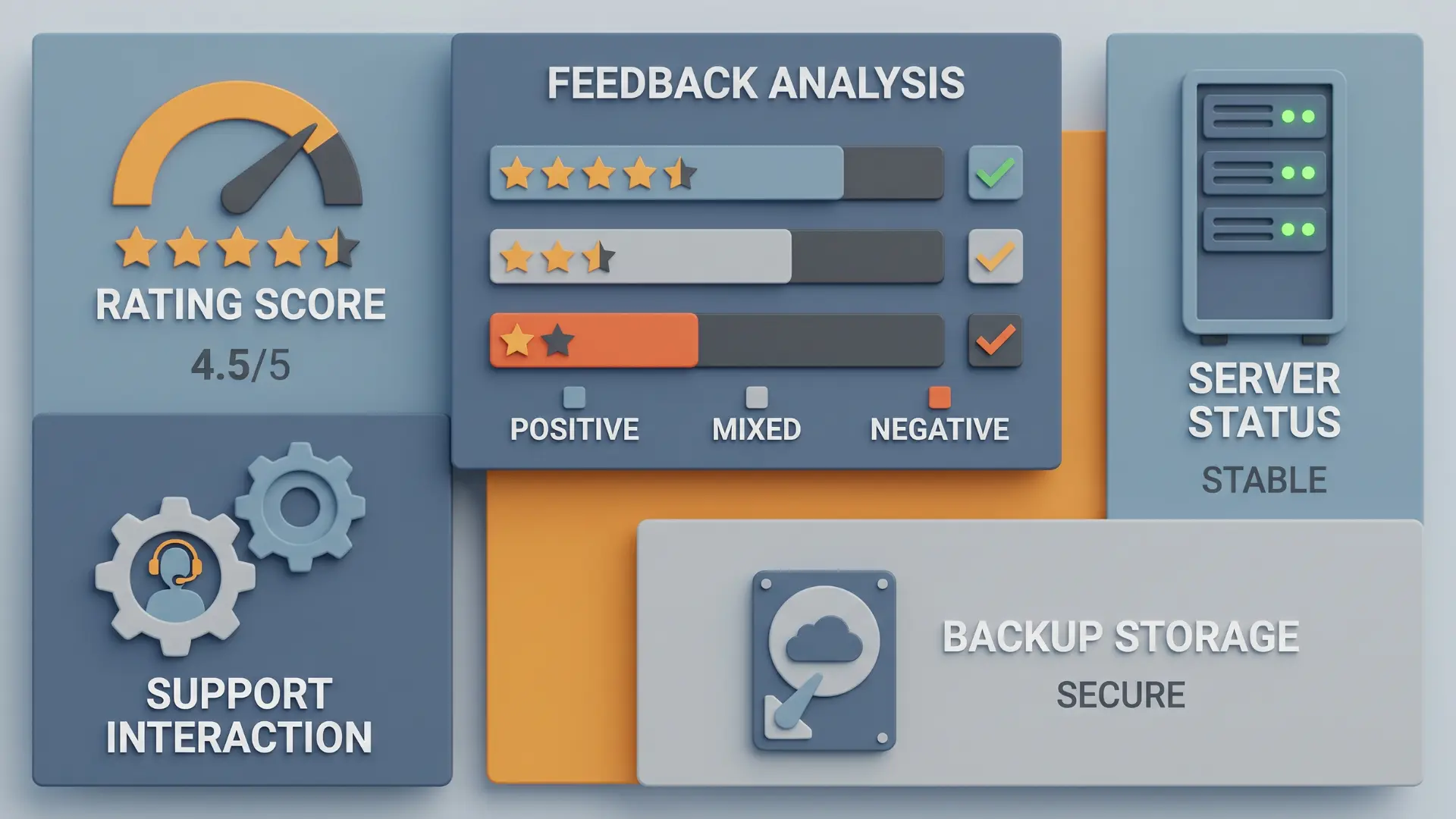
GTXGaming holds a 4.7 rating on Trustpilot based on 1,400+ reviews, but the overall sentiment is split in a way that matters more than the score itself.
The difference comes down to what users experience when things go right versus when they go wrong.
- Positive feedback: Users consistently mention fast ticket responses, quick issue resolution, and professional support interactions. This pattern shows up often enough across independent reviews to be a reliable strength of the service.
- Support experience: Many reviews highlight that the support team is responsive and technically helpful, especially when handling setup issues, configuration problems, or routine troubleshooting. Support staff is named repeatedly across reviews, which is usually a sign the team actually engages with problems instead of following a script.
- Negative feedback: Some users report occasional downtime, performance issues, or server instability. While less common than positive support reviews, these reports suggest that experiences can vary.
- Core concern: These complaints are less about response times and more about reliability at the infrastructure level, where support cannot reverse lost world data or restore missing saves in every case.
The key distinction is simple: support quality appears strong, but it does not eliminate the risks associated with server stability and data integrity.
A fast response is helpful, but it comes after the issue has already occurred.
Given this, it is worth setting up regular manual backups of your server data regardless of how responsive your host’s support team is.
Worth knowing too: refunds are only available within a 24-hour window of purchase, so test a plan quickly if you’re on the fence before that window closes.
GTXGaming vs. Nitrado: Which Should You Choose?

Both GTXGaming and Nitrado sit in the same hosting tier, so the decision mainly depends on region, game type, and how each platform fits specific server needs.
| Factor | GTXGaming | Nitrado |
|---|---|---|
| Reliability | Strong support response, but community reports include occasional data loss incidents | Generally stable, but community reports include lag issues and occasional server deletions |
| Data Center Coverage | Roughly 28 locations across the UK, Europe, North America, and Asia-Pacific | Broad global coverage with strong multi-region availability |
| Control Panel | GTX CP, simpler workflow for server management | Feature-rich panel, slightly more complex for new users |
| Community Feedback | Often preferred for ARK and Space Engineers servers | Mixed feedback depending on the game title and region |
| Free Trial | Permanent free 3GB Minecraft server, no card required | No permanent free tier |
| Best Fit Use Case | EU/UK-based communities, ARK, and Space Engineers focus | Broad global hosting needs across multiple games |
Both providers offer similar core hosting capabilities, so the better choice depends on the player’s location, game selection, and preferred control panel experience.
How Much Does GTXGaming Cost?
GTXGaming pricing depends on several factors, so there is no single cost that applies to every server. The game you choose is usually the biggest factor, as some titles require more resources than others.
The number of player slots also affects the monthly price, with larger servers costing more than smaller ones. Server location can also make a difference, as pricing may vary across data centers.
Optional hardware upgrades, such as additional memory or higher-performance resources, can increase costs.
Modded servers often require more processing power and storage, which may result in a higher monthly fee compared to a standard server setup.
Running a modded lineup is worth budgeting for up front rather than discovering the extra cost after your world is already built.
Conclusion
GTX Gaming holds up as a capable host: quick support, solid AMD hardware, and a game catalog wide enough to cover most communities.
The real risk sits at the infrastructure level, where a minority of users report lost saves or unstable servers that support cannot fully undo.
That risk is not unique to this provider, but it does mean backups are not optional.
Pick a region close to your players, keep manual backups running no matter which host you use, and you start from a stronger position on day one.
Ready to see if your game is on the list? Check GTXGaming’s site and compare plans before you commit.
Frequently Asked Questions
What is GTX Gaming Game Server Hosting?
GTXGaming is a UK-based game server hosting provider that rents multiplayer servers for titles such as ARK, Space Engineers, and Arma Reforger. Players manage their server through GTX CP, the company’s own control panel, while the underlying hardware sits in third-party data centers. It has operated since 2007 and covers a broad multi-game catalog.
Is GTX Gaming Reliable for Game Servers?
GTXGaming’s reliability leans solidly, especially for support. Trustpilot reviews consistently praise fast ticket responses and knowledgeable staff. That said, a minority of users report occasional data loss or server instability, and support cannot always reverse a missing save. Running your own regular backups closes that gap regardless of how responsive the team is.
How Much Does GTX Gaming Cost?
Pricing depends on the game, player slot count, server region, and any hardware upgrades you add. Standard servers for popular titles tend to start at a modest monthly rate, while modded servers cost more because they need extra processing power and storage. Check the specific game page for current plan pricing before committing.
Does GTX Gaming Support ARK Survival Evolved Servers?
Yes. GTXGaming supports ARK: Survival Evolved with configurable settings, mod support through an automated updater, and a choice of server regions to reduce ping. It is one of the more popular titles on the platform, and the control panel includes ARK-specific tools for cluster setups and map switching that casual hosts often lack.