I have rebuilt enough PS4 consoles to know one question comes up almost every time: can they still play those old PlayStation discs sitting on the shelf?
It’s a fair question. Sony supported older games on the PS2, and some PS3 models could even handle disc-based backward compatibility, so plenty of players just assume the PS4 carries that same feature forward.
Whether it actually does comes down to one specific hardware decision Sony made years before the PS4 ever shipped, and it’s not the kind of thing a settings menu or a software update can fix.
Here’s exactly what the PS4 can and can’t do with your old library, and what your real options are.
Can PS4 Play PS3, PS2, and PS1 Games?
No. The PS4 cannot play PS3, PS2, or PS1 game discs, and it does not natively run digital games from those consoles either.
This limitation applies to every PS4 version Sony released, including the original PS4, PS4 Slim, and PS4 Pro. None includes the hardware needed to read or run games made for earlier PlayStation systems.
You may come across forum posts or videos claiming certain PS4 models offer full backward compatibility. Those claims are incorrect.
Some older PlayStation games were later re-released, remastered, or made available through Sony’s digital services. However, that does not mean the PS4 can run your original PS1, PS2, or PS3 library directly.
For physical discs, no supported workaround or console setting enables compatibility.
PS4 Backward Compatibility by PlayStation Generation
The quick comparison shows which PlayStation generations work directly on PS4 and which ones require streaming, remasters, or digital releases instead.
PlayStation Generation | Original Discs on PS4 | Original Digital Games | Other PS4 Options |
|---|---|---|---|
PS3 | No | No | Streaming and remasters |
PS2 | No | No | Selected digital releases and remasters |
PS1 | No | No | Selected digital releases and remasters |
PS4 | Yes | Yes | Native support |
PS4 games run natively, and everything older needs a workaround.
Why Doesn’t the PS4 Play Older PlayStation Games?
The PS4 dropped older PlayStation compatibility mainly because Sony changed the console’s processor architecture and moved away from specialized legacy hardware.
I’ve had customers ask me to “unlock” PS3 support on a PS4 more than once; there’s no unlock hiding in a settings menu, because the chip doing the work is a genuinely different chip.
- PS3 Cell processor: The PS3 used Sony and IBM’s unusual Cell processor, which divided workloads across several specialized processing units.
- Difficult PS3 emulation: Reproducing the Cell processor’s split-core design in software requires substantial processing power, making accurate PS3 emulation demanding on PS4 hardware.
- PS4 x86 architecture: Sony switched to a more conventional x86 processor, similar to PC hardware, which simplified development and reduced production complexity.
- Different hardware designs: PS3 games were created specifically around Cell architecture, so they cannot simply run on the PS4’s completely different processor.
- PS2 emulation was easier: Sony could emulate selected PS2 games because their architecture was less demanding to reproduce than the PS3’s Cell system.
- Compatibility was not prioritized: Sony focused the PS4 design on modern development, performance, and lower complexity rather than maintaining native support for previous generations.
That trade-off made PS4 development easier for Sony and made things harder for anyone hoping to just pop in an old disc.
How Can You Play Older PlayStation Games on PS4?
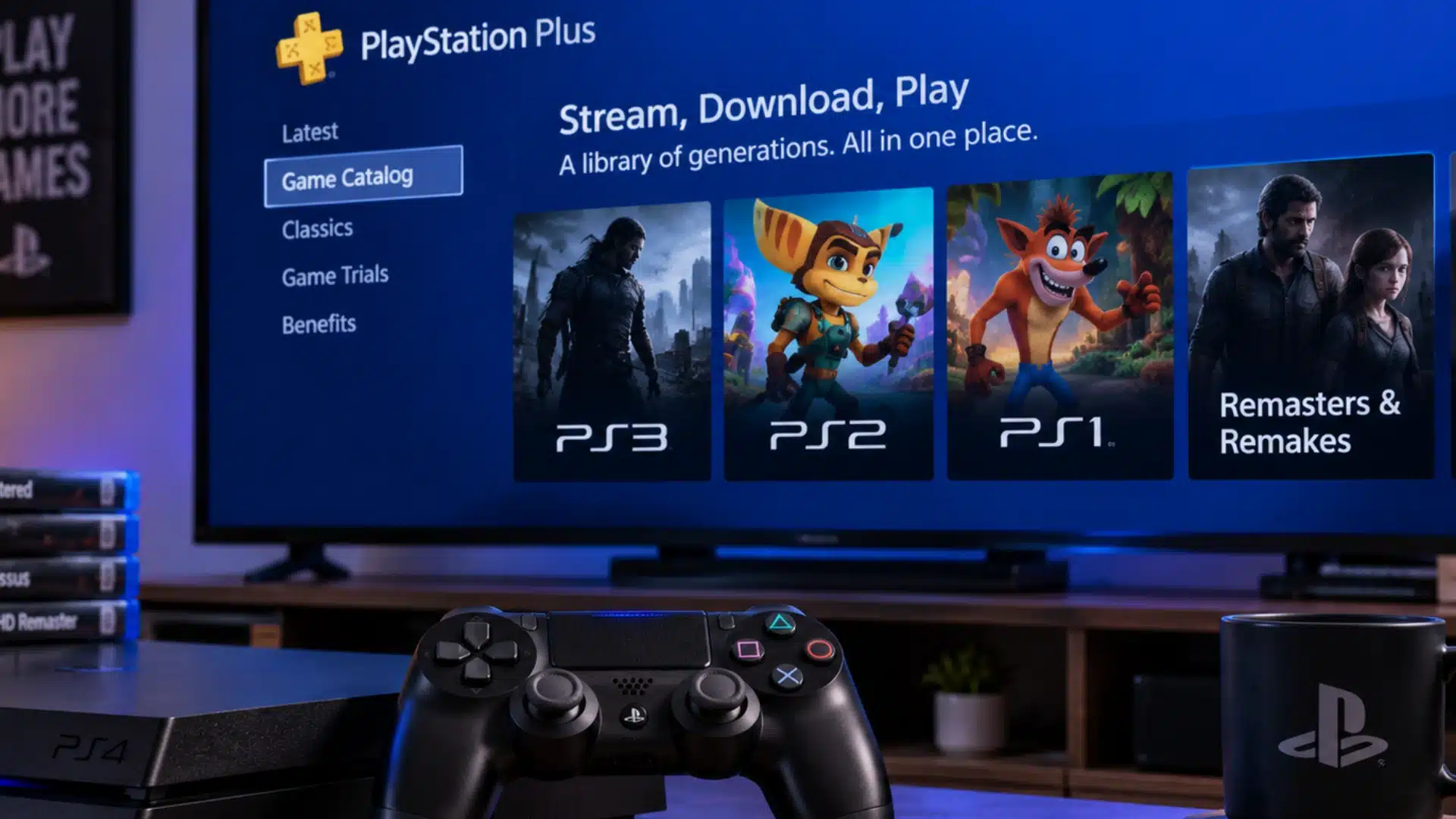
You still have several official ways to play older PlayStation games on a PS4, even though original legacy discs will not work.
1. Streaming Through PlayStation Plus
PlayStation Plus Premium lets PS4 users stream selected PS3, PS2, and PS1 games from Sony’s changing catalog without using original discs.
An active subscription and reliable internet connection are required, and individual games may disappear whenever Sony updates the available streaming library.
2. Digital Classics for PS2
Sony released a limited selection of PS2 games as digital purchases, with each title using emulation configured specifically for PS4 hardware.
Only supported digital releases work this way, so inserting a regular PS2 disc into your PS4 still won’t do anything.
3. Remasters and Remakes
Many well-known PS1, PS2, and PS3 games received PS4 remasters or remakes that run as native versions built for newer hardware.
If you’re weighing which PS1 originals are worth chasing down first, our rundown of the best PS1 games flags which ones already have a solid PS4 remake or remaster.
Check the PlayStation Store for an updated release, since these versions can provide improved visuals, performance, controls, or additional content.
These options do not restore full backward compatibility, but they give PS4 owners practical ways to revisit selected games from earlier generations.
PS4 Backward Compatibility Myths You Should Ignore
Several common claims about PS4 backward compatibility confuse PS4 limitations with PS5 support, unofficial modifications, or separately released classic games.
- PS5 compatibility is different: The PS5 supports most PS4 games, but that does not mean the PS4 supports earlier PlayStation generations. If you’re weighing a jump to Sony’s current console, this console gaming hub is a useful starting point for what changes.
- Older PS4 models are not different: Original PS4, Slim, and Pro consoles share the same basic limitations for PS3, PS2, and PS1 games.
- Jailbreaking does not add native support: Modified PS4 systems may run unofficial software, but they do not suddenly gain normal backward compatibility.
- Remasters are separate releases: A PS4 version of an older game is usually rebuilt or converted rather than the original game running directly.
- Digital availability is not compatibility: Finding a classic PlayStation title digitally does not mean PS4 can install every older digital purchase you previously owned.
- No update secretly added compatibility: Sony never released a system update that enabled full PS3, PS2, or PS1 backward compatibility on PS4.
Knowing these apart saves you from chasing a fix that was never going to work in the first place.
Conclusion
After years of working on PS4 consoles, one thing stays clear: older PlayStation discs simply are not part of the system’s design.
The PS3’s Cell processor is too different from the PS4’s x86 hardware for easy native support, which is why PS4 backward compatibility remains limited.
Your best options are PlayStation Plus streaming, selected digital PS2 classics, and official remasters or remakes.
I usually recommend checking the PlayStation Store first, because availability varies by title. If you are moving to a PS5, most PS4 games are supported there, giving your current library more breathing room.
Still unsure about a specific game or version? Drop its name in the comments, and share how you are playing your older PlayStation favorites today.
Frequently Asked Questions
Can I use a PS3 or PS2 controller on my PS4?
No, not for actual gameplay. The PS4 doesn’t officially support DualShock 3 controllers for in-game input, even when connected by USB, a few accessibility exceptions aside. PS1 and PS2 controllers use older physical connectors that won’t plug into a PS4 at all. If you miss that older layout, the closest fix is finding a current DualShock 4 or DualSense with a similar button feel.
Will my PS3 or PS2 save data transfer to a PS4?
No. PS3 saves and PS2 memory card data use storage formats the PS4 can’t read. Sony’s official transfer tools move data from PS4 to PS4, or PS4 to PS5, not backward from older systems. If an old save matters to you, your safest bet is keeping the original console around and backing it up locally rather than hoping for a PS4 workaround.
Is the PS5 backward compatible with PS4 games?
Yes, and it’s a separate feature that runs in the opposite direction. The PS5 supports the vast majority of PS4 games natively, both disc and digital. That’s different from PS4-to-older-generation compatibility, which doesn’t exist. Confusing the two is a common reason people land on this question.
Is it legal to emulate PS3 or older PlayStation games on PC instead?
The emulator software itself is generally legal to own and run. What gets risky is the game files: downloading a ROM or ISO for a game you don’t already own crosses into piracy in most places, even if the emulator is clean.