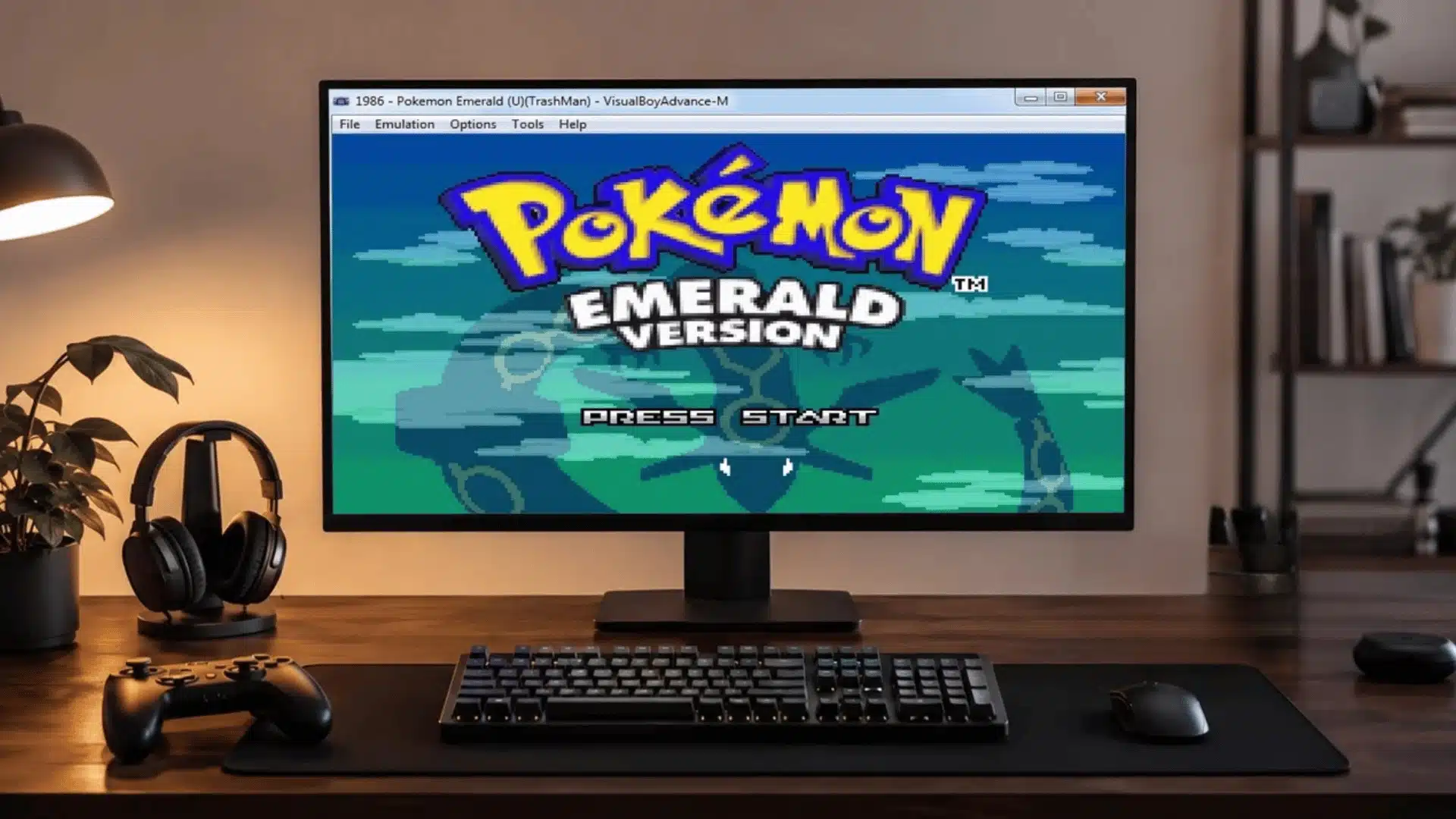
Picking a Pokémon emulator sounds simple until you load a Nintendo DS game into a Game Boy Advance program and nothing happens.
Different consoles need different software, and the wrong match wastes hours before you even start playing.
Steph tests these setups the same way she works through her guides, by trying it herself and noting exactly what breaks.
Finding the best Pokémon emulator comes down to matching your generation, your device, and what you actually want once the game loads, whether that is trading, grinding, or replaying a childhood favorite.
Here is what actually separates a smooth setup from a frustrating one.
Features That Matter Before Choosing a Pokémon Emulator
A good Pokémon emulator depends on more than game support; performance, controls, and extra features shape the overall experience.
- Game compatibility: Does it run your generation cleanly, without glitches in specific battles or save points?
- Save states and backups: Useful for long RPG progress and testing tricky battles, but never a replacement for your real save file.
- Speed controls: Cut grinding and egg hatching down from hours to minutes without changing how the game plays.
- Controller support: Keyboard works for short sessions, but comfort matters once you’re logging real hours.
- Trading and multiplayer: Needed for trade evolutions like Machoke or Kadabra, and for a complete Pokédex.
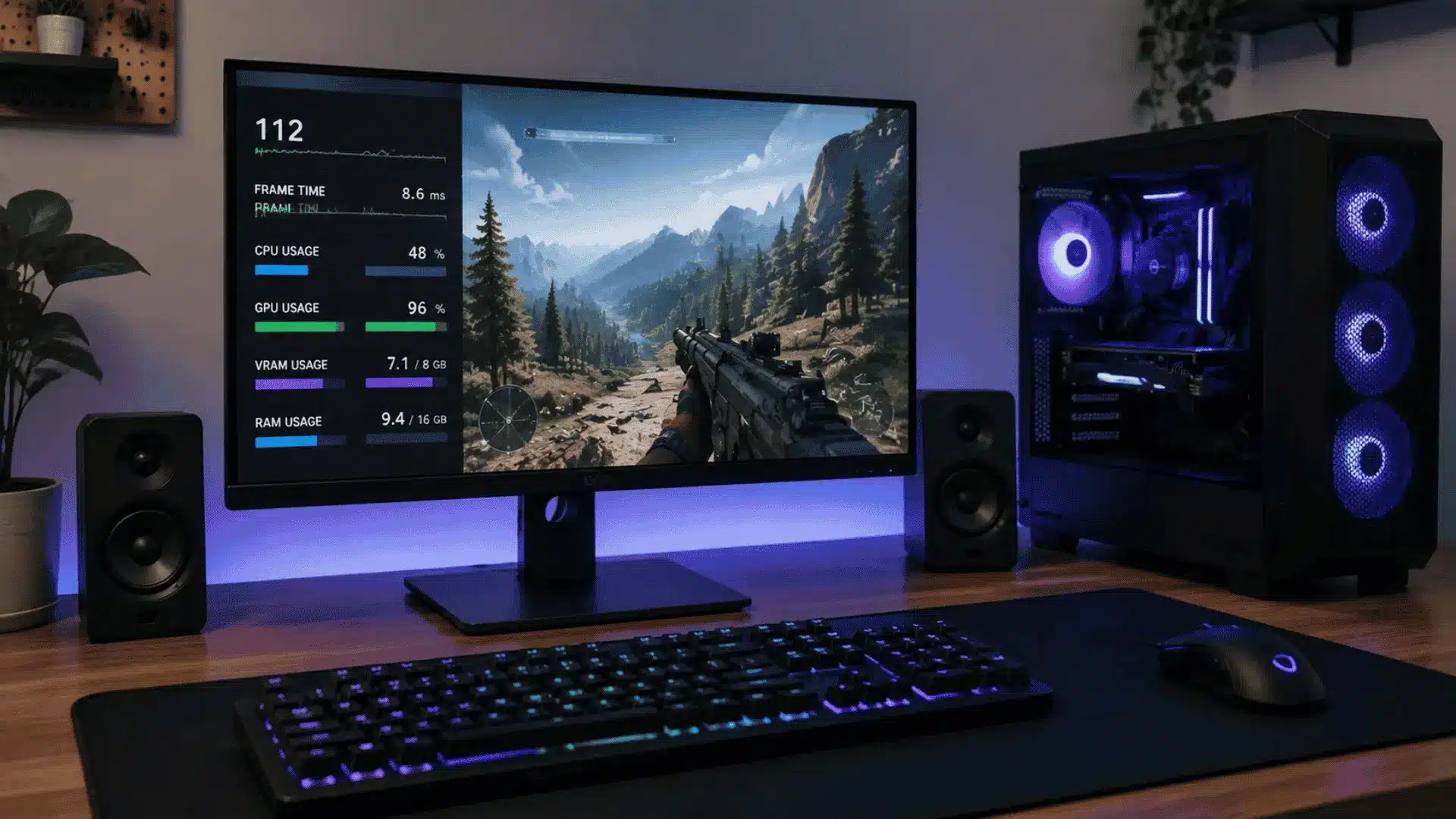
- Performance requirements: Older games run fine on basic devices, but 3DS and Switch era titles need real hardware behind them.
Check these against your own setup before you install anything.
A weak laptop struggling with Azahar usually just means the software and the hardware haven’t been matched up yet.
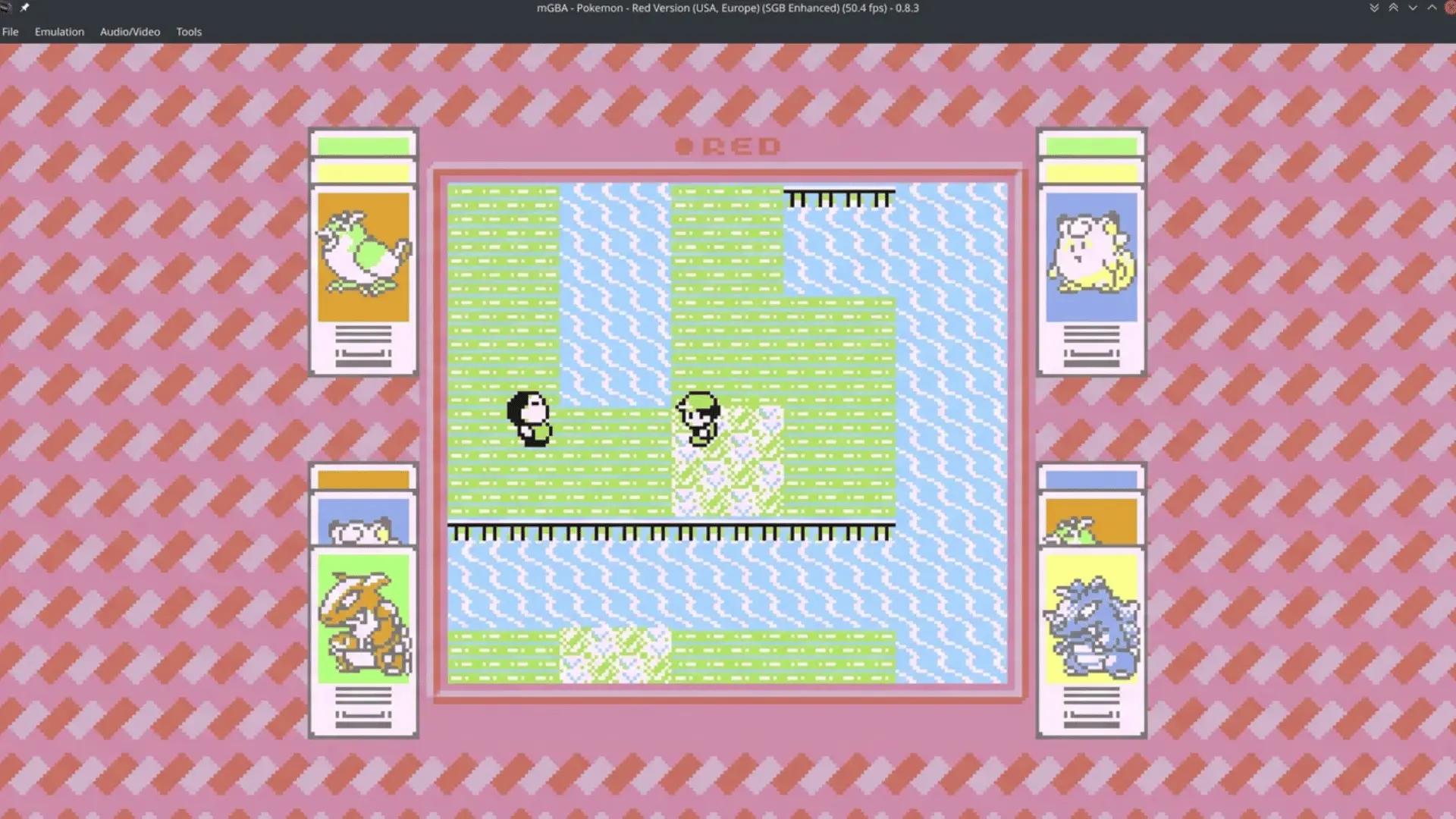
mGBA: Best Pokémon Emulator for Game Boy, Game Boy Color, and Game Boy Advance Games
Source: CubicleNate
No single emulator plays every Pokémon game, so the first move is matching the tool to the console generation you actually want.
mGBA covers Game Boy through Game Boy Advance, melonDS covers Nintendo DS, Azahar covers 3DS, and Ryujinx covers Switch.
If your favorite adventures started in Kanto, Johto, or Hoenn, mGBA covers the generations most players return to. It supports Generation 1, Generation 2, and Generation 3 Pokémon games.
That includes Red, Blue, Yellow, Gold, Silver, Crystal, Ruby, Sapphire, Emerald, FireRed, and LeafGreen. For classic Pokémon fans, this covers nearly every major handheld release before the Nintendo DS era.
mGBA stands out because it delivers accurate emulation without demanding powerful hardware. It works well as a Pokémon emulator PC option on Windows, macOS, and Linux with simple setup.
The emulator includes save states, fast-forward controls, controller support, cheat options, and ROM hack compatibility.
These features make grinding levels, replaying sections, and testing fan-made games much more convenient.
Its lightweight design makes mGBA reliable even on older systems that struggle with heavier emulators. If you want a simple way to replay classic Pokémon titles, it remains an excellent choice.
How to Set Up mGBA?
Getting mGBA running takes a few minutes once you know the order.
- Download mGBA from the official source.
- Install or extract the emulator.
- Configure keyboard or controller controls.
- Adjust video and audio settings.
- Load your legally obtained Pokémon game file.
- Create regular save backups.
Skip step six and you’ll regret it the first time a save file corrupts. It happens more often than people expect.
melonDS: Best Pokémon Emulator for Nintendo DS Games
Source: MelonDS
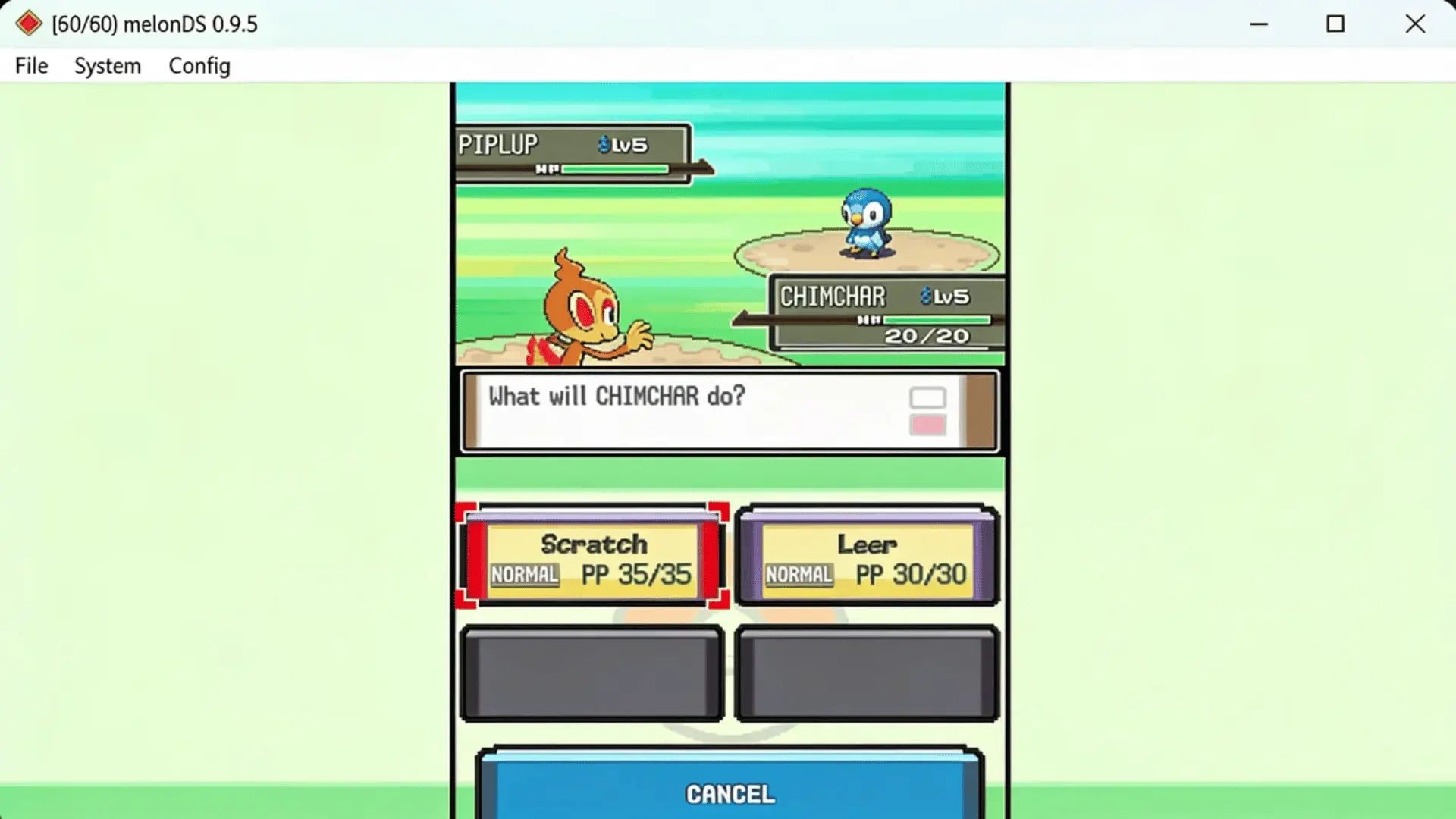
Diamond, Pearl, and the HeartGold and SoulSilver remakes introduced many players to DS-era Pokémon. melonDS focuses on Generation 4 and Generation 5 games with accurate Nintendo DS emulation.
It supports Diamond, Pearl, Platinum, HeartGold, SoulSilver, Black, White, Black 2, and White 2.
That gives players access to four major Pokémon releases through one emulator without switching between different tools.
melonDS was designed around Nintendo DS hardware, which helps it handle features older emulators often struggle with. Dual screens, touch controls, and DS-specific gameplay elements work more naturally here.
The emulator includes dual-screen support, touchscreen controls, multiplayer features, save states, resolution scaling, and performance adjustments. These options make classic DS Pokémon games feel better on modern displays.
Trading and multiplayer features are where melonDS becomes especially useful for dedicated players. If completing the Pokédex matters, its DS-focused approach makes those features easier to manage.
How to Set Up melonDS?
The setup takes a bit more attention than mGBA because of the dual-screen layout.
- Install melonDS.
- Configure DS system settings.
- Set up screen layout.
- Map keyboard or controller controls.
- Adjust performance settings.
- Load your game file.
Screen layout trips up a lot of first-time users. Get it wrong and the bottom touch screen becomes unusable mid-battle.
Azahar: Best Pokémon Emulator for Nintendo 3DS Games
Source: N-tertainment X-tended
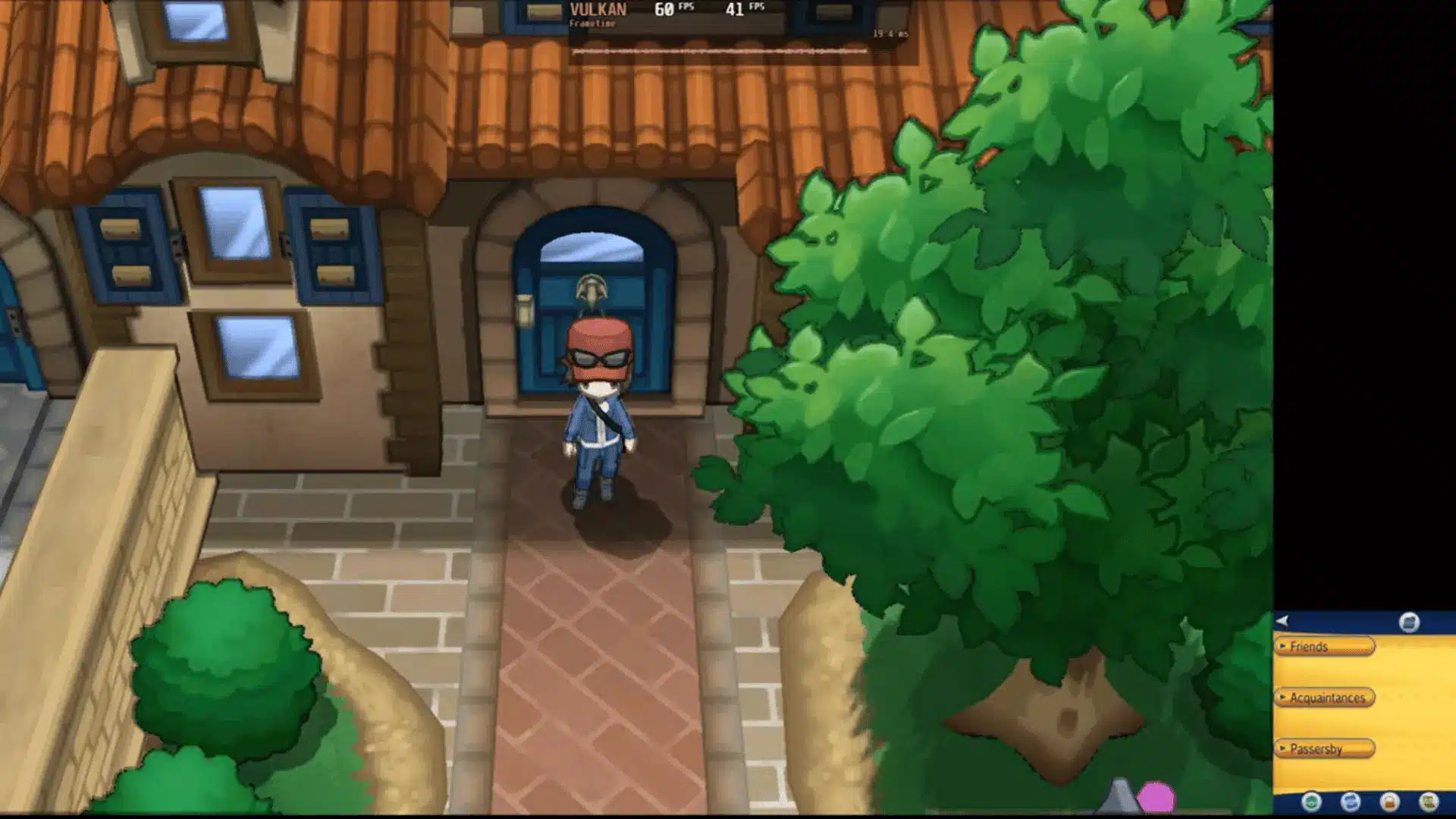
X and Y moved Pokémon into full 3D, creating new demands for emulation. Azahar focuses on Generation 6 and Generation 7 games and supports Nintendo 3DS.
It supports X, Y, Omega Ruby, Alpha Sapphire, Sun, Moon, Ultra Sun, and Ultra Moon. This covers the complete mainline Pokémon lineup released during the 3DS generation.
Azahar is designed specifically around 3DS hardware, making it better suited for games that rely on advanced graphics and system features. It requires stronger hardware than older handheld emulators.
The emulator offers 3DS graphics support, resolution scaling, controller support, save management, and customizable settings. These options help improve visual quality while giving players more control over performance.
Hardware power matters more with 3DS emulation than earlier systems.
A capable computer can deliver smooth gameplay, while weaker devices may struggle with demanding areas or higher resolution settings.
How to Set Up Azahar?
3DS emulation asks a bit more of your hardware, so setup includes a few extra checks.
- Install Azahar for your device.
- Configure graphics settings.
- Set up controller controls.
- Adjust resolution.
- Load required files.
- Test performance settings.
Don’t skip testing performance before you dive into a full playthrough. Catching a slowdown early saves a frustrating session later.
RetroArch: Best All-in-One Pokémon Emulator Setup
Source: Free Emulator
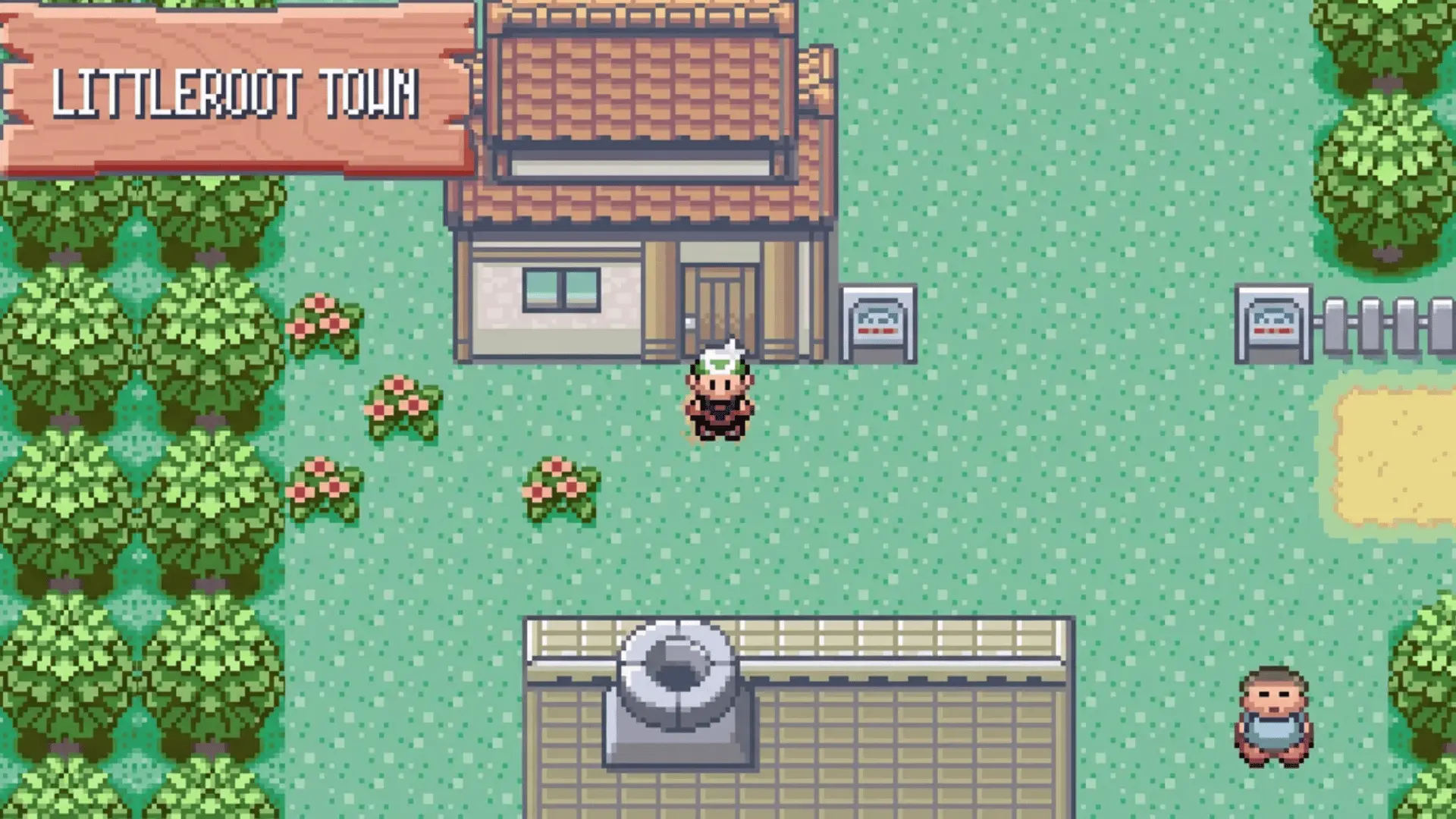
Some players prefer having one application instead of multiple emulators. RetroArch combines different systems through emulator cores, supporting Game Boy, Game Boy Color, Game Boy Advance, and Nintendo DS Pokémon games.
Unlike standalone options, RetroArch is not a dedicated Pokémon emulator. It works as a frontend that lets you install and manage different emulator cores through one unified interface.
It can handle a wide range of classic Pokémon titles, including older handheld generations.
However, Nintendo DS performance depends heavily on the specific core you choose and your device’s hardware.
RetroArch includes multiple emulator cores, cross-platform support, controller profiles, shaders, save management, and achievement support. These tools make switching between different Pokémon systems much easier.
The biggest advantage is convenience. You can move between games like Emerald and HeartGold without opening separate programs, making it ideal for players who want a single organized setup.
How to Set Up RetroArch?
RetroArch has one extra step compared to standalone emulators: downloading cores separately.
- Install RetroArch.
- Download required emulator cores.
- Configure controls.
- Import game files.
- Adjust graphics settings.
Missing this core-download step is the most common reason people think RetroArch is broken on first launch. It isn’t. It just needs that piece installed first.
Ryujinx: Best Pokémon Emulator for Nintendo Switch Games
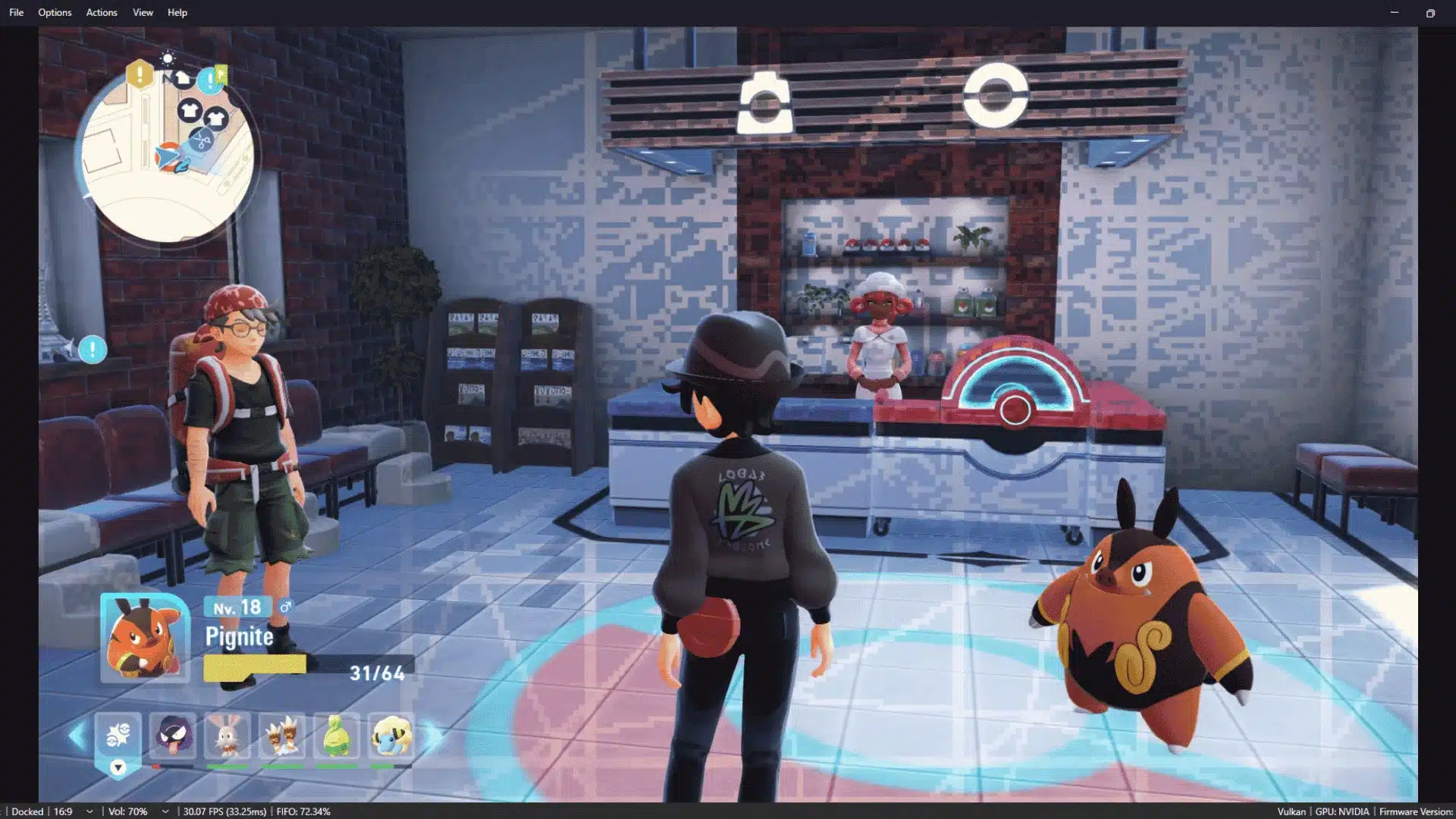
Let’s Go Pikachu and Eevee, Sword and Shield, Brilliant Diamond and Shining Pearl, Legends: Arceus, and Scarlet and Violet moved the series onto Nintendo Switch.
Ryujinx is the emulator most consistently recommended for this generation.
That covers every mainline Pokémon game released for Switch so far.
If you’re deciding whether Brilliant Diamond is worth your time before you set up an emulator for it, check our Brilliant Diamond review, which breaks down how the remake actually plays.
The best-known early Switch emulator project shut down after legal pressure from Nintendo, which is part of why Ryujinx is now the safer, actively maintained pick for this generation.
Stick to official builds and avoid forks with unclear origins. Switch emulation is heavier than anything covered above.
It needs a genuinely capable PC, ideally with a modern CPU and a dedicated or recent integrated GPU, and it also needs firmware and keys legally dumped from a console you own, not just the game file itself.
The emulator includes save states, controller support, mod compatibility, and performance tuning options, but results vary by title.
Legends: Arceus and Brilliant Diamond tend to run more smoothly than Scarlet and Violet, which push harder on hardware even on official Nintendo Switch consoles.
How to Set Up Ryujinx?
Switch emulation has more moving parts than older generations, so budget extra time for this one.
- Install Ryujinx from an official source.
- Dump firmware and keys from your own Nintendo Switch.
- Import the firmware and keys into Ryujinx.
- Configure controller and graphics settings.
- Load your legally obtained Pokémon game file.
- Test performance and adjust resolution or backend settings as needed.
Don’t skip the firmware and keys step and expect a working setup. Without your own console’s files, the emulator has nothing legitimate to run.
Common Pokémon Emulator Mistakes to Avoid
Common emulator issues often start with simple setup mistakes rather than the emulator itself. Here are the mistakes that create the most frustration and how to avoid them.
- Choosing an emulator without checking compatibility: A GBA emulator can’t run DS games, and a DS emulator can’t replace 3DS or Switch software. Match the tool to the generation first.
- Downloading from unsafe sources: Stick to official emulator websites. Modified files from random sites often carry more than they claim to.
- Ignoring save backups: Save states are useful, but they shouldn’t replace your actual game save. Corrupted files happen more than people expect.
- Expecting every feature to work: Trading, multiplayer, and online features vary between emulators. Don’t assume one handles everything the same way.
- Using incorrect settings: Higher graphics settings can tank performance on weaker devices. Match your settings to your actual hardware, not the highest option available.
- Treating Switch emulation like the older generations: Ryujinx needs more hardware, more patience, and your own dumped firmware and keys, so budget extra setup time before expecting Scarlet and Violet to run like Emerald did.
Most of these come down to one thing: check before you commit. A few minutes of caution saves hours of troubleshooting later.
Final Thoughts
The best Pokémon emulator is not the same for every player. It depends on which generation you want to play, what device you use, and which features matter most to you.
mGBA is the easiest pick for classic Game Boy and GBA titles, melonDS fits Nintendo DS games, Azahar covers 3DS, and Ryujinx is better suited for Switch-era Pokémon games.
RetroArch works well if you prefer one organized setup for multiple systems.
Before installing anything, check compatibility, performance needs, controls, save options, and legal game files.
Which Pokémon game are you planning to replay first? Share your pick in the comments.
Frequently Asked Questions
Which Emulator Should I Use for Pokémon Emerald?
mGBA. It’s built for Game Boy Advance titles and runs Emerald cleanly, even on older or lower-spec machines.
What is the Best Pokémon DS Emulator?
melonDS. It’s designed specifically for DS hardware, so it handles dual screens and touch controls better than emulators adapted from other systems.
Can Pokémon Emulators Trade Pokémon?
Some can, depending on the setup. melonDS supports trading in the right configuration, but it’s not guaranteed across every emulator or every game.
Are Pokémon Emulators Legal?
Emulators themselves are legal in most places. The games you load onto them are a different matter, so stick to ROMs you legally own.
Can I Play Pokémon Games on Android?
Yes. mGBA, melonDS, and RetroArch all have Android versions. Performance depends on your device, especially for DS and 3DS titles.