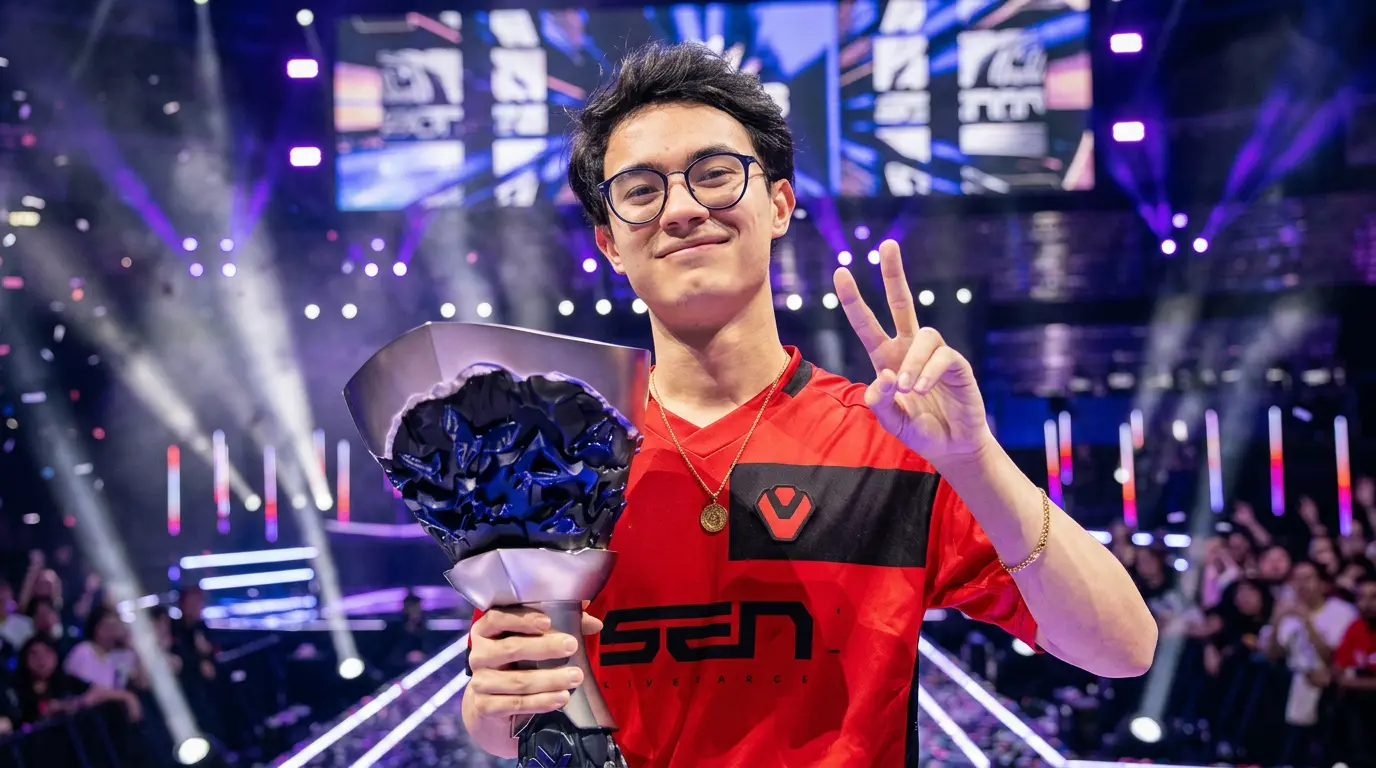
I’ve run more low-sensitivity setups through their paces than I can count, and Zekken’s is one of the few that actually holds up once the pressure hits.
His crosshair placement looks almost lazy until you notice how rarely he corrects it.
That’s not luck. It’s a setup he’s kept close to unchanged for years, through three teams and two mice.
In this guide, you’ll get his current DPI, sensitivity, eDPI, crosshair values, and full gear list. You’ll also get a straight answer on why these Zekken settings work for him, not just what they are.
By the end, you’ll know exactly how to test his setup on your own mouse and monitor.
Who is Zekken?
Zachary “zekken” Patrone is a professional VALORANT Duelist from the United States.
He spent three years with Sentinels, one of the most recognizable orgs in North American VALORANT, before making the move to MIBR ahead of the 2026 VCT season, where he joined alongside aspas, Mazino, and tex.
He mains entry ragger roles, which means his job is to take the first fight on a site the highest-risk, highest-reward position in the game.
He’s known for his aggression, first-bullet accuracy, and Jett play. At his level, those first duels are often decided before the enemy even has time to react.
What Are Zekken’s Current VALORANT Settings?
Here’s his current setup at a glance:
| Setting | Value |
|---|---|
| DPI | 1600 |
| In-Game Sensitivity | 0.175 |
| eDPI | 280 |
| Polling Rate | 1000Hz |
| Crosshair | Green center dot |
| Resolution | 1920×1080 |
| Display Mode | Fullscreen |
One thing worth knowing before you copy anything: crosshair color varies between tracking sites; some list white, some list green.
Don’t match it manually. Use the import code, and you’ll get exactly what he runs.
Zekken’s Mouse Settings and eDPI
One of the most studied parts of Zekken’s config, his mouse settings reflect a setup tuned entirely around one thing: landing the first bullet before the enemy can react.
- Mouse and DPI: He runs a Razer Viper V3 Pro at 1600 DPI with 0.175 in-game sensitivity, producing an eDPI of 280 at a 1000Hz polling rate.
- Why 280 eDPI: His 280 eDPI sits on the lower-medium end of the pro spectrum, which rewards pre-aiming and angle-holding over reactive flicking. For an entry fragger, that’s the right trade: you’re not hunting targets, you’re waiting where they’ll appear.
- What eDPI Actually Means: eDPI equals DPI multiplied by in-game sensitivity, making it the most reliable number for comparing sensitivities across players running completely different hardware setups.
- The Logic Behind 1600 DPI: Running 1600 DPI over the more common 800 DPI gives the mouse sensor more positional data per inch of physical movement. At 1000Hz polling rate, those corrections get reported to your PC 1000 times per second.
- How It Connects to the Wooting: This isn’t a standalone choice. Zekken’s 1600 DPI and his Wooting’s Rapid Trigger are both tuned toward the same goal: reducing the gap between input and response.
Zekken’s Crosshair Settings and Code
Zekken uses a static green center dot crosshair. His import code is:
0;s;1;P;c;1;t;2;o;1;d;1;0b;0;1b;0;S;b;1;c;8;s;0.823
Paste that directly into VALORANT and skip the manual setup entirely. Go to Settings → Crosshair → Import Crosshair Code, paste it in, and it applies instantly.
Here’s every value if you want to build it yourself:
| Setting | Value |
|---|---|
| Color | Green (#00ff00) |
| Outlines | On |
| Outline Opacity | 1 |
| Outline Thickness | 2 |
| Center Dot | On |
| Center Dot Opacity | 1 |
| Center Dot Thickness | 2 |
| Inner Lines | Off |
| Outer Lines | Off |
| Movement Error | Off |
| Firing Error | Off |
Why a dot-only crosshair: The design isn’t aesthetic. It places a single point exactly where your first bullet lands. No lines pulling your eye outward. No visual bloom when you move or shoot.
Want to build your own?
- ProSettings Crosshair Generator: full pro database with a live builder.
- Tracker.gg is another tool you can use.
One thing to note: Tracking sites list his crosshair as both white and green at different points. Green is his current 2026 configuration, but it has changed before.
Use the import code rather than matching the hex manually if he updates it; the code is what gets updated first.
Zekken’s Full VALORANT Setup: Everything He Uses and Why It Works
1. Mouse and Sensitivity
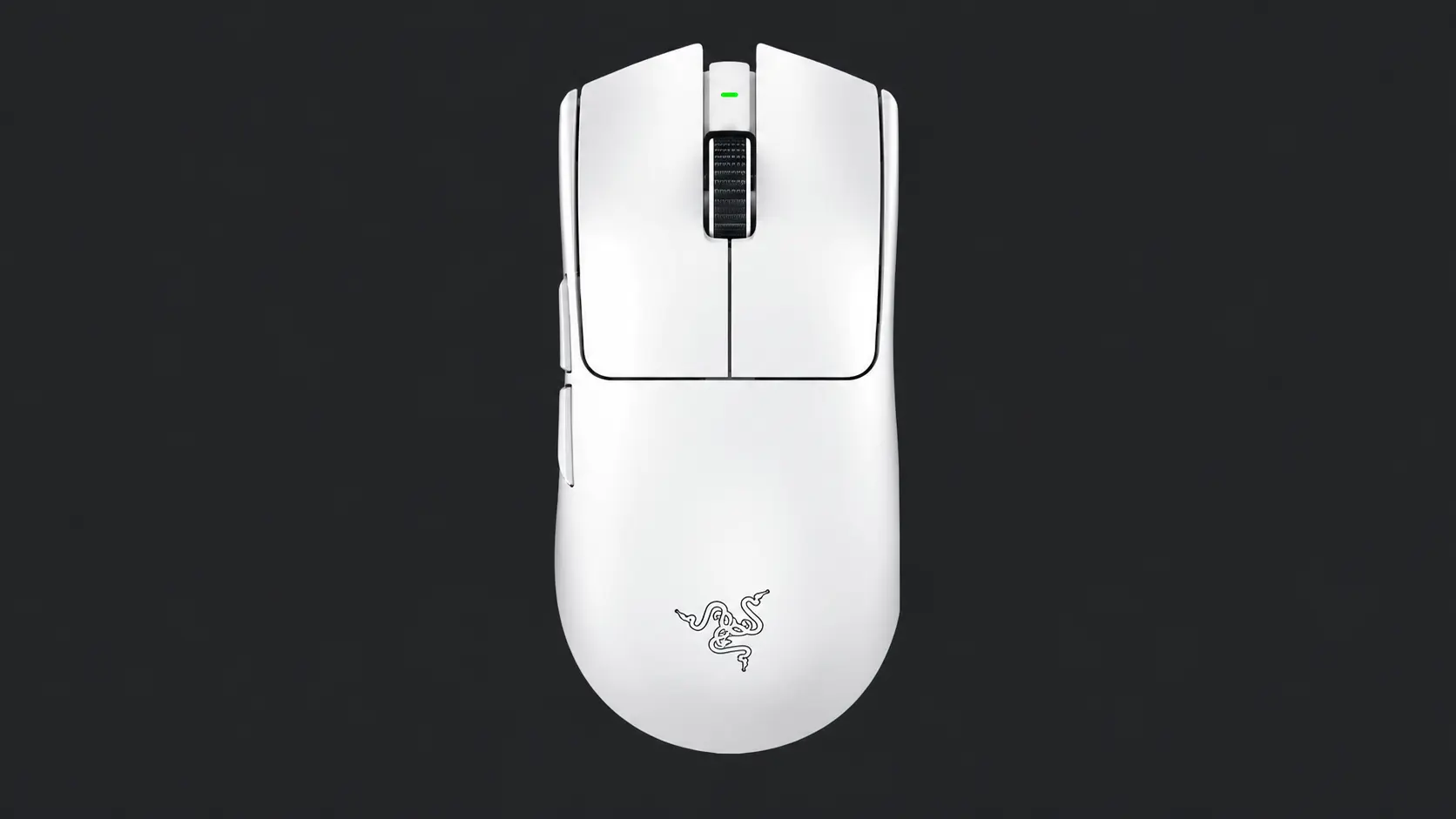
Zekken runs his Razer Viper V3 Pro at 1600 DPI with in-game sensitivity set to 0.175. His 280 eDPI keeps crosshair movement deliberate and controlled, built for placing the crosshair before fights start, not chasing targets reactively.
Best for: Any player working on first-bullet consistency. Getting the sensitivity stable is more important than getting it perfect. I
Budget Pick: The Logitech G203 (~$30) is wired, light, and runs a solid sensor that won’t limit your aim at any rank.
Mid-Range Pick: The Logitech G Pro X Superlight 2 (~$130) is wireless, 60 grams, and widely used across pro play.
2. Keyboard and Rapid Trigger
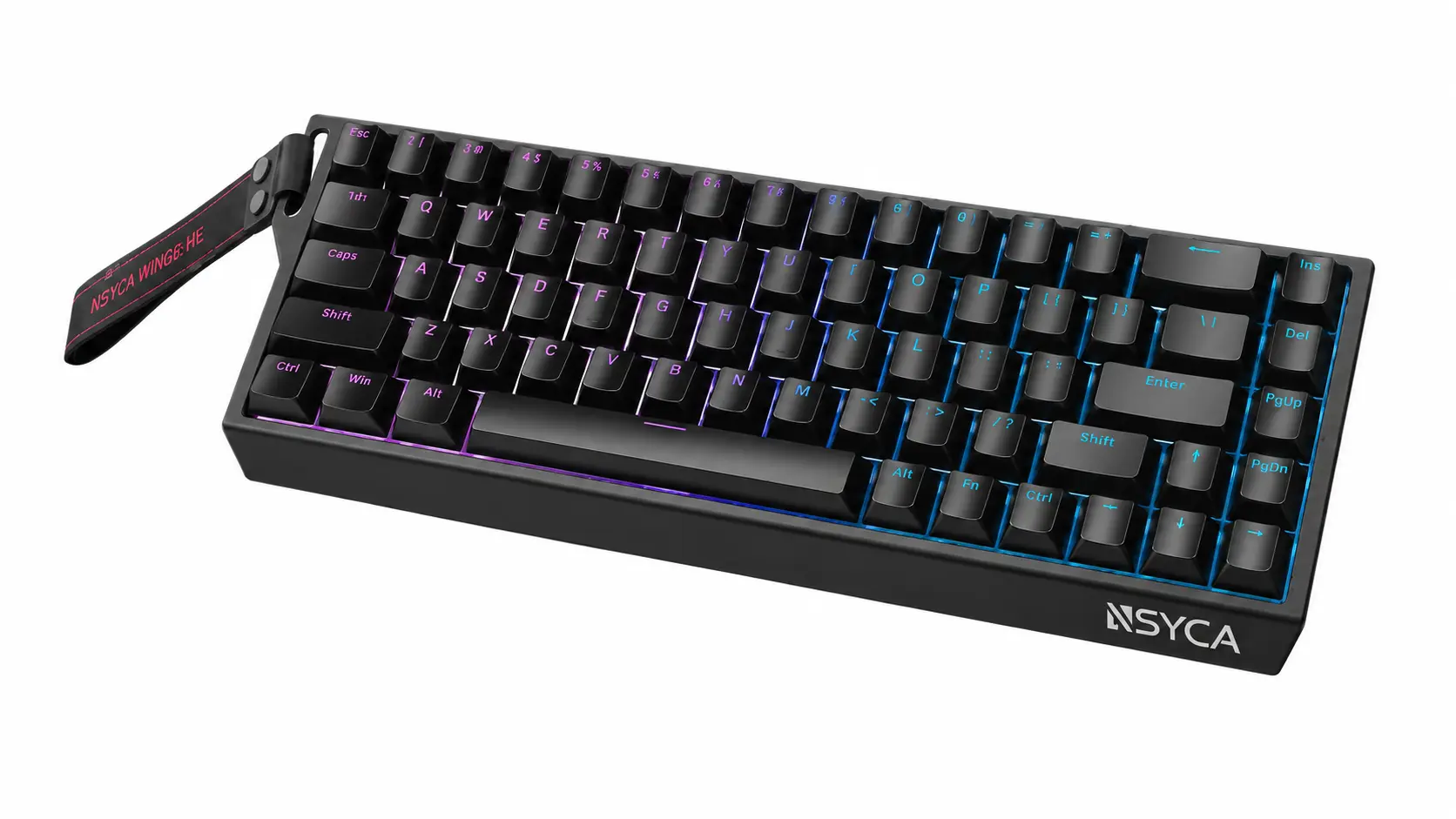
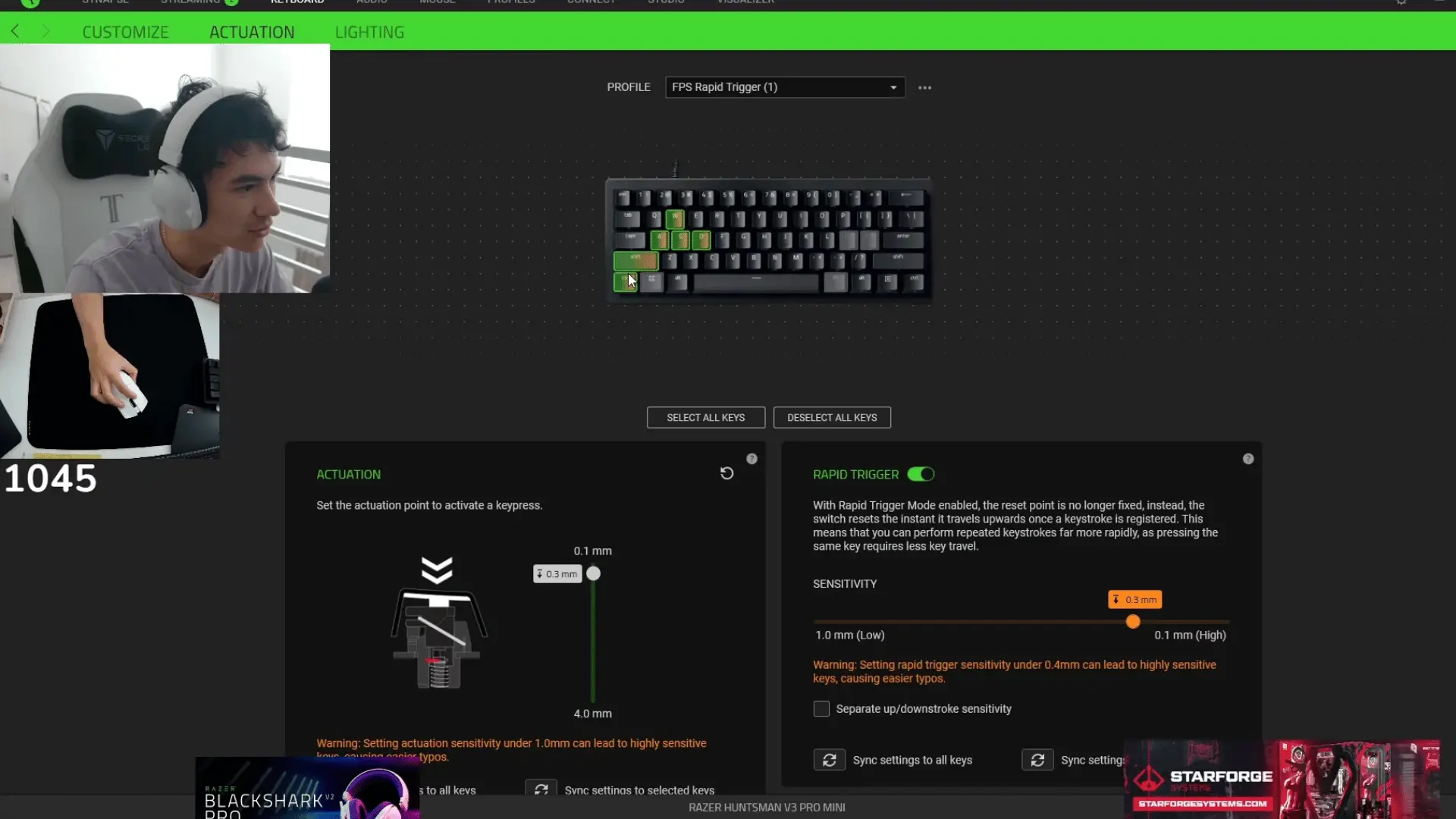
Zekken uses a Wooing 68HE, a hall-effect keyboard that uses magnets instead of physical contact points to detect keypresses. No debounce delay.
No wear degradation over time. The switch reads identically on day one and two years later.
How to configure it for VALORANT:
Start with these values as a baseline for your movement keys (WASD and crouch):
| Setting | Value |
|---|---|
| Actuation Point | 1.5–2.0mm |
| Rapid Trigger Sensitivity | 0.2–0.4mm |
Lower Rapid Trigger sensitivity means the key resets with less upward travel. That’s where the edge lives, but going too low can cause unintended re-inputs if your fingers aren’t steady. Find the lowest value you can control cleanly, then stop.
Best for: Players already working on counterstrafe timing. Rapid Trigger doesn’t teach you the habit; it rewards it. If your counterstrafes aren’t deliberate yet, build that first.
Budget Pick: The Redragon K552 (~$35) is tactile, durable, and a strong starting point if you’re not ready to commit to a Wooting.
Mid-Range Pick: The SteelSeries Apex Pro TKL (~$100) has adjustable actuation per key and is widely used at a competitive level.
3. Monitor Settings

Zekken competes on a ZOWIE XL2566K, a 400Hz TN panel built specifically for fast-paced FPS play. He runs it at his native 1920×1080 in fullscreen mode, keeping display latency as low as possible.
Best for: Players at higher ranks where frame-perfect peeking and pixel-accurate tracking start to matter. Below that threshold, the difference is academic.
Budget Pick: The BenQ Zowie XL2411K (~$180) runs at 144Hz with the same competitive-oriented panel design. Strong starting point for players building toward a serious setup.
Mid-Range Pick: The BenQ Zowie XL2546K (~$400) hits 240Hz, widely considered the practical sweet spot before diminishing returns set in for most players.
4. Headset
Zekken runs a HyperX Cloud II, a wired headset known for strong sound isolation and reliable stereo imaging.
Best for: Players who want to stop guessing footstep direction. Clear stereo imaging matters more than spatial audio gimmicks for VALORANT specifically.
Budget Pick: The HyperX Cloud II (~$50) is his actual headset, and it’s one of the most recommended budget options in the VALORANT community for good reason.
Mid-Range Pick: The SteelSeries Arctis Nova 7 (~$130) combines comfortable long-session wearability with strong directional sound separation across all maps.
Zekken’s Video and Resolution Settings
Zekken runs native 1920×1080 at fullscreen, a different choice from most of the CS2 pro scene, which typically runs stretched resolutions. In VALORANT, native 16:9 is the standard competitive choice because the game doesn’t offer the same visual advantages that stretched res provides in CS2.
| Setting | Value |
|---|---|
| Resolution | 1920×1080 |
| Aspect Ratio | 16:9 |
| Display Mode | Fullscreen |
| Graphics Quality | Low |
| Anti-Aliasing | None |
| V-Sync | Off |
Frame consistency matters more than frame peaks; a setup that delivers 300 FPS with 50 FPS drops is worse for competitive play than one that holds a steady 200 FPS.
Boost Player Contrast is worth enabling at any resolution. It increases enemy visibility in darker areas of maps like Icebox and Fracture without meaningfully impacting performance.
How to Adapt Zekken’s Settings to Your Own Playstyle?
Zekken’s setup is tuned around one specific style: aggressive entryfragging, first-bullet accuracy, and tight counterstrafes. If that’s not your game, some numbers will need to shift.
- On sensitivity: 280 eDPI is on the lower-medium end. If you’re coming from something higher, drop gradually; don’t jump straight to 280 and expect it to feel normal.
- On the crosshair: The dot works because zekken pre-aims. If you’re still developing that habit, a small crosshair with inner lines can help you track positioning while you build consistency.
- On Rapid Trigger: If you don’t have a Wooting, you can still run his sensitivity and crosshair and see real benefit. The keyboard is an upgrade to precision, not a requirement for the rest of his config to make sense.
- On roles: Entry fraggers can benefit from nudging eDPI 50–100 above his 280 baseline if faster wide-swings are part of your game.
Conclusion
Zekken settings work because every part of the setup supports the same goal: steady aim, quick inputs, and a clean view of the fight.
His 280 eDPI helps control small crosshair moves, while the dot crosshair keeps attention on the first bullet.
The Wooting keyboard adds faster movement response, but you do not need to copy everything at once.
I would start with his sensitivity and crosshair, test them in deathmatch, then adjust only one setting at a time. That makes each change easier to judge.
Would you try Zekken’s full setup or only copy his crosshair first? Tell us, share with us in the comments below.
Frequently Asked Questions
What team does Zekken play for in 2026?
Zekken joined MIBR for the 2026 VCT season after three years with Sentinels. He signed alongside aspas, Mazino, and tex. Some settings pages still list him under Sentinels; check the source date before trusting any profile you find.
Will Copying Zekken’s Settings Improve My Aim?
They give you a solid starting point. At 280 eDPI, you’re working within the same range most pros use. But if you’re coming from a very different sensitivity, the settings will feel wrong before they feel right.
Does Zekken Use Rapid Trigger on All Keys or Just Movement Keys?
His exact per-key configuration isn’t publicly documented. The standard competitive approach is to enable Rapid Trigger on WASD and the crouch key, then leave ability and utility keys at normal actuation.
Why Does Zekken Use 1600 DPI Instead of 800 DPI?
At 1600 DPI, the mouse sensor sends more positional data per inch of physical movement. That extra data makes micro-adjustments and tiny corrections when you’re already near a target’s head feel smoother and more controlled.