

I know the feeling. You’ve got a Mac, and you’re itching to jump into Valorant with your friends. But there’s that nagging question: can you play Valorant on Mac?
Riot Games hasn’t released a native Mac version of Valorant. That’s frustrating, I get it.
But don’t worry. There are workarounds that can get you into the game, and some work better than others depending on your Mac’s chip.
I’m going to show you exactly how to run Valorant on both Intel and M-chip Macs.
You’ll learn which methods actually work, what performance to expect, and how to set everything up step by step.
Does Valorant Run Natively on Mac?
No, Valorant doesn’t run natively on Mac. Riot Games built the game specifically for Windows systems only.
This means you can’t just download it from the App Store and start playing. There’s no Mac version available at all.
Why? Riot uses a kernel-level anti-cheat system called Vanguard. This system needs deep access to your computer’s core functions. macOS doesn’t allow that kind of access the way Windows does.
So if you try to install Valorant directly on macOS, it simply won’t work.
You can still play Valorant on your Mac through other methods. You’ll need to use workarounds like Boot Camp, virtual machines, or cloud gaming services.
I’ll walk you through each option.
How to Play Valorant on Intel-Based Macs
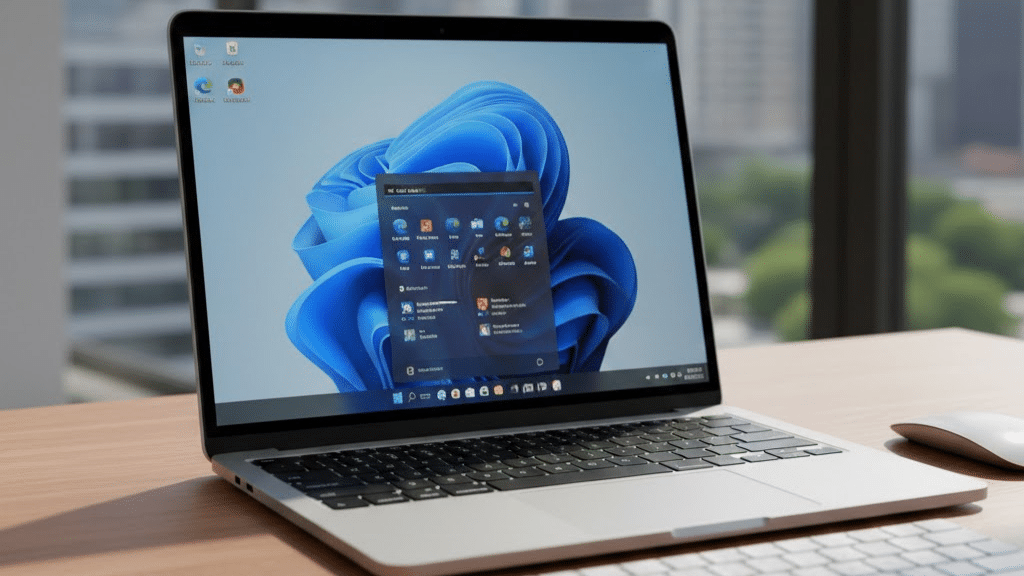
Intel-based Macs have a clear advantage here. They can run Windows natively via Boot Camp, which gives you the best possible performance. Let me break down your options.
1. Boot Camp (Best Option)
This is Apple’s built-in tool that lets you install Windows directly on your Mac. You’ll get full Windows performance because your Mac isn’t running macOS at the same time. It’s like having two computers in one.
2. Parallels Desktop
This creates a virtual Windows machine inside macOS. You can switch between Mac and Windows without restarting. However, performance takes a hit because you’re running two operating systems simultaneously.
3. CrossOver
This software tries to run Windows games on Mac without installing Windows. It’s convenient but often buggy with Valorant. The anti-cheat system causes problems, and you’ll likely face crashes.
4. Cloud Gaming Services
Services like GeForce Now or Shadow let you stream Valorant from remote servers. You need a stable internet connection with low ping. Input lag can be an issue during competitive matches.
Can You Play Valorant on Mac?
Yes, you can play Valorant on Mac, but not directly. You’ll need to use workarounds since there’s no official Mac version.
The method you choose depends on your Mac’s processor. Intel Macs and M-chip Macs require different approaches.
Intel Macs have it easier. Boot Camp lets you install Windows alongside macOS, and that’s your best bet for smooth gameplay.
M-chip Macs (M1, M2, M3) face more challenges. Apple discontinued Boot Camp support for these newer chips. You can’t dual-boot Windows anymore.
Both types can use virtual machines or cloud gaming, though. Virtual machines work better on Intel Macs. Cloud gaming works equally well on both, but you’ll need a strong internet connection.
The bottom line? Yes, it’s possible. But expect some extra setup time and possibly lower performance than a Windows PC.
Performance Comparison – Intel vs. M-Chip Capabilities
The performance gap between Intel and M-chip Macs is significant when it comes to running Valorant. Intel Macs have native Windows support, which gives them a clear edge.
M-chip Macs are more powerful overall, but they struggle with Windows compatibility.
| Feature | Intel-Based Macs | M-Chip Macs (M1/M2/M3) |
|---|---|---|
| Boot Camp Support | Yes, fully supported | No, not available |
| Native Windows | Can run Windows directly | Cannot run Windows natively |
| Virtual Machine Performance | Good, playable frame rates | Poor, significant lag |
| Best Method | Boot Camp | Cloud gaming services |
| Expected FPS | 60-120+ FPS (Boot Camp) | 30-60 FPS (virtualization) |
| Setup Difficulty | Moderate | More complex |
| Overall Gaming Experience | Smooth and reliable | Compromised performance |
Community Discussions and Real User Experiences
I’ve been reading through Reddit, Discord, and gaming forums to see what actual Mac users are saying about playing Valorant.
Intel Mac users report mostly positive experiences with Boot Camp.
They’re getting 60 to 100+ FPS on medium to high settings. Some mention longer boot times when switching between macOS and Windows, but the gameplay itself runs smoothly.
M-chip Mac users are frustrated. Many tried Parallels or other virtual machines, but the frame drops make competitive play nearly impossible. The anti-cheat system also causes frequent crashes.
Cloud gaming gets mixed reviews. Players with fiber internet love it. But those with slower connections complain about input lag during gunfights.
One common theme? Everyone wishes Riot would just make a native Mac version. Until then, Boot Camp remains the community’s top recommendation for Intel users.
Final Thoughts
So, can you play Valorant on Mac? Absolutely. It just takes some extra work.
If you own an Intel Mac, Boot Camp is your friend. Install Windows, and you’re good to go. M-chip users will need to rely on cloud gaming for the best results.
I won’t sugarcoat it – playing on Mac isn’t as straightforward as on Windows. But thousands of Mac users are already in the game and having a blast.
Ready to get started? Pick the method that fits your Mac model and dive in. Your competitive matches are waiting.
And hey, drop a comment below if you run into any issues. I’m here to help!