Buying a gaming monitor sounds simple until refresh rates start showing up everywhere. I used to think the highest number was always the best choice, but that isn’t how it works.
The right option depends on the games you play, the hardware you own, and how much you’re willing to spend.
Knowing what a good refresh rate for gaming is can save you money and help you get a smoother experience without paying for features you may never use.
A few small details make a much bigger difference than the number printed on the box, and understanding them makes choosing a monitor much easier.
What Does Refresh Rate Actually Mean for Gaming?
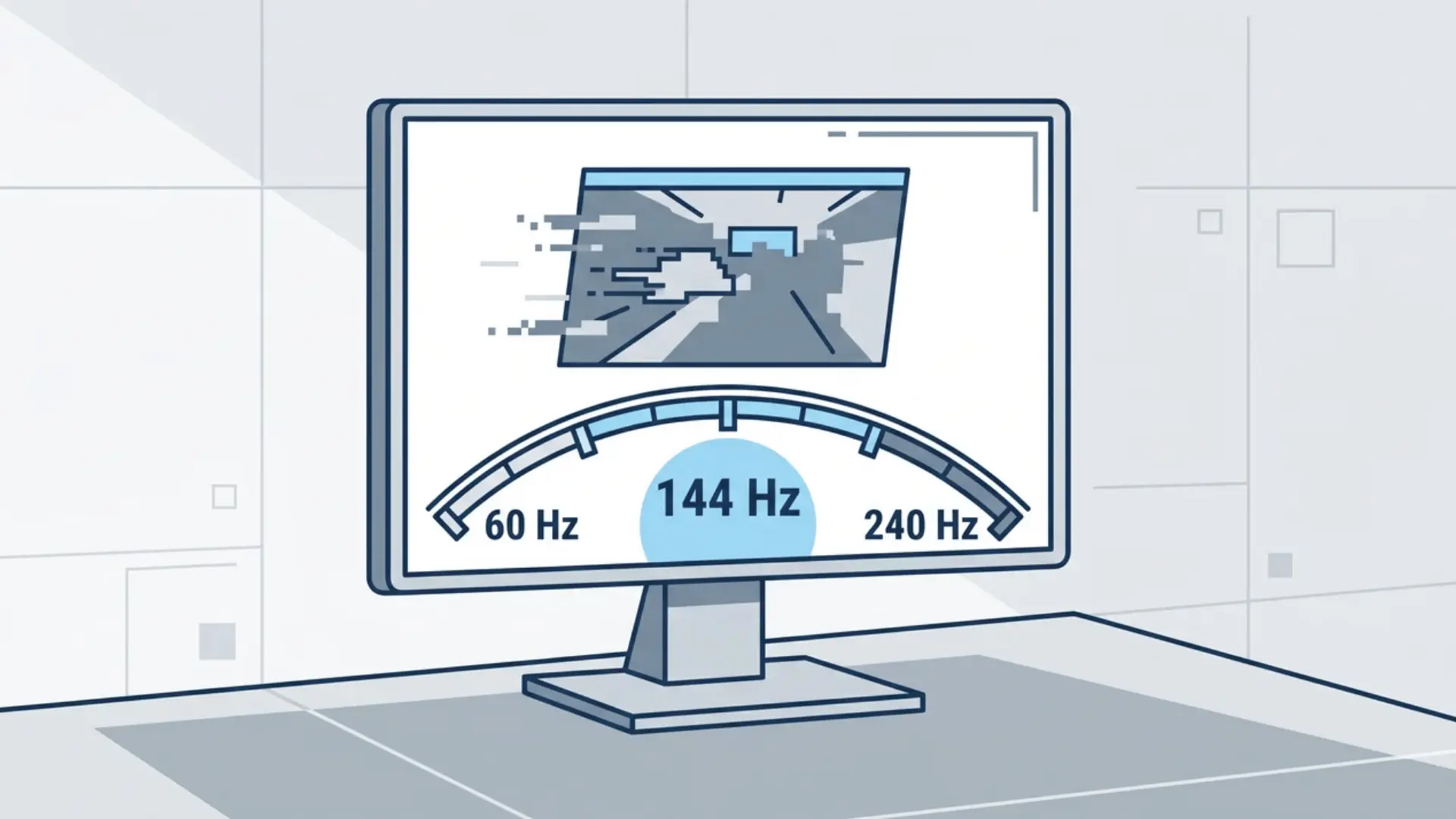
Refresh rate is the number of times your monitor updates the image every second, measured in hertz (Hz). Frame rate is how many frames your GPU produces per second, and these two numbers are not the same thing.
Most people treat them as interchangeable. That’s where the confusion starts.
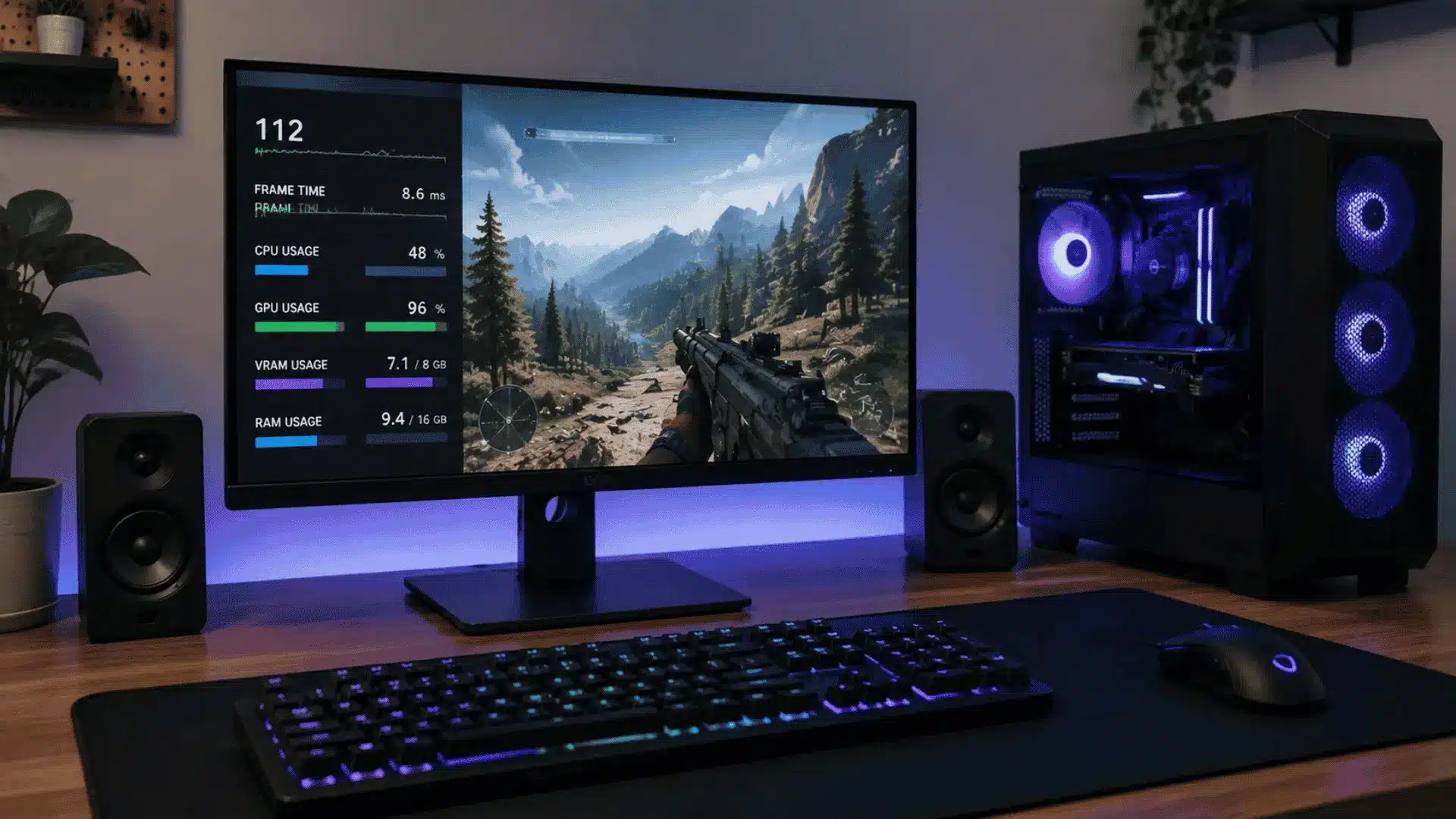
Your monitor’s Hz is a ceiling, not a promise. If your GPU can’t push enough frames to meet it, that ceiling means nothing. A GPU outputting 60 FPS on a 240 Hz monitor can’t create extra frames beyond what the GPU renders.
While features like lower input latency and adaptive sync may still improve the experience, you won’t see the full benefit of a 240 Hz display until your frame rate is much higher.
Platform-side changes can shift that math too, PlayMyWorld’s latest gaming updates added native 4K support, which only pays off once your GPU and refresh rate can actually keep pace with it.
Run that same GPU at 90 FPS on a 144 Hz monitor, and you’ll actually feel the difference. The benefit is real because the hardware is close enough to feed it.
Both numbers need to work together. A fast monitor paired with a weak GPU won’t deliver most of the benefits of its higher refresh rate, making it a poor value unless you plan to upgrade your hardware.
Refresh Rate Tiers: What Each Level Actually Delivers?
Different refresh rates suit different types of players. The right choice depends on your games, your GPU, and how much smoothness you actually need. Use this comparison to see which refresh rate best fits your setup.
Refresh Rate | Best For | What to Expect |
|---|---|---|
60 Hz | Casual gaming, older titles, budget consoles | Playable, but motion blur and input lag are more noticeable in fast games. |
75–100 Hz | Budget gaming PCs and casual multiplayer | Noticeably smoother than 60 Hz with better motion clarity at a low cost. |
120–165 Hz | Most PC gamers | The best balance of smoothness, responsiveness, and value for most players. |
240 Hz | Competitive FPS and esports | Faster motion and lower perceived input lag, but it requires consistently high FPS. |
360 Hz and Above | Professional esports | Small improvements over 240 Hz that mainly benefit elite players with high-end hardware. |
For most gamers, 144–165 Hz remains the sweet spot, offering the best mix of performance, price, and realistic hardware requirements.
If you mainly play competitive shooters and your PC can maintain very high frame rates, stepping up to 240 Hz or beyond can provide an additional advantage.
Refresh Rate Isn’t the Only Spec That Matters
A high refresh rate alone doesn’t guarantee smooth gameplay. Response time, measured in milliseconds (ms), affects how quickly pixels change, and slower panels can cause motion blur or ghosting during fast scenes.
Aim for a gaming monitor with a response time between 1 ms and 5 ms, but don’t rely only on the advertised number. Panel type also matters.
TN panels are typically the fastest; IPS panels offer better color and viewing angles with competitive response times; and VA panels provide higher contrast but often show more motion smearing.
If your monitor supports FreeSync or G-SYNC, enable it to reduce screen tearing and stuttering when your frame rate fluctuates.
How to Choose the Best Refresh Rate for Gaming?
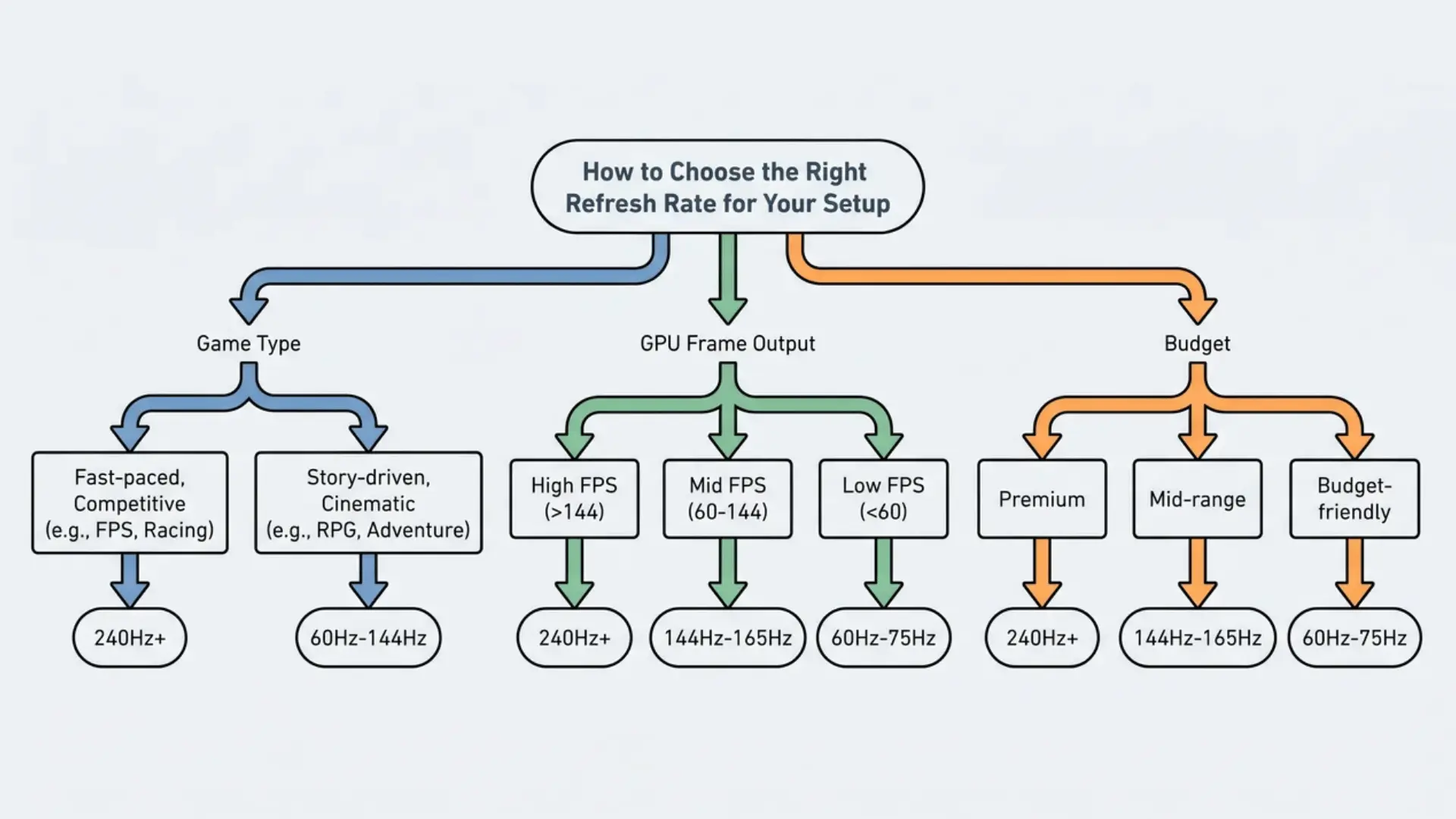
The best refresh rate for gaming depends on the games you play and the FPS your GPU can consistently deliver.
For single-player games, resolution usually matters more than refresh rate, so a 1440p monitor at 144 Hz is often a better choice than 1080p at 240 Hz. For competitive games like Valorant or Apex Legends, higher refresh rates take priority.
Before buying, compare your average FPS with your monitor’s refresh rate, since a faster display won’t show its full benefit if your GPU can’t keep up.
If your frame rate varies, FreeSync or G-SYNC can reduce screen tearing and stuttering. For most players, 144–165 Hz offers the best balance of performance, price, and hardware requirements.
Does a Higher Refresh Rate Always Look Better?
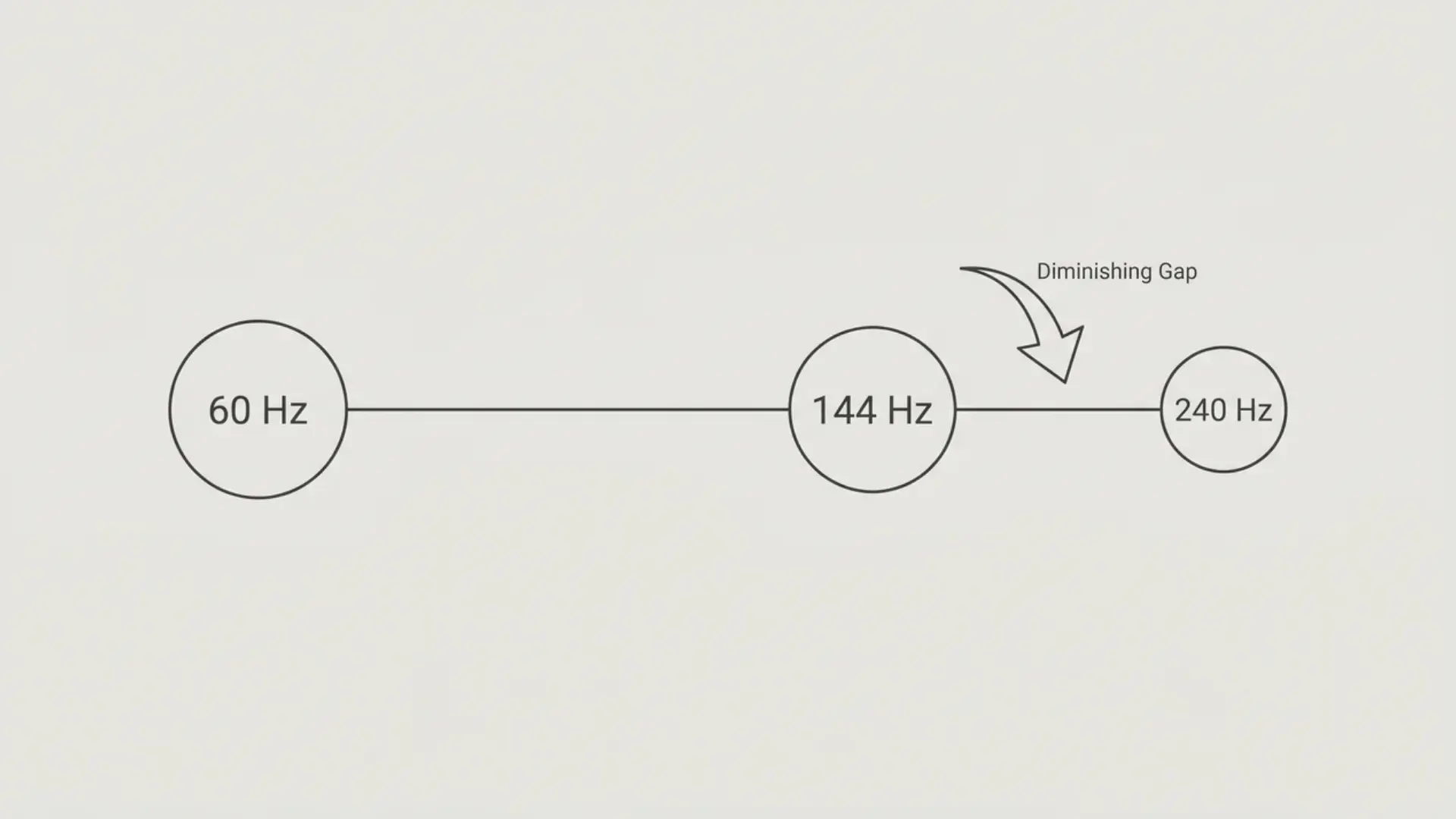
Higher isn’t always better; past a certain point, the gains shrink fast, and your GPU output matters more than the number on the box.
- 60 Hz to 144 Hz: This is the jump everyone notices. Motion gets sharper, inputs feel immediate; it’s the single biggest refresh rate upgrade most players will ever experience.
- 144 Hz to 240 Hz: The improvement is real but noticeably smaller. You’ll feel it in fast-paced competitive titles, but it won’t hit the way that first upgrade did.
- 240 Hz to 360 Hz: Marginal for almost everyone. Outside professional esports, most players won’t perceive the difference in normal gameplay.
- GPU output is the hidden variable: A monitor can only display what your GPU sends it. If your frame rate doesn’t reach your monitor’s refresh rate, the upgrade delivers fewer benefits. The same idea also applies to mouse polling rate and input timing.
Diminishing returns don’t mean higher Hz is wrong. They mean buying before your hardware arrives.
Conclusion
Knowing what a good refresh rate is for gaming isn’t about chasing the highest number. It’s about choosing a monitor that matches your GPU, your favorite games, and your budget.
For most players, a balanced refresh rate delivers a better experience than paying extra for performance they may never notice. I hope this helped clarify the differences between refresh rates, so you can buy with confidence instead of guessing.
If you have questions or want to share which refresh rate you’re using, leave a comment below. I’d love to hear about your gaming setup and experience.
Frequently Asked Questions
Is 240 Hz overkill for gaming?
For most players, yes. The gap between 144 Hz and 240 Hz is real but small, and needs a powerful GPU to show.
Is 60 Hz still acceptable for gaming in 2026?
It works for slow-paced games and tight budgets. For fast PC gaming, 144 Hz panels are now available at similar prices and are worth it.
Is 144 Hz enough for gaming?
Yes. For most players, 144 Hz is the best balance of smooth gameplay, affordability, and realistic GPU requirements. Unless you’re playing competitive esports at a very high level, moving beyond 144–165 Hz yields only modest improvements.
Does refresh rate affect input lag?
Yes. Higher Hz shortens the gap between your input and the on-screen response. The biggest improvement comes from moving from 60 Hz to 144 Hz.
What refresh rate for both competitive and single-player games?
144–165 Hz at 1440p covers both well. Enough fluidity for competitive play, enough resolution for single-player, without needing the GPU that 240 Hz demands.