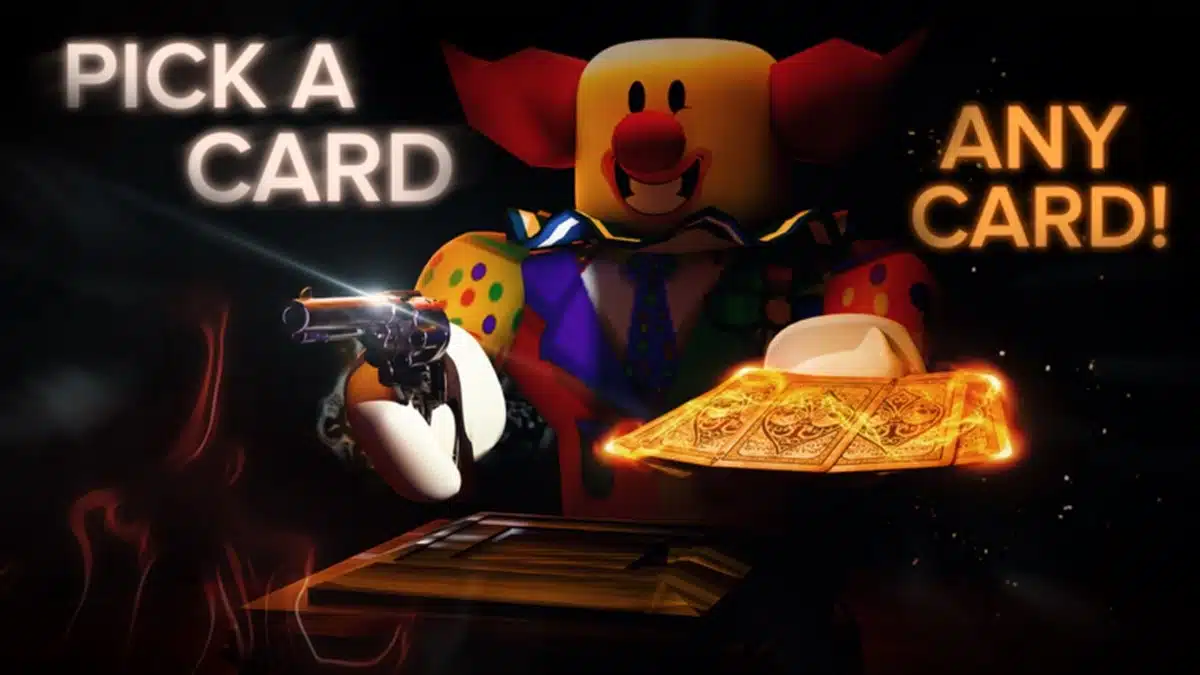
Death in the Box codes give Roblox players free Cash and Wheel Spins that can be used to collect in-game rewards without spending Robux. Developed by ARK-ADE, Death in the Box is a survival game where up to 16 players compete through rounds involving cards and changing events.
New promotional codes may appear during seasonal events, updates, and special announcements, but they can expire without much notice.
Below, you will find the latest reported working codes, rewards, previously expired codes, and instructions for redeeming them.
All Working Death in the Box Codes
The table below lists the code with the strongest current support.
Code | Reward | Status |
|---|---|---|
HALLOWEEN26 | 2,250 Cash + 2 Spins | Reported active |
PARTIES | 1,000 Cash + 2 Spins | Conflicting reports |
CYBER | 1,500 Cash + 1 Wheel Spin | Conflicting reports |
APRILFOOLS | 2,000 Cash + 2 Spins | Unverified |
PATRICKSDAY | 2 Spins | Unverified |
XMAS25 | 2 Spins | Conflicting reports |
HALLOWEEN26 is the strongest currently supported active code. Other codes have conflicting reports, so confirm their status in-game before relying on them.
These codes appear active on some trackers and expired on others. Test each one in-game, treat it as unconfirmed until it works, and move on to the next one if it fails.
How Rewards Work in Death in the Box
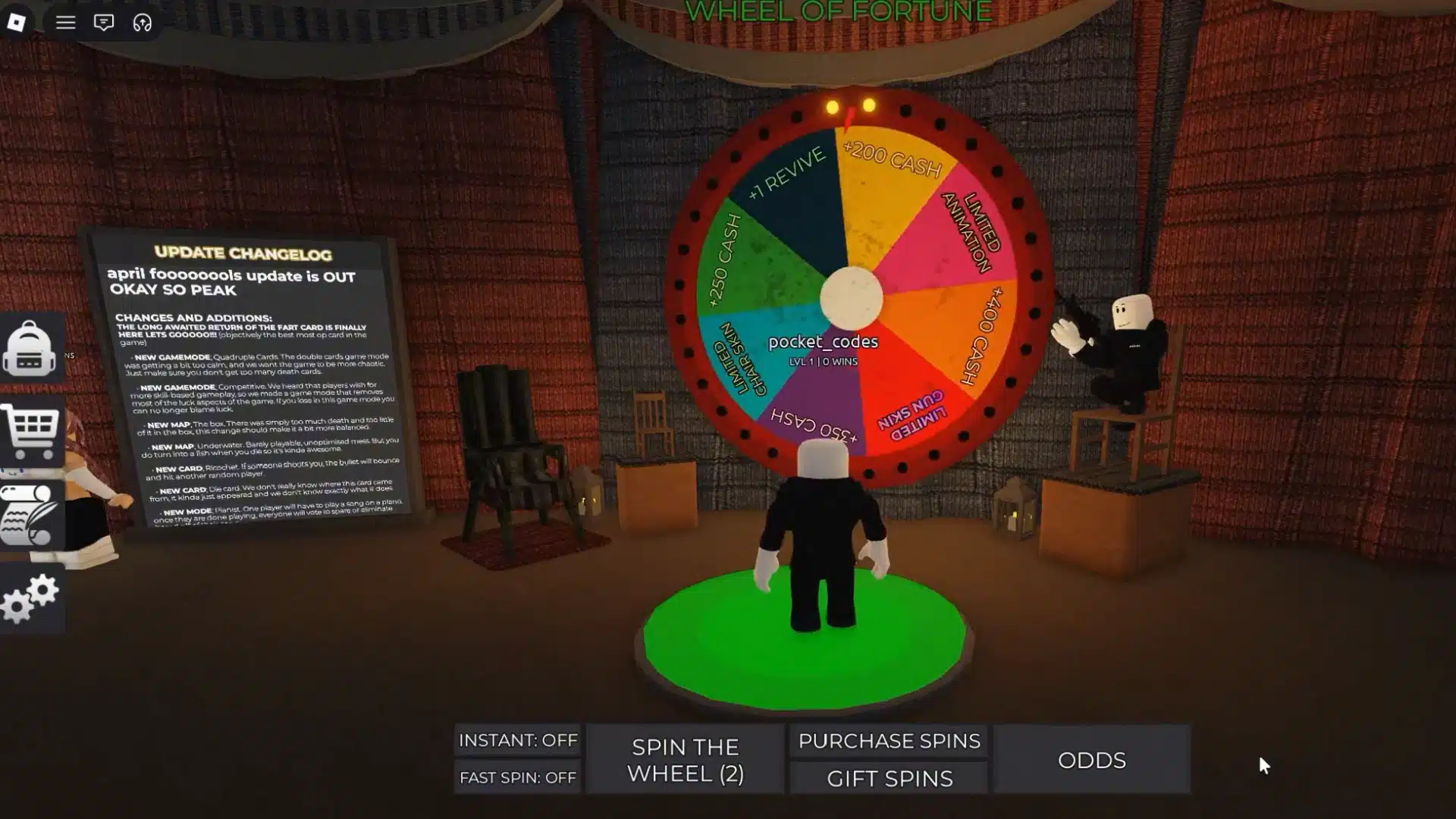
Death in the Box pairs horror theming with card strategy, a different kind of fear than scary analog horror games. Cash and Wheel Spins are the two rewards these codes provide.
What Cash Does
Cash is the in-game currency used to purchase cosmetic rewards and other available items. Promotional codes add Cash to your balance, and the amount depends on the code.
Available purchases may change with game updates, so check the in-game menus for the current selection.
What Wheel Spins Do
Use Wheel Spins on the game’s reward wheel to earn randomized rewards. Some promotional codes provide Spins alongside Cash, while others offer Spins alone.
Prizes come from a random pool, so a Spin never guarantees a particular reward. Check your Spin count after redeeming to confirm the reward landed.
Expired Death in the Box Codes
Many codes are tied to holidays, seasonal events, or special promotions, so older ones can stop working once the event ends. The codes below are consistently reported as expired, and their previous rewards are included for reference:
Expired Code | Previous Reward | Status |
|---|---|---|
SUMMER | 3,000 Cash + 2 Spins | Expired |
VALENTINES | 5,000 Cash + 1 Spin | Expired |
CATS | 2,000 Cash + 2 Spins | Expired |
Status notes come from tracker reports on Roblox Den, Beebom, and UrGameTips, not a direct in-game test. Code status can change, since some older codes have returned after being marked expired.
How to Redeem Death in the Box Codes
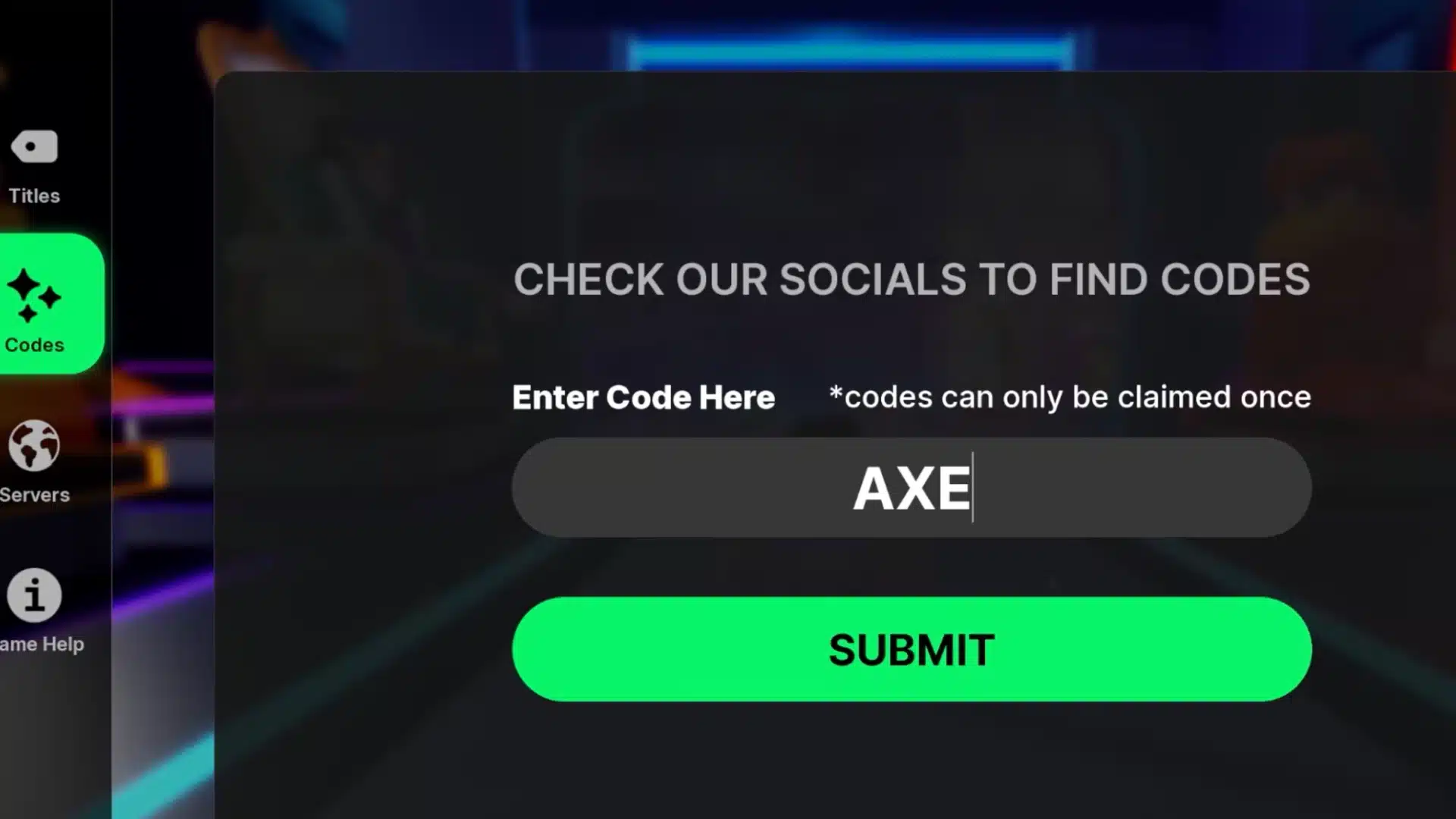
Redeeming Death in the Box codes takes only a few steps. Everything happens inside the game’s Settings menu.
Steps to enter a code:
Launch Death in the Box through Roblox and wait for the game to load.
Join a server or enter the game lobby to access the main interface.
Open Settings by selecting the gear icon.
Scroll to the bottom of the menu and find the code box labeled “Type Code Here.”
Enter or paste the active code into the field exactly as shown, including capitalization and without extra spaces.
Select “Confirm Code” to submit it.
Check your Cash balance and Spin count to confirm the reward after a successful redemption.
Why Are My Death in the Box Codes Not Working?
If a code fails, check these possible causes. Each one has a quick fix.
1. The Code Has Expired
Seasonal and limited promotions end, and the game rejects the code once the window closes. An Expired message usually means the promotion is no longer accepted.
An Invalid message can point to a typo, incorrect capitalization, a server that doesn’t recognize the code yet, or an unrecognized code. Wording can vary, so treat these as likely causes, not guaranteed diagnoses.
2. The Code Was Entered Incorrectly
Copy the code exactly as published, including capitalization. A single missing character or an extra space can prevent redemption.
Even a small slip, such as swapping a letter for a similar-looking number, can make the game reject an otherwise valid code. If the field still refuses it, paste the code again, and check that nothing sits before or after it.
3. The Code Has Already Been Redeemed
If a code has already been claimed on the Roblox account, entering it again will not provide another reward. Check the Cash and Spin balance to confirm the redemption went through.
If the balance shows the added Cash or Spins, the first attempt likely worked, so there is no need to keep retrying the same code on that account.
4. The Game Has Not Updated Yet
A newly released code may only work on newer servers. If it fails, leave the current server, restart Roblox, and join another Death in the Box server before trying again. If it still fails, wait a while and retry later.
Death in the Box is still marked as being in development, so temporary bugs or server-related issues may affect redemption.
How to Get More Cash in Death in the Box
Codes are not the only way to add Cash. The game’s official Roblox page also lists two earning bonuses that work separately from promotional codes. Reading the description directly is the most reliable way to see exactly what the developer currently offers.
According to the game’s Roblox description, joining the official ARK-ADE group provides a 15% Cash bonus, while Roblox Premium members receive a 25% bonus. These are separate from promotional codes. Check the game’s current description for the latest eligibility rules and bonus details.
Because the group and Premium bonuses are separate from codes, each one is worth checking on its own merits. The percentages above reflect what the description states today, not a permanent promise. Developers can adjust numbers like these during updates, so it’s a good habit at check the description before joining the group.
How to Find More Death in the Box Codes
Start with the game’s Roblox page and follow only the developer accounts linked there, since similarly named experiences can cause confusion. Sticking to official channels keeps your code list clean and trustworthy. Here are the main places to check:
Game description and update notes: Look for codes shared alongside new features, events, or announcements, since promotions often arrive with updates.
Official developer group: Follow the Roblox group linked on the game page for community posts and milestone news.
This page: Return here again for updated code statuses whenever a new promotion appears or an existing status changes.
Codes spotted outside these channels deserve extra caution, so compare them with the tables above before redeeming anything, and treat a code that appears nowhere else as unverified until it works in-game. Checking again after each game update helps catch new releases early.
Final Review
Death in the Box codes offer a simple way to collect extra Cash and Wheel Spins without spending Robux. HALLOWEEN26 is the strongest currently supported active code, while several older promotions have conflicting status reports. Test uncertain entries in-game before treating them as working or expired.
You can also check the official ARK-ADE Roblox group and Premium benefits for additional Cash bonuses.
Since promotional codes can disappear or return, check the latest announcements and verify each reward before planning around it; a quick check takes only a minute. Bookmark this page and check back whenever you want a fresh status update.
Frequently Asked Questions
What is the newest code?
The newest reported code is HALLOWEEN26, which gives 2,250 Cash and 2 Spins. It was reportedly added in October 2026, but check its status in-game before relying on it, since promotional codes can expire at any time.
How often are new codes released?
There is no guaranteed release schedule. New codes may appear during game updates, seasonal events, community milestones, or special promotions, and some drop without a major update, so checking official announcements is better than waiting for a fixed date.
Do codes expire?
Yes. Promotional codes can expire, and the developer does not publish a fixed expiration date for each one. Redeem a valid code as soon as you find it, because a missed window can mean the reward is no longer claimable.
Do I need Robux to redeem codes?
No. Claiming a valid promotional code does not require a Robux purchase. Rewards arrive directly through the game’s redemption menu, and Roblox Premium is not required either, so any player with a working code can claim the listed rewards.
Can I redeem codes on mobile and PC?
Yes. Enter codes through the game’s Settings menu rather than a specific device, so redemption works on any supported Roblox platform where the code field appears. Open Settings, scroll down, and look for the code box.