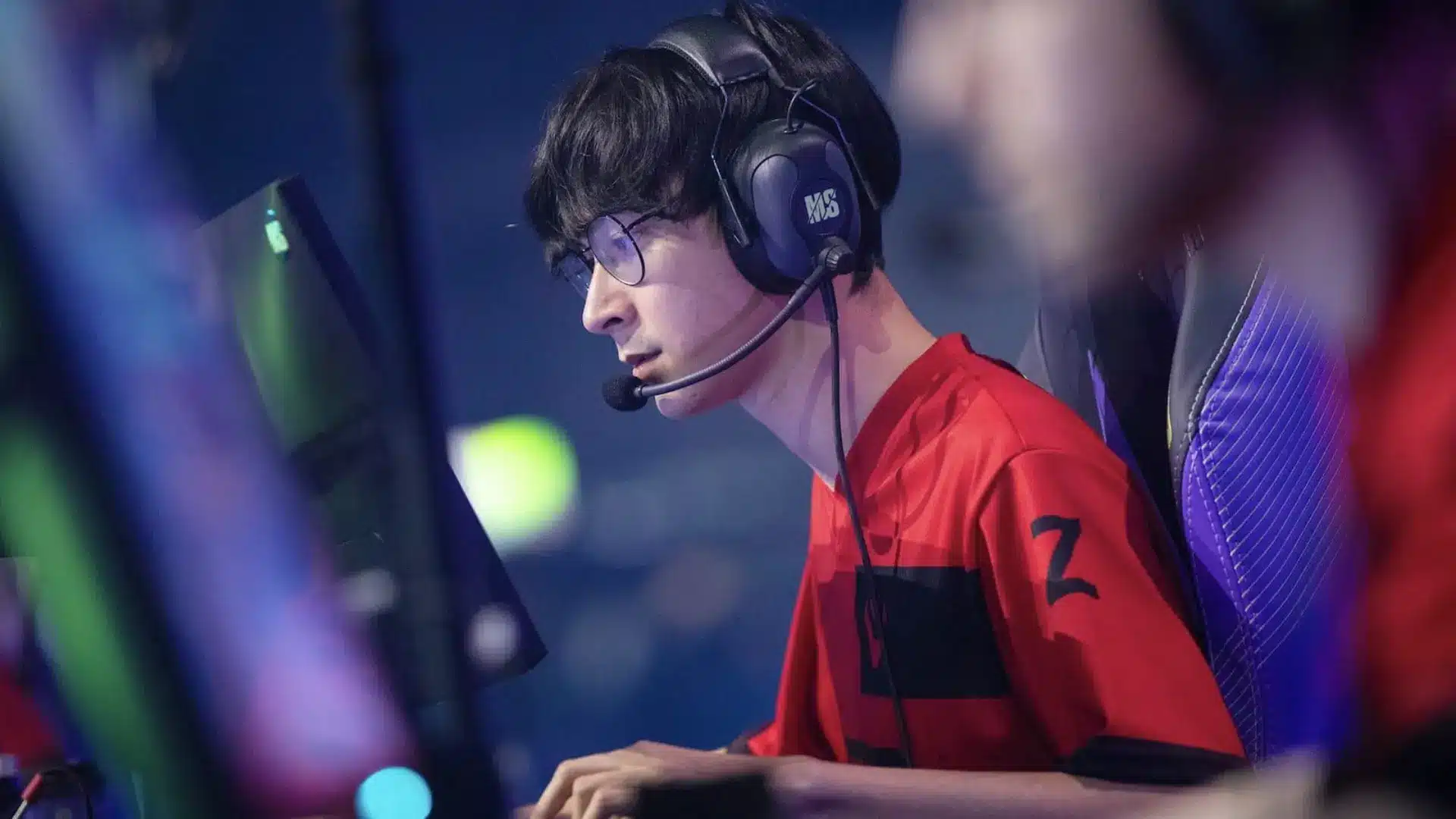
TenZ has been one of the biggest names in VALORANT, so it’s no surprise that players want to know the settings behind his setup. I’ve seen plenty of players copy a pro’s sensitivity or crosshair and expect their aim to improve overnight. It rarely works that way.
TenZ settings have also changed over the years, which can make it hard to know which numbers are actually current.
From DPI and sensitivity to crosshair, keybinds, graphics, and gear, his setup has plenty worth checking out. Here, you’ll find his latest reported settings and a closer look at what you can take from them.
Who Is TenZ? VALORANT Career and Playstyle
TenZ, whose full name is Tyson Van Ngo, is a Canadian former professional VALORANT player and current content creator. He began his VALORANT career with Cloud9 in 2020 before joining Sentinels in 2021.
With Sentinels, he won VCT Masters Reykjavík 2021 and VCT Masters Madrid 2024, becoming one of the most recognized players in the early VALORANT competitive scene.
TenZ announced his retirement from professional VALORANT on September 14, 2024, ending his competitive playing career.
He continued as a content creator, and Liquipedia currently lists him as a T1 content creator. His competitive career and mechanical skill are major reasons players continue to look up his VALORANT settings.
TenZ Settings Overview
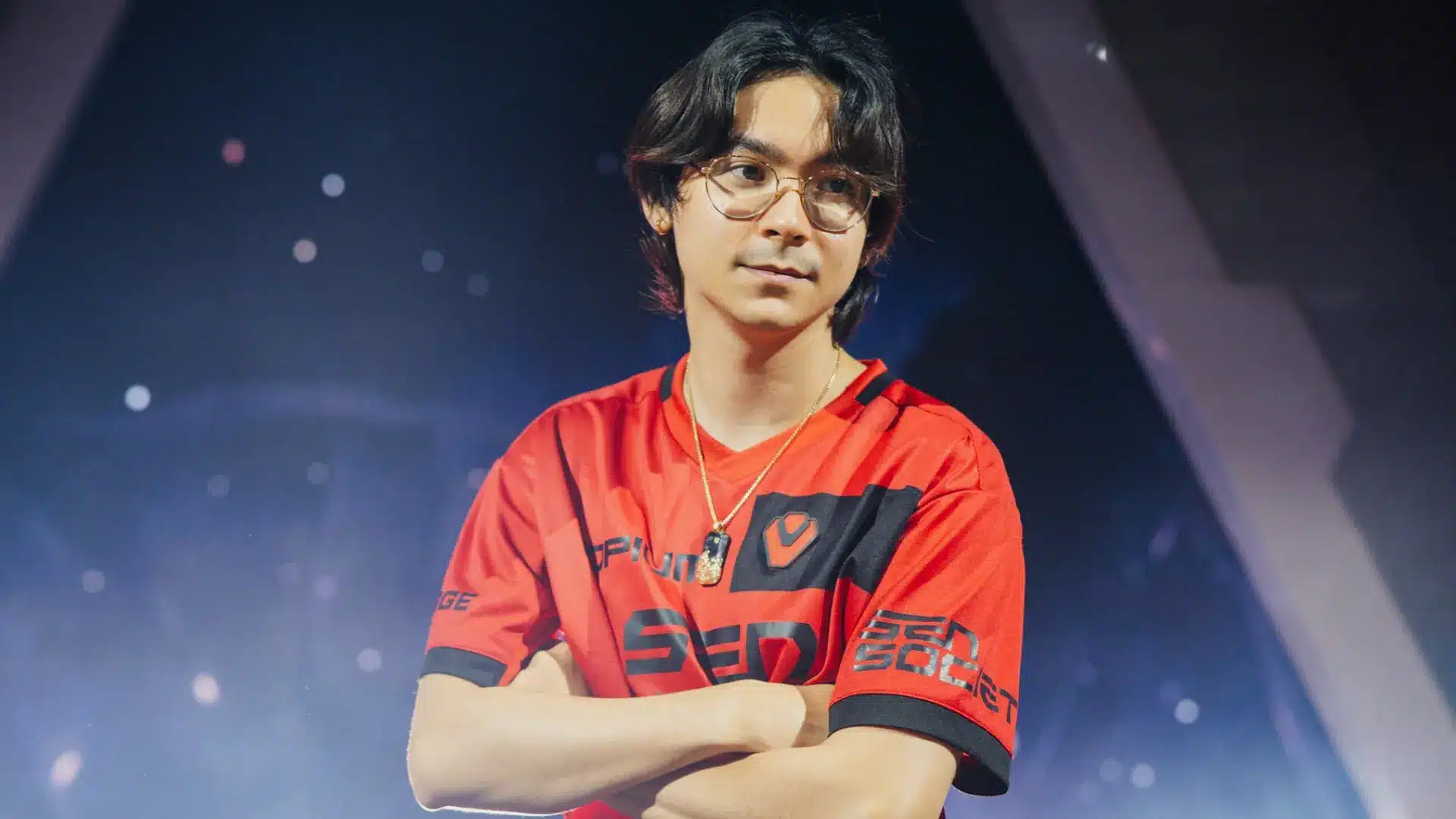
If you want to try TenZ settings, this table gives you the key VALORANT values to copy or compare, from his sensitivity and DPI to his crosshair and display setup.
Since TenZ has changed his settings over time, the latest values are more useful than older configurations.
| Setting | TenZ’s Current Reported Value |
|---|---|
| DPI | 1600 |
| Sensitivity | 0.24 |
| eDPI | 384 |
| Scoped Sensitivity | 1 |
| ADS Sensitivity | 1 |
| Polling Rate | 1000 Hz |
| Raw Input Buffer | On |
| Windows Sensitivity | 6 |
| Resolution | 1920 × 1440 |
| Aspect Ratio | 16:9 |
| Crosshair Code | 0;s;1;P;c;5;o;0;f;0;0l;2;0v;2;0g;1;0o;1;0a;1;0f;0;1b;0 |
These TenZ VALORANT settings can give you a useful starting point, but you may need to adjust them based on your mouse control, sensitivity preference, and playstyle.
Disclaimer: “TenZ is a former professional VALORANT player, and his settings have changed over time. These values reflect the latest reported setup and may change as he updates his preferences.”
TenZ’s Mouse Settings, DPI, and Sensitivity Explained
TenZ’s DPI and sensitivity determine how quickly his crosshair moves with each mouse movement. These settings work together through eDPI, making it easier to understand and compare his VALORANT sensitivity with other players.
| Setting | Current Reported Value |
|---|---|
| Mouse | Pulsar TenZ Signature Edition |
| DPI | 1600 |
| In-game Sensitivity | 0.24 |
| eDPI | 384 |
| Zoom Sensitivity | 1.0 |
| ADS Sensitivity | 1.0 |
| Polling Rate | 1000 Hz |
| Raw Input Buffer | On |
| Windows Sensitivity | 6 |
Your eDPI is calculated by multiplying your DPI and sensitivity. TenZ is currently reported to use 1600 DPI with 0.24 sensitivity, giving him an eDPI of 384 (1600 × 0.24 = 384).
eDPI makes it easier to compare sensitivity between players. Two players can use different DPI and in-game sensitivity values while reaching the same eDPI.
These TenZ VALORANT settings provide a useful reference, but your ideal sensitivity may differ based on your mouse control, available mouse space, and preferred aim style.
TenZ Valorant Settings For Crosshair Code
TenZ’s crosshair is a simple part of his VALORANT setup that you can quickly import and test in the Practice Range. The latest reported crosshair uses cyan inner lines, with movement and firing errors turned off.
TenZ Crosshair Code:
0;s;1;P;c;5;o;0;f;0;0l;2;0v;2;0g;1;0o;1;0a;1;0f;0;1b;0
| Setting | TenZ’s Reported Value |
|---|---|
| Color | Cyan |
| Outlines | Off |
| Outline Opacity | 0 |
| Outline Thickness | 1 |
| Center Dot | Off |
| Inner Lines | On |
| Inner Line Opacity | 1 |
| Inner Line Length | 2 |
| Inner Line Thickness | 2 |
| Inner Line Offset | 1 |
| Outer Lines | Off |
| Movement Error | Off |
| Firing Error | Off |
The outline is technically enabled, but its 0 opacity makes it invisible during gameplay. The crosshair has no center or outer lines and does not expand or change when you move or fire.
These values are a useful starting point if you want to try TenZ VALORANT settings, but you can adjust the color, spacing, or line thickness if the crosshair does not feel comfortable.
TenZ Video and Graphics Settings
TenZ’s video settings prioritize a clean visual setup and smooth gameplay rather than great graphical detail. The latest available settings report includes low graphics quality, VSync off, and other settings commonly used for competitive VALORANT.
| Setting | TenZ’s Reported Value | Setting | TenZ’s Reported Value |
|---|---|---|---|
| Resolution | 1920×1080 | Aspect Ratio | 16:9 |
| Aspect Ratio Method | Fill | Display Mode | Windowed Fullscreen |
| Multithreaded Rendering | On | Material Quality | Low |
| Texture Quality | Low | Detail Quality | Low |
| UI Quality | Low | Vignette | Off |
| VSync | Off | Anti-Aliasing | MSAA 2x |
| Anisotropic Filtering | 2x | Improve Clarity | Off |
| Experimental Sharpening | Off | Bloom | On |
| Distortion | Off | Cast Shadows | Off |
| Enemy Highlight Color | Yellow (Deuteranopia) | — | — |
Most graphics settings are kept low to reduce visual distractions and optimize performance for gaming. Features like VSync, distortion, and cast shadows are disabled to keep the visual setup simple during matches.
TenZ’s Keybind Setup for Movement and Abilities
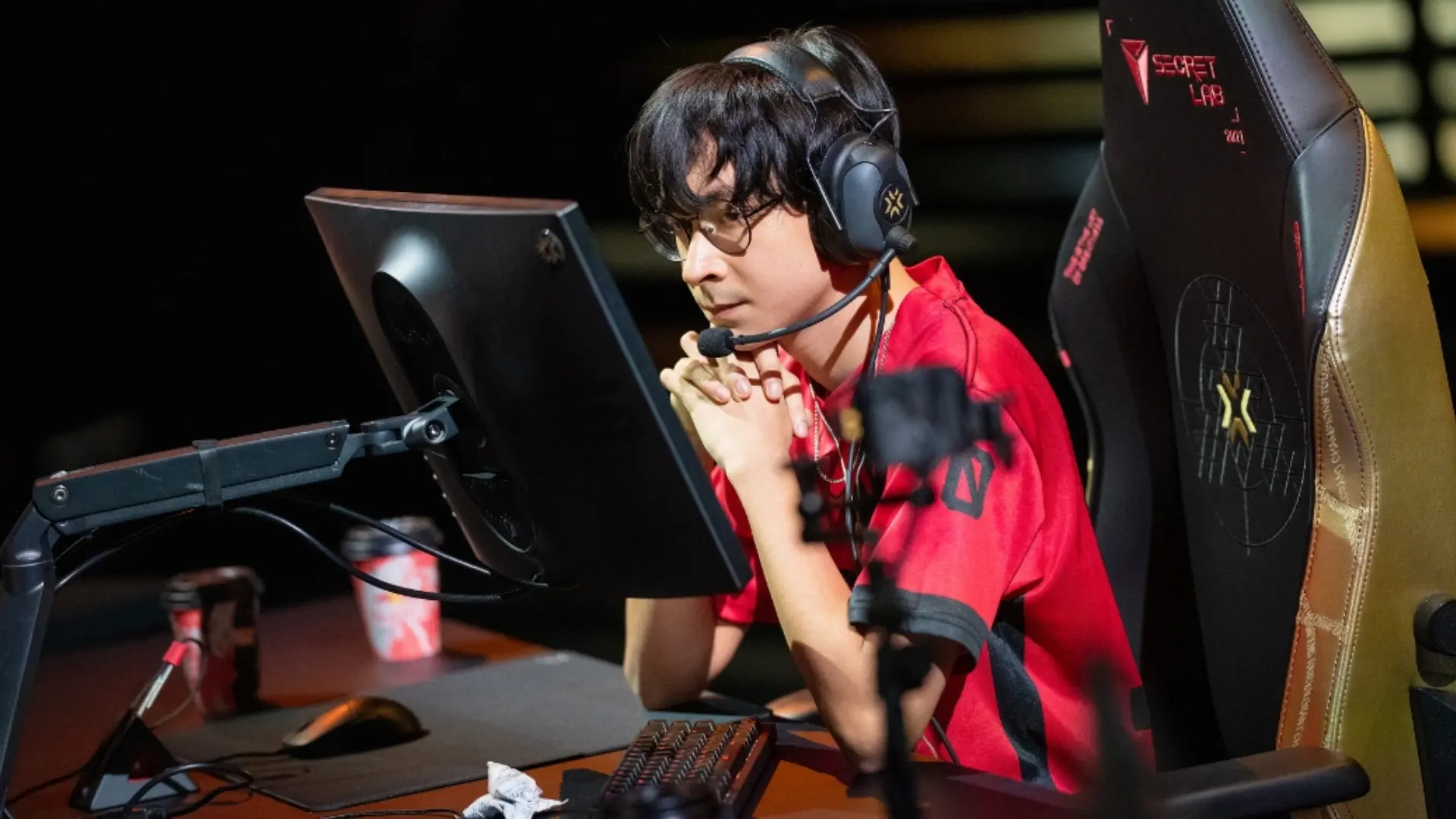
Keep in mind that professional players sometimes adjust keybinds depending on comfort, agents, or personal preference. Use TenZ’s setup as a starting point, then change anything that feels uncomfortable
| Setting | Keybind | Setting | Keybind |
|---|---|---|---|
| Walk | Left Shift | Crouch | Left Ctrl |
| Jump | Mouse Wheel Down | Use Object | E |
| Equip Primary Weapon | 1 | Equip Secondary Weapon | 2 |
| Equip Melee | 3 | Equip Spike | 5 |
| Ability 1 | C | Ability 2 | Mouse 4 |
| Ability 3 | Mouse 5 | Ultimate | F |
The biggest difference from the default VALORANT setup is TenZ’s ability layout. He moves two abilities to his mouse buttons, which lets him use utility while keeping his movement keys ready.
His jump bind is also different from the default Space Bar setup. Using Mouse Wheel Down is common among FPS players because it gives more consistent jump timing for movement techniques.
TenZ Radar and Minimap Settings
TenZ’s minimap settings are designed around keeping the map easy to read while still showing useful information about teammates and their field of view.
The latest reported settings separate Rotate and Fixed Orientation, so they should not be combined into one value.
| Setting | TenZ’s Reported Value |
|---|---|
| Rotate | On |
| Fixed Orientation | Based on Side |
| Keep Player Centered | On |
| Minimap Size | 1.2 |
| Minimap Zoom | 0.7 |
| Minimap Vision Cones | On |
| Show Map Region Names | Always |
The Minimap Vision Cones setting shows the direction teammates are facing, which can provide additional information about what they may be watching.
Keeping the player centered keeps your position in the middle of the minimap as you move around the map.
The Gear TenZ Uses for Competitive VALORANT
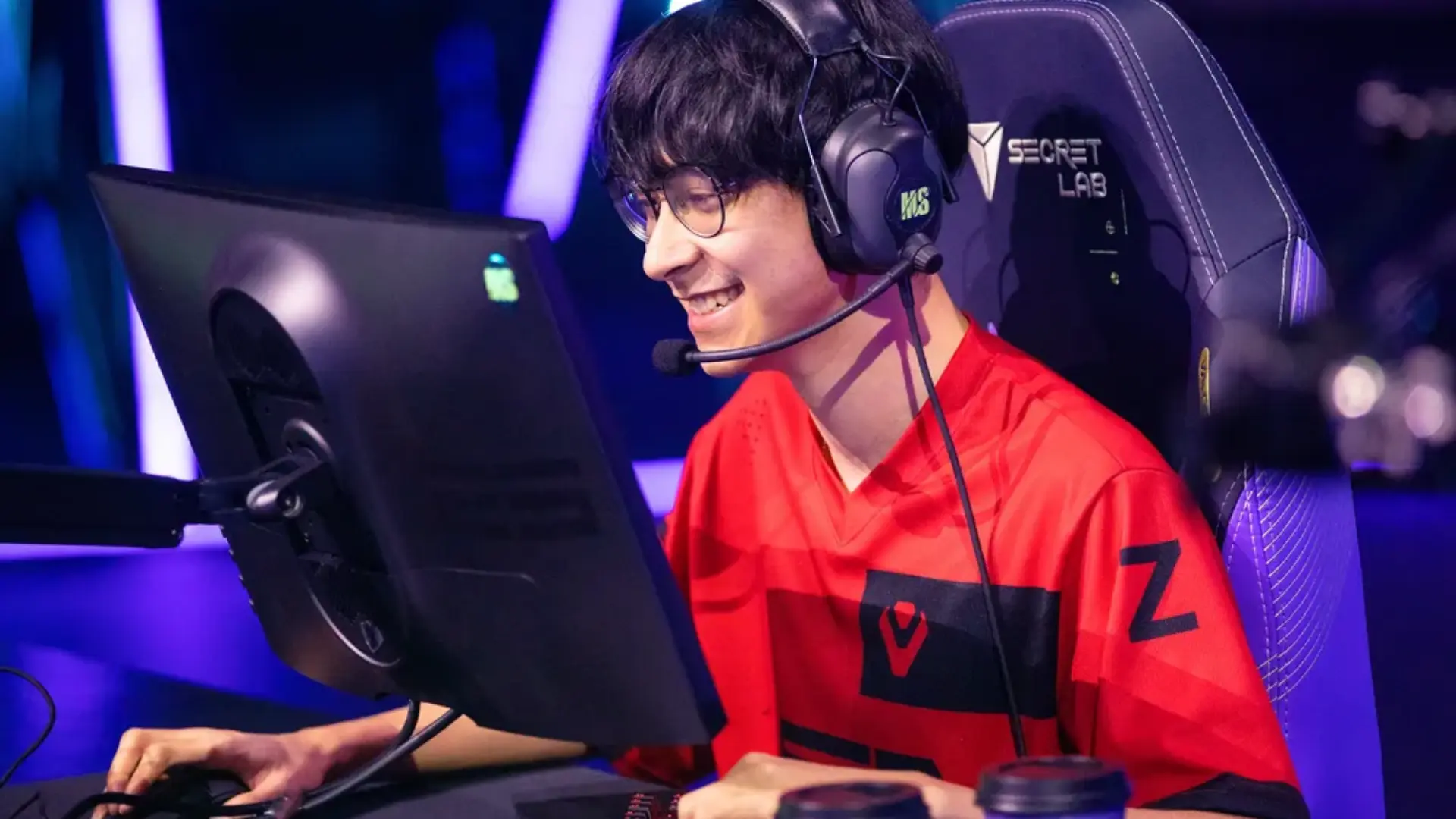
TenZ’s current VALORANT setup uses lightweight peripherals and high-refresh-rate hardware focused on consistent performance.
| Category | Gear | Details |
|---|---|---|
| Mouse | Pulsar TenZ Signature Edition | 47g, XS-1 sensor, up to 32,000 DPI, up to 8000 Hz polling rate |
| Mousepad | Artisan NINJA FX ZERO Soft | XL size, cloth surface, 4mm foamed |
| Keyboard | Wooting 80HE TenZ Takeover | Hall Effect switches, adjustable actuation, Rapid Trigger support |
| Monitor | Sony INZONE M10S | 27-inch OLED, 2560×1440 resolution, 480 Hz refresh rate |
| Headset | Sony INZONE H9 II | Wireless gaming headset |
| Earbuds / IEMs | Sony INZONE E9 | In-ear gaming monitors |
| Microphone | Shure SM7B | Streaming microphone |
Note: The gear listed here represents TenZ’s current setup and the peripherals commonly associated with his VALORANT play. His equipment can vary depending on competition, streaming, or personal preferences.
TenZ’s Settings: How They Change and How to Adjust Them
TenZ has used different DPI, sensitivity, and eDPI values throughout his VALORANT career, so older settings may not match his latest reported setup.
Current settings sources also note that he changes his settings and gear frequently.
If you want to try TenZ’s setup, use his reported values as a starting point rather than a fixed rule. Your mouse space, grip, and aiming habits can affect what feels comfortable.
Since his settings can change, check the date and source before copying them. This also explains why different websites may show different TenZ VALORANT settings at different times.
Wrapping Up
There’s no magic number that will suddenly give you TenZ-level aim. His settings can still be a useful starting point if you want to test something different in VALORANT.
The tenz settings covered here include his sensitivity, DPI, crosshair, keybinds, graphics, minimap, and gear.
Keep in mind that his settings have changed over time, so older numbers may not match his latest setup. I’d suggest trying one change at a time instead of changing everything at once.
Have you tried TenZ’s settings? Drop a comment and let me know which one worked best for you.
Frequently Asked Questions
What settings does TenZ use?
TenZ is currently reported to use 1600 DPI and 0.24 sensitivity, giving him 384 eDPI. His setup also includes a cyan crosshair, 1000 Hz polling rate, and Raw Input Buffer enabled.
Why does TenZ use 1600 DPI?
TenZ’s reported setup uses 1600 DPI, but there is no reliable evidence that he chose it for a specific performance benefit. DPI and sensitivity are personal preferences that should match your own mouse control and comfort.
What was TenZ’s sensitivity in his prime?
TenZ used different sensitivity settings during his professional career. His older configurations differ from his more recent reported setup, so there is no single sensitivity that represents his entire competitive career.