
EXPLORING CATEGORIES

The technical side of gaming covered without the noise. From your setup to your in-game settings, everything that sits between you and playing at your actual best.


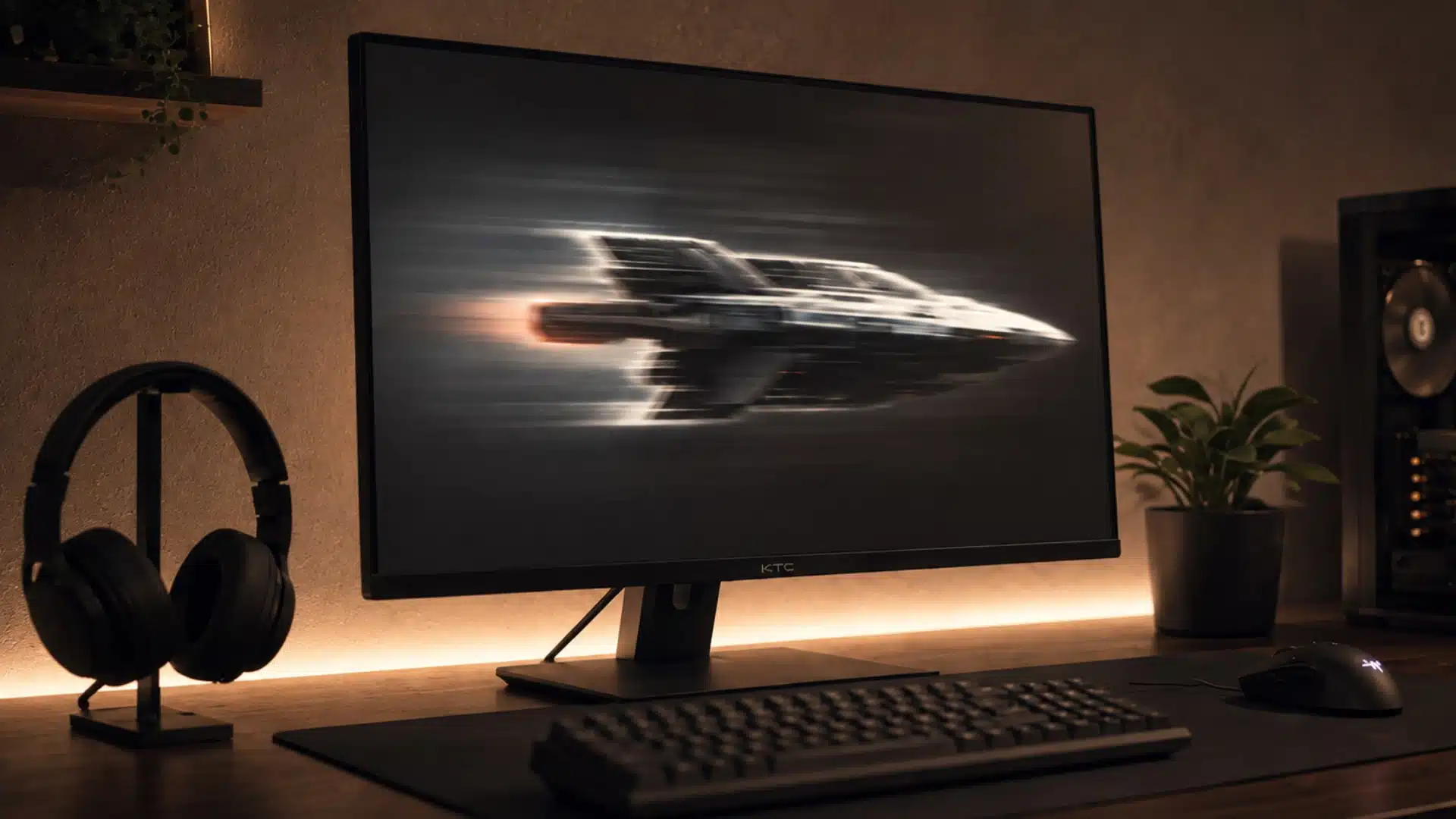
Fast motion can make a great monitor feel surprisingly messy when the response settings are not tuned well. I usually prefer a balanced setup that

GTA 6 minimum system requirements don’t exist yet, at least not officially, but that hasn’t stopped the internet from posting spec tables anyway. Some of

NiKo has spent over a decade at the top of competitive Counter-Strike, and his CS2 settings are among the most referenced configs in the entire

You’ve watched Peterbot hit shots that don’t look real, and the first question that crosses your mind is whether his settings have something to do

Donk’s rise in CS2 has made his settings one of the most searched setups in competitive Counter-Strike. Every number tells you something about how he

I’ve run more low-sensitivity setups through their paces than I can count, and Zekken’s is one of the few that actually holds up once the

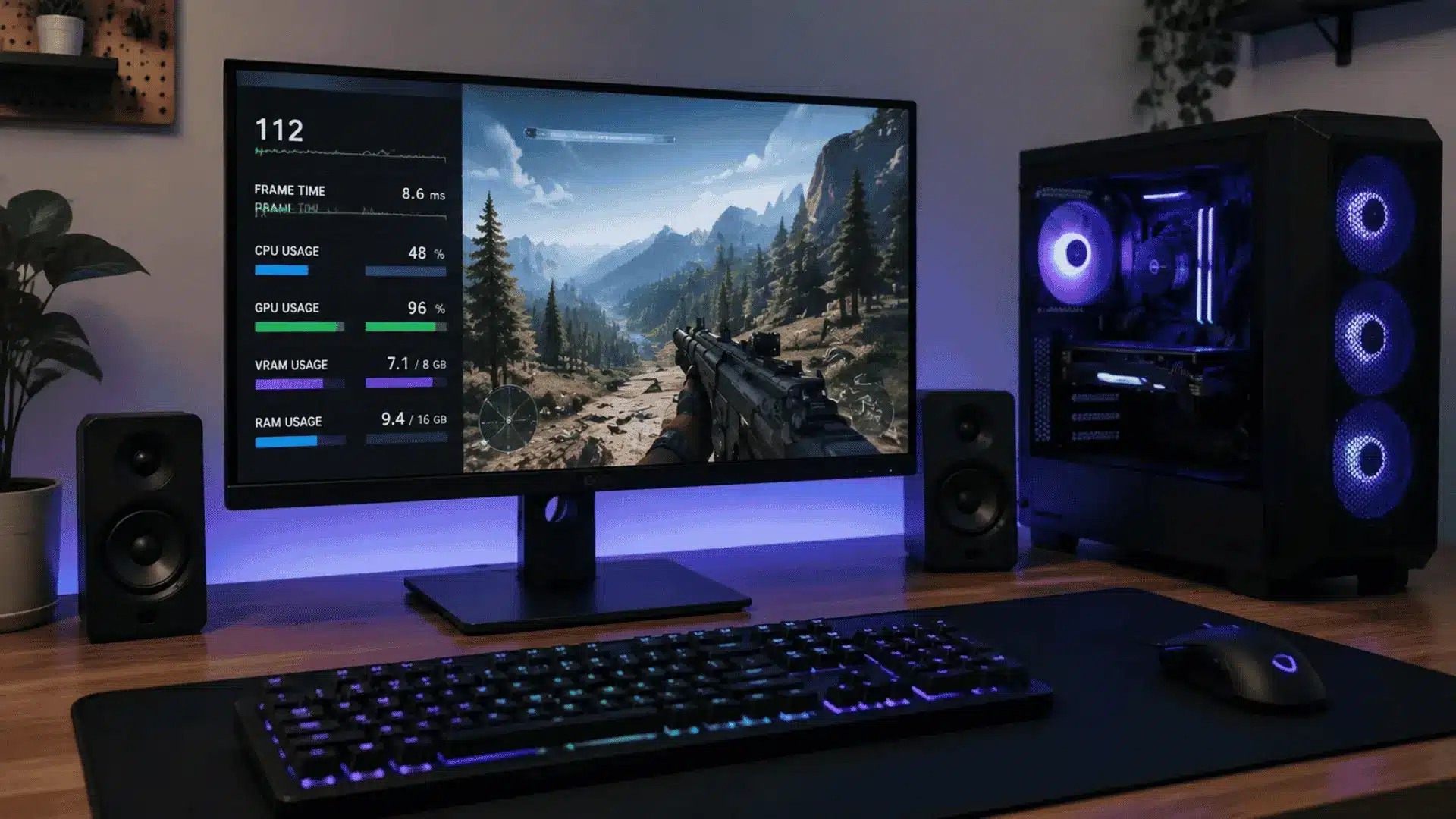
Your gaming PC may already have more performance hidden inside it than your current settings
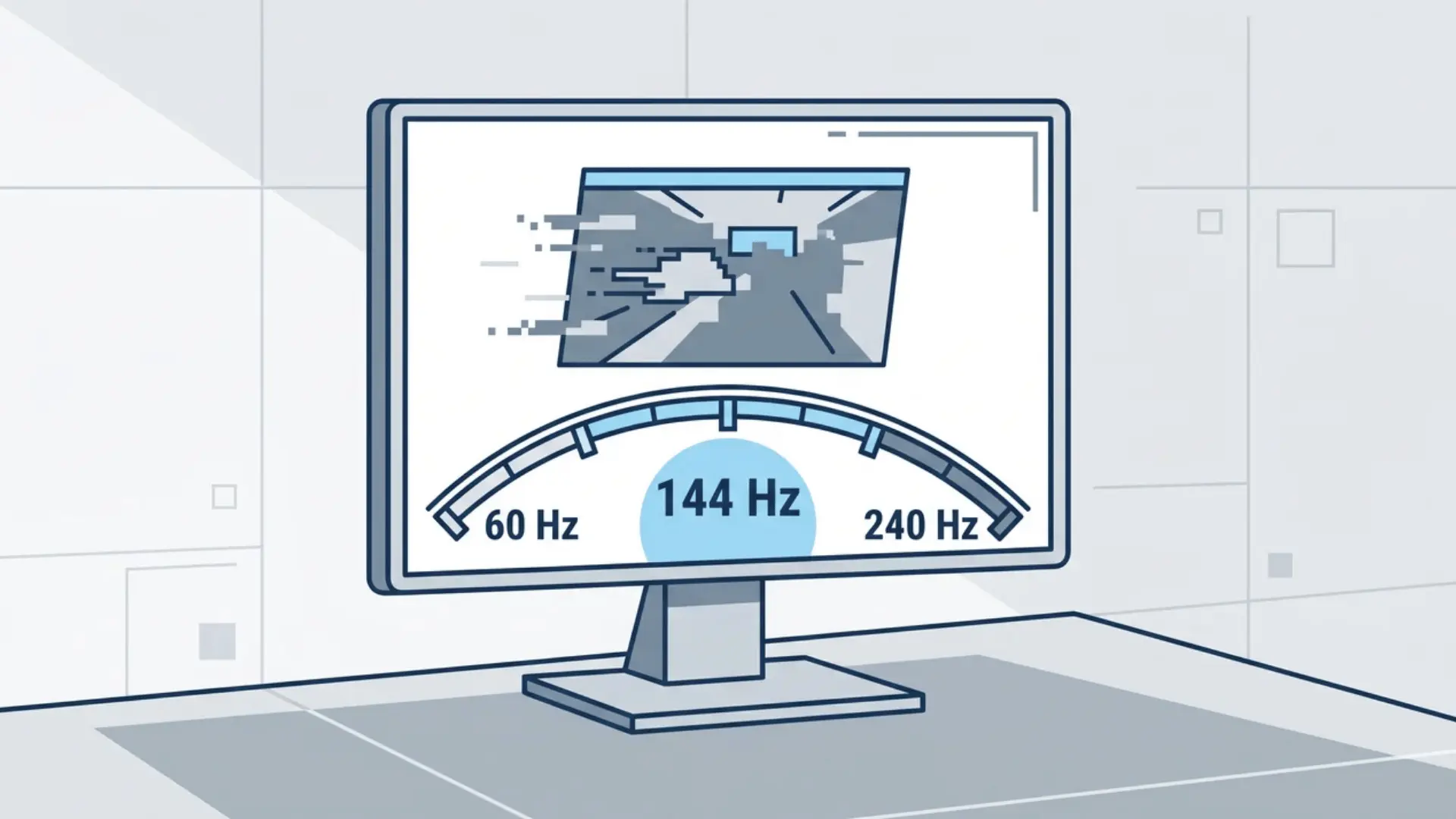
Buying a gaming monitor sounds simple until refresh rates start showing up everywhere. I used
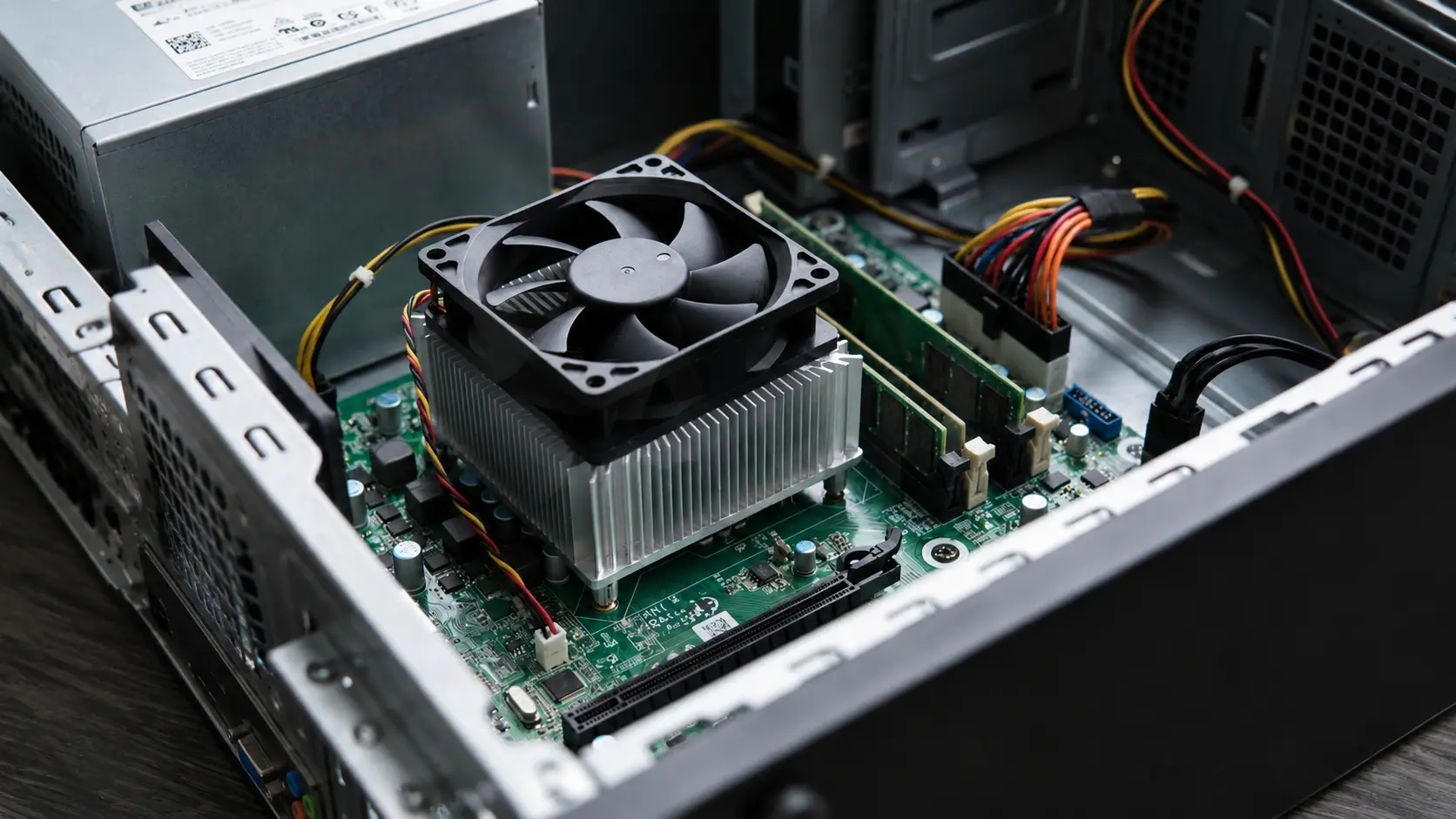
I used to think my CPU was overheating every time I saw the temperature climb
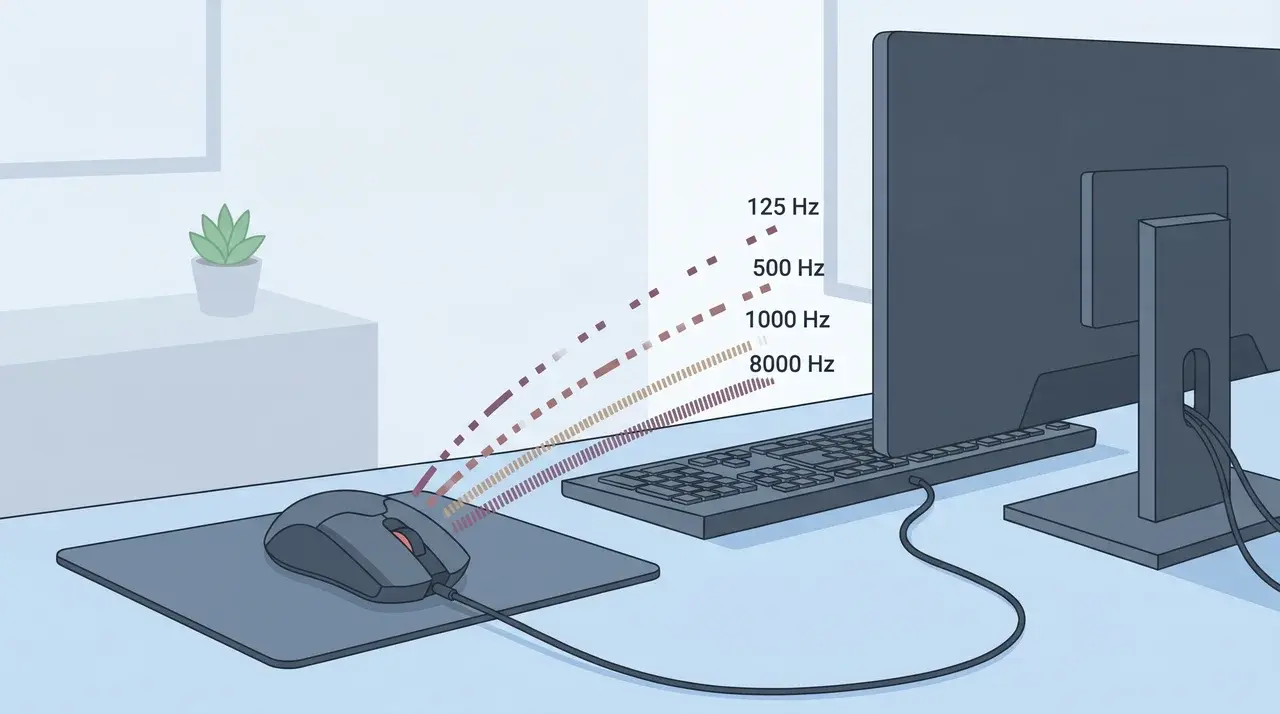
Your mouse can feel fast or slow, but the reason is not always the sensor

Ever wondered why copying a pro’s settings still leaves you missing shots? You paste the
What are You Looking For?