Subnautica feels lonely by design. You crash into a huge alien ocean, build your base, and face every deep-water scare by yourself.
But many players still want to share that fear with a friend. That is where the Subnautica multiplayer mod changes the whole experience.
Nitrox lets you play the original game together, but it is not an official co op mode. It needs the right setup, a stable server, and some patience when bugs show up.
I will show you what you need, how setup works, and what problems to expect before you jump in. First, let us look at what you need before starting.
What You Need Before You Start?
Nitrox is not an official co-op mode. It is a free, community-built mod that shoehorns multiplayer into a game that was designed to be played solo.
That distinction matters more than it sounds.
My friend and I finished the entire story together, and the run only clicked once we stopped expecting a polished, bug-free experience and started treating it like a casual, slightly unpredictable sandbox.
Here is what we needed to get going. Nitrox now fully supports the current live build of Subnautica, so there is no need to switch to a beta or Legacy branch.
Make sure the game is fully updated on Steam, the Epic Games Store, or the Microsoft Store before you open the Nitrox Launcher.
If your version and the mod’s expected version do not match, the launcher will warn you instead of failing silently.
Here is exactly what we needed to get going:
| Requirement | Detail |
| Game copy | Subnautica (original) on PC, legitimately owned |
| Store platforms | Steam, Epic Games, Microsoft Store |
| OS | Windows and Linux (Mac is not currently supported) |
| Admin access | Required to run the Nitrox Launcher |
| Cost | Free |
Quick note: If you are trying to play Subnautica: Below Zero, Nitrox does not cover it. You will need a separate, fan made multiplayer mod for that game, and it is still catching up on features compared to Nitrox.
How to Install Nitrox?
Installing the Subnautica multiplayer mod is simpler than it looks. The first time I tried setting this up, I overcomplicated it.
It really only takes about 5 minutes if you follow the steps in order. Every person playing needs to do this on their own machine. There is no shared setup.
Finding the Right Download
Go straight to the official Nitrox site. I once almost grabbed a version from a random forum mirror, and that is exactly the kind of shortcut that can corrupt a Subnautica save file.
Stick to the official site or the GitHub repository. Grab the latest ZIP file release.
It is a small file, so if you find yourself downloading something massive, you are on the wrong page.
Extracting and Launching
My biggest early mistake was extracting the ZIP straight into my cluttered Downloads folder.
When I eventually cleaned out old files, it broke the mod entirely. Extract it to a permanent folder instead, like Documents or a dedicated game mods directory.
If you have ever installed a mod for Skyrim, this part will feel familiar. Once extracted, right-click the Nitrox Launcher executable and select “Run as administrator.”
Skipping that step once taught me why it matters. The launcher needs write access to your Subnautica directory to hook into the game’s files, and without it, it just silently fails to open.
When it finally opens, it asks for your Subnautica installation path.
On Steam, that is usually tucked inside the common folder of your main Steam apps directory. Confirm the path, and you are ready for the servers.
Creating or Joining a Server: Nitrox Subnautica
From the launcher, you only have two choices: host the game or join one. Only one of you needs to be the host.
1. Hosting the Game
Hosting sounded intimidating to me at first, but all I had to do was click “Start Server.”
The launcher automatically generated a server and spit out an IP address, which I just copied and pasted into a Discord message for my friend.
The one catch that caught me totally off guard: as the host, your machine is the anchor. If you close the launcher or your game crashes, everyone else gets unceremoniously booted.
I quickly realized that if I were the one hosting, I needed to be committed to keeping my PC running for the entire session.
2. Playing With Friends Who Aren’t on Your Network
The IP address Nitrox generates by default only works over your local network. If your friend is somewhere else, that IP will time out when they try to connect.
Nitrox’s own server guide lays out two fixes: port forward the connection on your router, or use a free tunneling tool like Hamachi or ZeroTier if you would rather skip your router’s settings entirely.
Newer versions of Nitrox can also open the needed port automatically on routers that support UPnP, so it is worth trying to connect directly first before setting up a separate tool.
If port forwarding or UPnP does not work for your setup, here is the tunneling route using Hamachi or ZeroTier:
- Both players download and install Hamachi or ZeroTier
- The host creates a new network inside the tool and shares the network name and password with the joining player
- The joining player enters those credentials to connect to the virtual network
- The host shares the virtual IP address shown inside Hamachi or ZeroTier – not the one Nitrox generated
- The joining player pastes that virtual IP into the Nitrox launcher instead
Once the virtual network is active, everything else works exactly as described above.
3. Joining the Server
When the roles were reversed, and I was the one joining, I just clicked “Join Server” and pasted in the IP address my friend gave me.
Either the virtual IP from Hamachi or ZeroTier if we were playing remotely, or the local IP if we were on the same network.
My very first attempt failed. Before assuming the mod is broken, double-check that you didn’t accidentally add a blank space at the end of the IP.
If that is not the issue, check Windows Firewall.
Windows blocks Nitrox aggressively behind the scenes in a lot of setups, and tuning your PC’s settings for gaming, including firewall exceptions for Subnautica.exe and the Nitrox server executable, usually fixes the connection instantly.
Common Issues Happening in This Mod
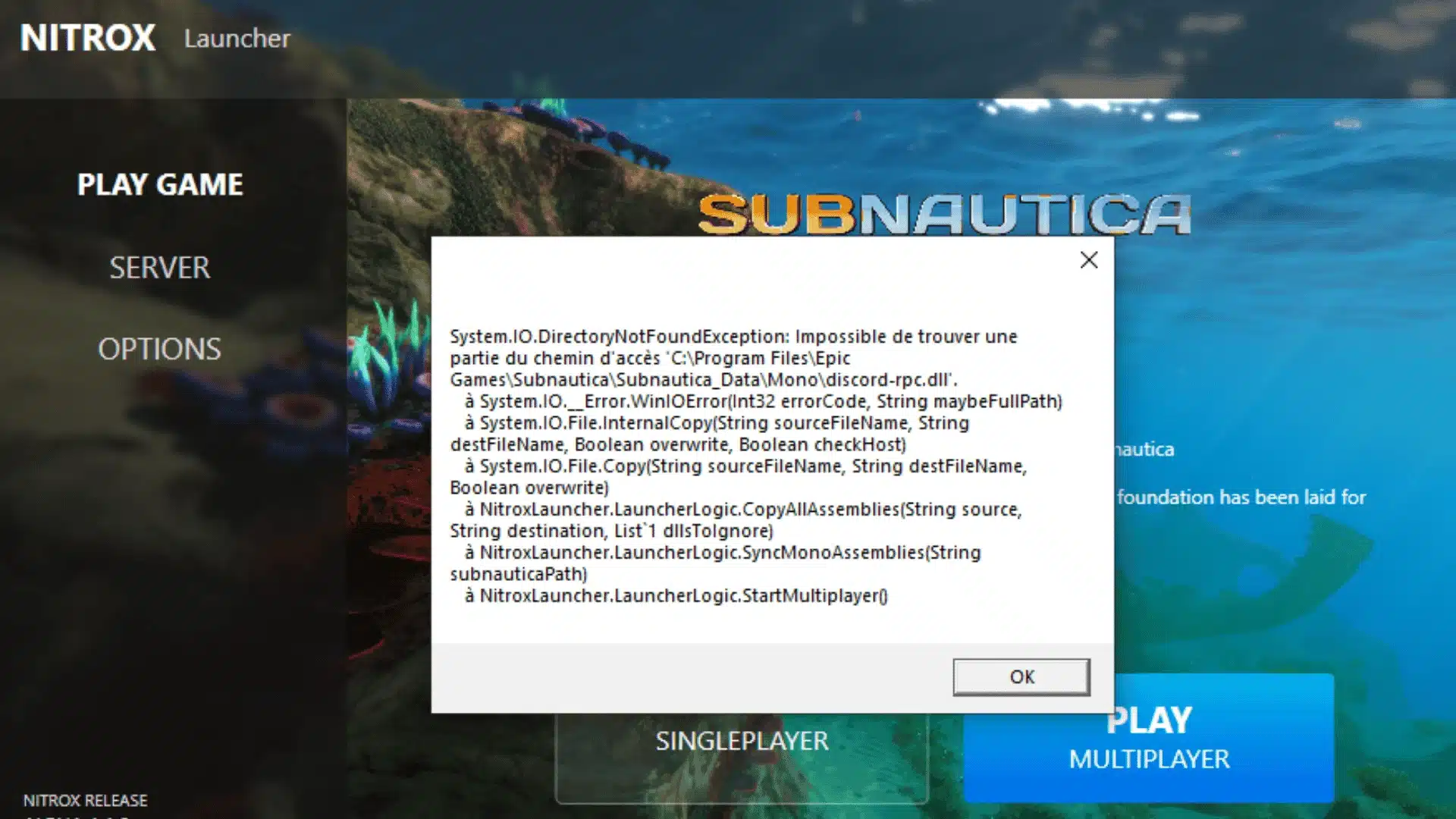
The Subnautica multiplayer mod runs surprisingly well, but a few specific things will break.
Nitrox runs on a player-hosted server rather than dedicated hardware, so it constantly scrambles to sync everyone’s game in real time.
That split-second reconciliation is exactly where the glitches happen.
Story and Progression Sync Issues
Story events were the trickiest part to keep stable. Triggering a narrative moment differently on each screen can make the server split the timeline, trying to hold two conflicting versions of the truth.
- Cutscenes fire out of sync: Group up before story beats to avoid breaking sequences.
- Progress rolls back after reconnects: Save manually before major story events and before quitting.
- One player misses an event: Treat major story beats as strict shared co-op missions.
Vehicle and Inventory Problems
Vehicles and inventories are where we hit the most bugs, but they are manageable once you know the drill.
Nitrox’s changelog shows ongoing fixes to Exosuit and Cyclops syncing, so this is a known, actively worked-on rough edge rather than a sign the mod is abandoned.
- The Cyclops desyncs constantly: Rely on Seamoths for important trips, and save the Cyclops for soloing.
- Items disappear or duplicate at the same time: Split your farming routes and never grab identical nodes together.
- Invisible inventory changes for friends: This is a visual glitch. Relogging restores everything instantly.
Why These Bugs Happen?
It helps to put this into perspective. Massive multiplayer games run on dedicated studio servers built purely to handle game states cleanly. Nitrox runs on your everyday PC instead.
If you have ever browsed community-made game mods for other titles, you already know the tradeoff: fan projects trade some polish for features the original developer never planned to build.
Since one machine is trying to play the game and host the server at the same time, it creates a constant micro delay between screens.
That tiny gap is where the sync bugs live. If an issue persists beyond a relaunch or a save reload, the Nitrox Discord server is the fastest place to find a fix.
The community there is active, and most common problems are already documented.
Is the Subnautica Multiplayer Mod Worth the Hassle?
Yes, for most groups it is worth setting up, especially if you already own the game and just want a reason to play it again.
Nitrox has been downloaded more than 3.4 million times and remains under active development, which is a good sign for a mod not backed by the original studio.
The tradeoff is real: expect the occasional Cyclops glitch and a story sequence that needs a manual save before it.
What you get in exchange is a full playthrough of one of the best survival games around, shared with someone else instead of faced alone.
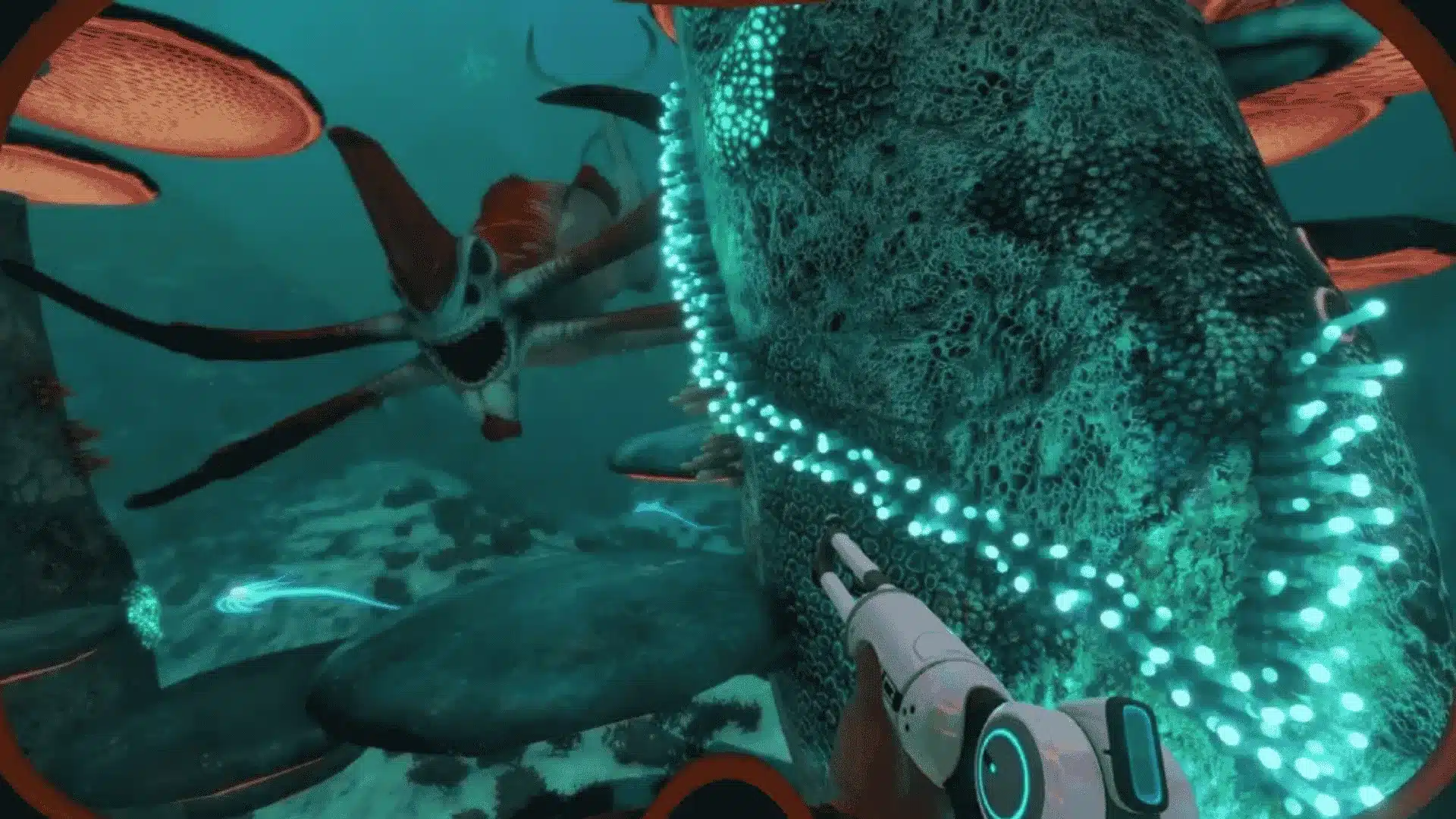
It genuinely changes the tone of the game, since the tension of 4546B hits differently when someone else is panicking about a Reaper Leviathan right next to you.
Conclusion
The Subnautica multiplayer mod is worth trying if you want to turn a lonely survival game into a shared underwater panic session.
Nitrox is not perfect, so you should expect setup steps, server checks, and the odd bug during vehicles, items, or story moments.
Still, the payoff is strong. Building bases, running from Reapers, and planning deep trips with a friend gives 4546B a very different feel.
The best way to enjoy it is to treat it like a fan-made co-op sandbox, not an official polished mode. Download it from the official source, save often, and start with one friend first.
Would you play Subnautica alone or with a crew? Tell us in the comments below.
Frequently Asked Questions
Does Nitrox Still Work Today?
Nitrox is actively maintained, and the current version, 1.8.1.0, fully supports the live build of Subnautica. There is no need to opt into a Legacy branch or switch builds to use it. Check the official Nitrox site or its Discord server for compatibility notes before starting a new session, since patches on either side can occasionally shift things.
Is Nitrox Safe to Download?
Nitrox is an open-source mod distributed through its official website and GitHub, and its source code is publicly available for anyone to review. Download only from the official Nitrox site or the GitHub Releases page. Third-party reposts on forums or file mirrors sometimes bundle outdated or altered versions, so the risk isn’t worth it.
Does Nitrox Work for Subnautica: Below Zero?
Below Zero uses a separate, fan-made multiplayer mod, not Nitrox, so the two games need entirely different downloads and installers. That separate mod has its own website and Discord and is still in active development, though its feature set has not fully caught up to Nitrox yet. Always confirm which title a mod supports before installing it.
How Many Players Can Join a Nitrox Server?
A Nitrox server supports up to 100 players, but the team behind the mod recommends closer to five for the smoothest experience, since performance and bug frequency get worse as more people join. Most community sessions stick to two to five players for a stable first playthrough.